SL1008 - Indice A 53/200
Setting the Programmable Selection Mode
Your camera can be programmed to operate either in PIR
Detection mode or Time Lapse/PIR mode. When changing the
settings, the switch is in the SET position then you have to slide
it to MANUAL.
• MANUAL - This allows the user to define what settings
the camera will use.
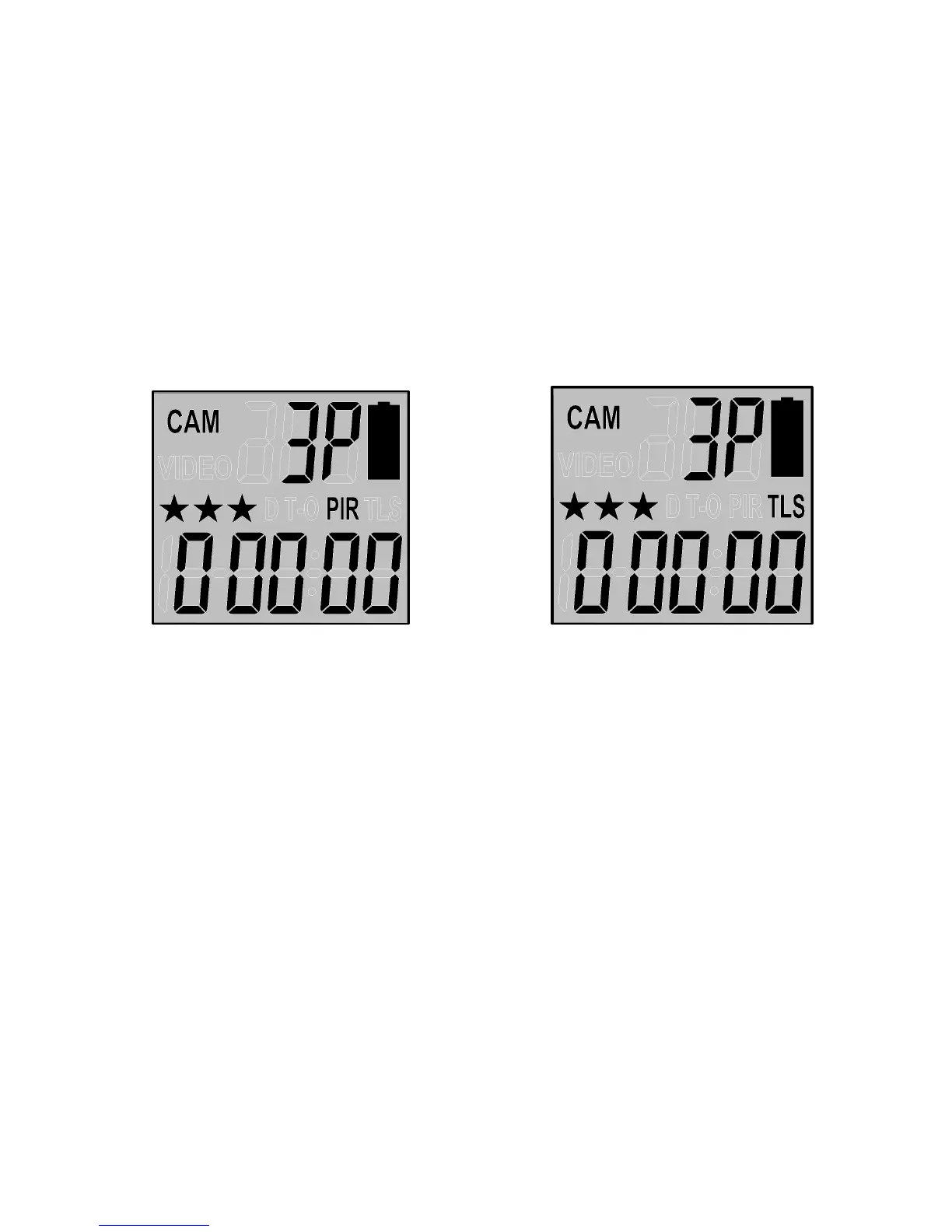
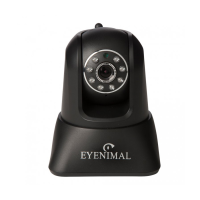
Passive Infrared Mode Time-Lapse/PIR Mode
Setting the camera in PIR Mode
• Slide the switch to the SET position from OFF.
• The status display will show the camera current status.
• Press the [M] button once to enter the Manual
programming mode, the word “PIR” or “TLS” will be
blinking.
• Press the [UP] or [DN] button to select PIR mode.
• Press [OK] to save your selection.
• Press the [M] button to exit.


 To Next Page