SL1008 - Indice A 60/200
• The Hours digits will be blinking.
• Press the [UP] or [DN] button to increase or decrease the
Hours value (00 – 23), and then press [OK] to save your
selection and enter the Minutes setting.
• The Minutes digits will be blinking.
• Press the [UP] or [DN] button to increase or decrease the
minutes value (00 – 59), and then press [OK] to save the
“Start Time” setting and move to the “End Time” setting.
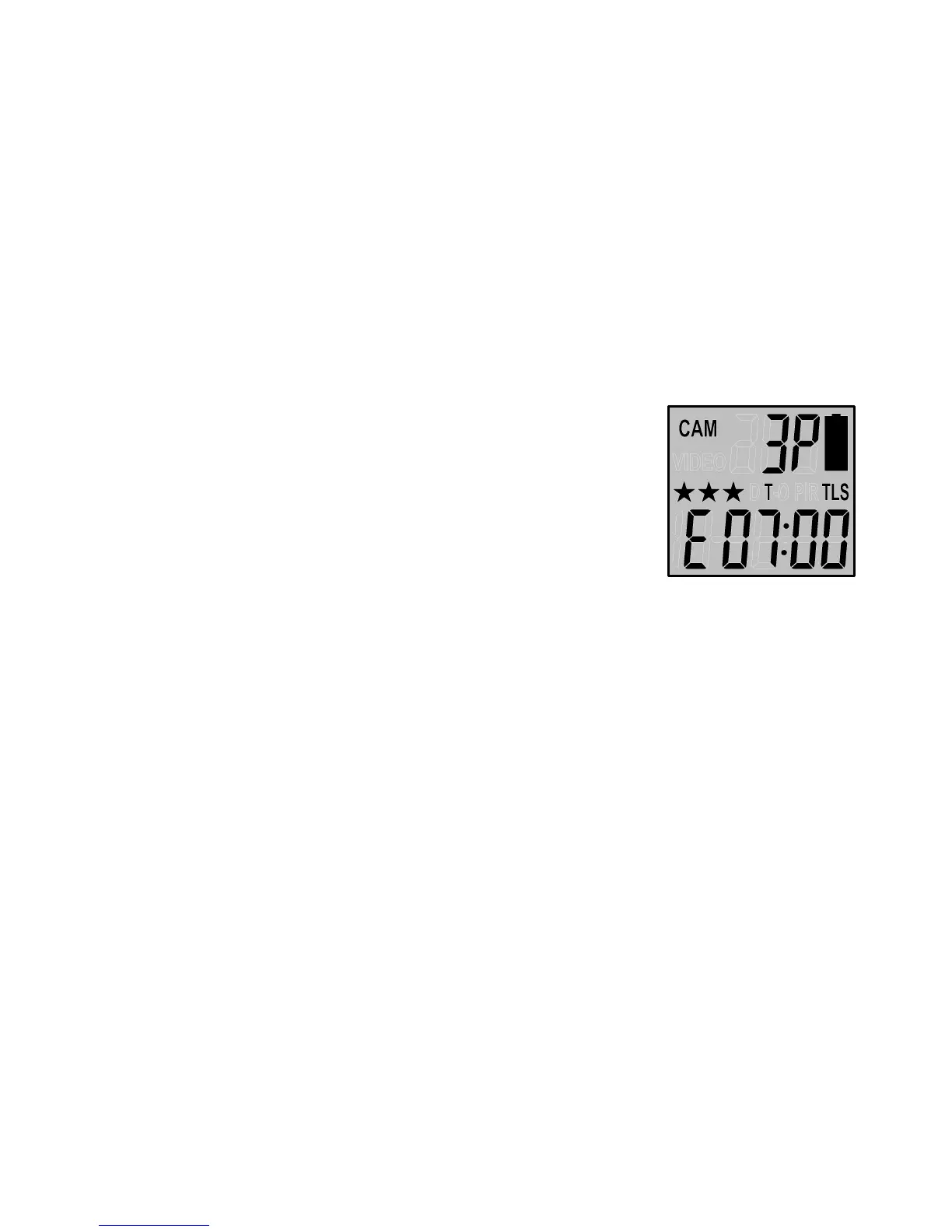
• The display will show T + E-88:88
(E = End, 88:88 = time in HH:MM)
• You can adjust the time from 00:00 to
23:59 by pressing the [UP/DN/OK]
buttons same as Start Time setting.
• Press [OK] to save the “End Time” setting and move
directly to the Time Out setting.
• Please complete the Time Out, Still Image Resolution,
Burst settings like the settings on the PIR operation mode.
NOTE: The Time Out for Time Lapse mode can be
programmed from 5 seconds (00:05) to 10 minutes
(10:00) in 5-second increments.
• Then press the [M] button to exit. The status display will
show the camera updated status.


 To Next Page