5
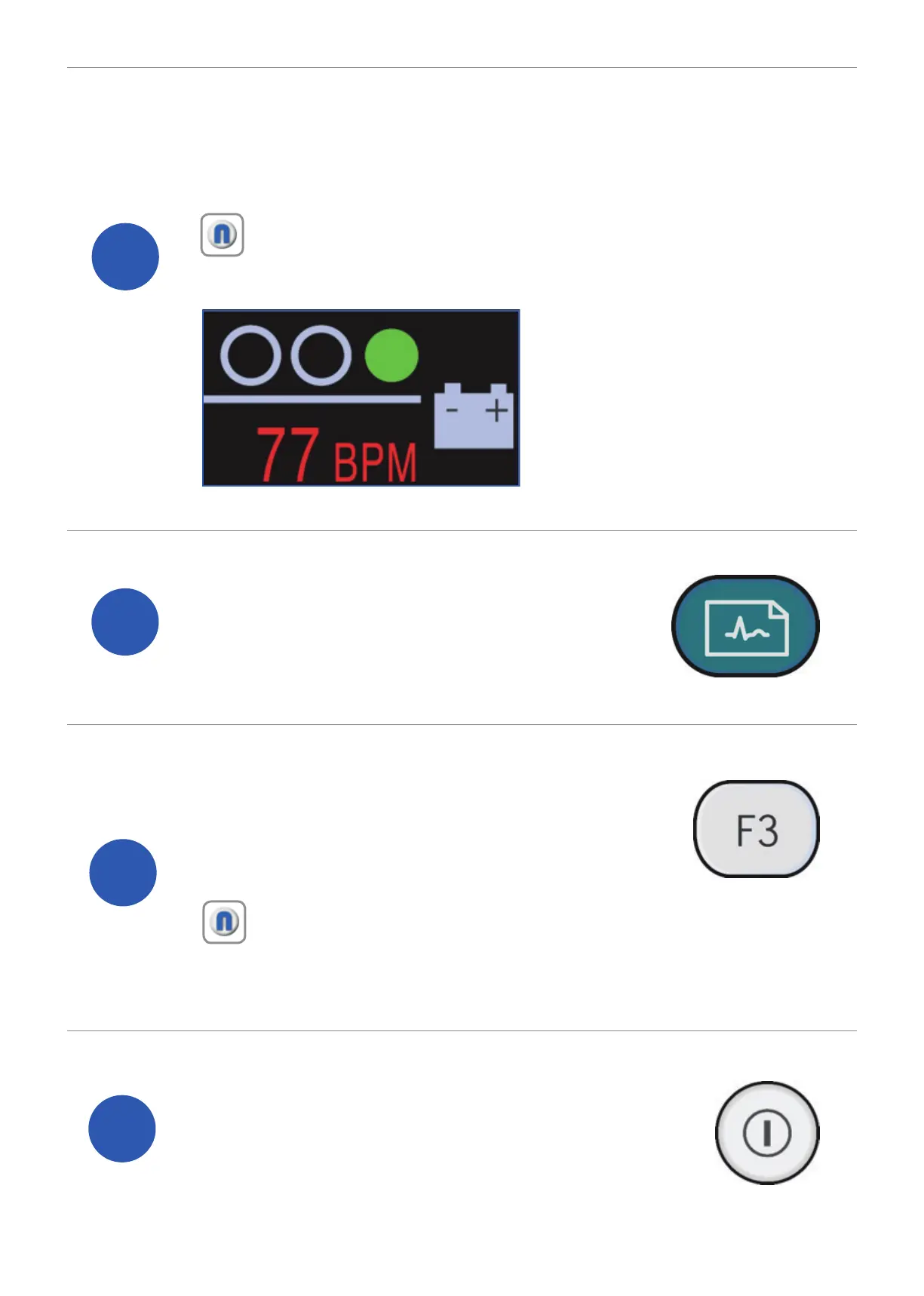
To check the quality of your ECG, use the
trace indicator which is located in the top right
of the screen.
6
To capture your ECG trace press
the ‘ECG acquisition’ button.
7
If the captured ECG meets your
requirements, press the ‘F3’ button
to store the ECG to the SD card.
8
Power off the system and remove
the lead wires from the patient.
Note: Green symbolises good connectivity with the patient.
Orange and Red indicates interference and/or possible lead
disconnections.
Note: If you would like a print out of your ECG, press the ‘F1’
button after completing the storage process. If you would like
to recapture your ECG you can press the ‘F4’ button.


 To Next Page