1
2
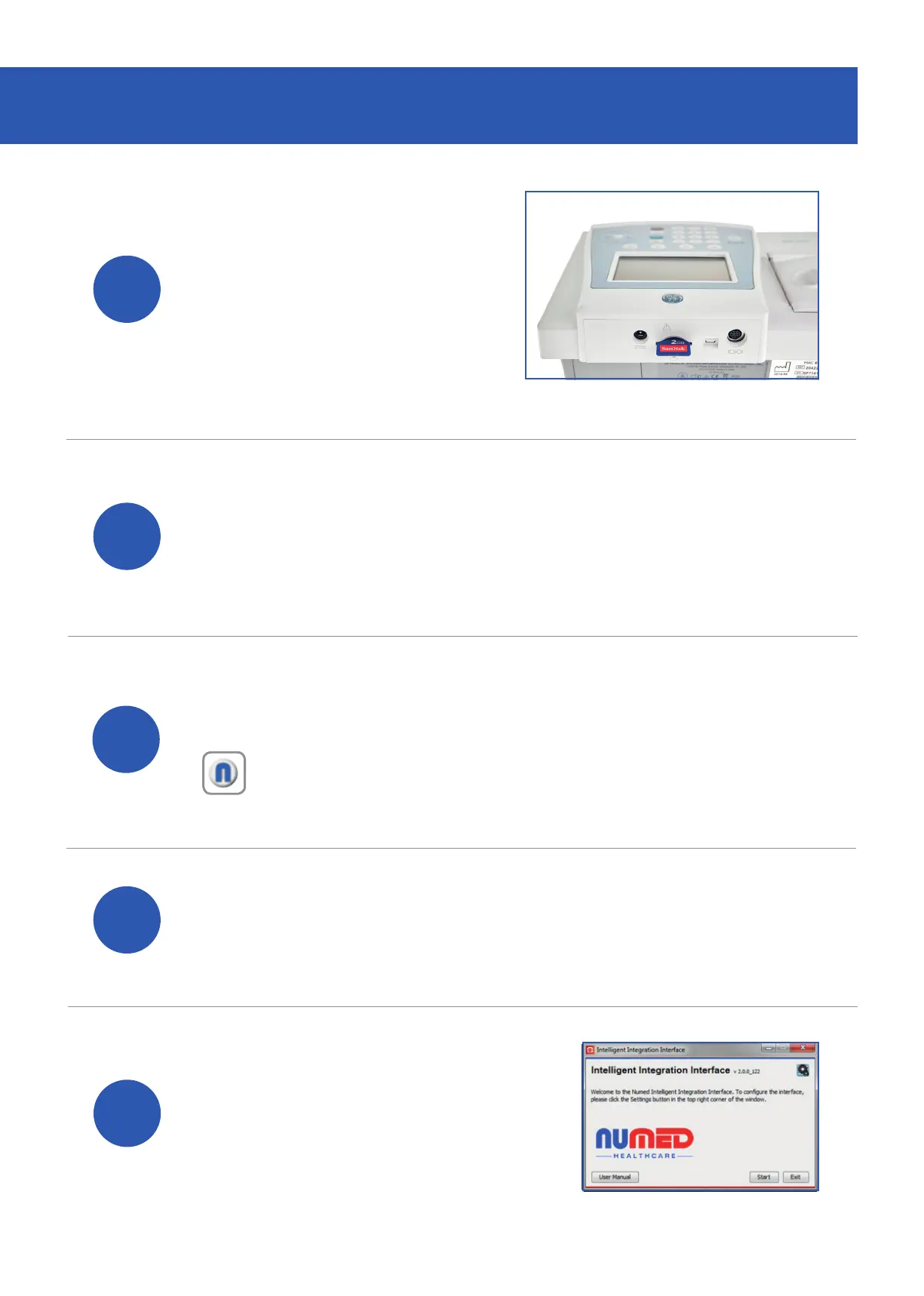
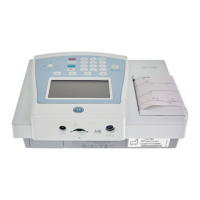
Locate and remove the
SD card that is plugged
into the back of the
MAC 600 ECG system.
Connect the card reader to your PC (if it is not
already connected) and place the SD card into
the corresponding slot.
3
Open the patient’s medical record in your
clinical system.
5
Click the ‘Start’ button.
DOWNLOADING THE RESULTS
Note: InPS Vision hosted and AEROS sites must ensure
that Numed Enterprise Link software is running on the
remote desktop.
4
Double click the I
3
icon, this is usually found
on your taskbar or desktop. This will launch the
I
3
software.


 To Next Page