1
2
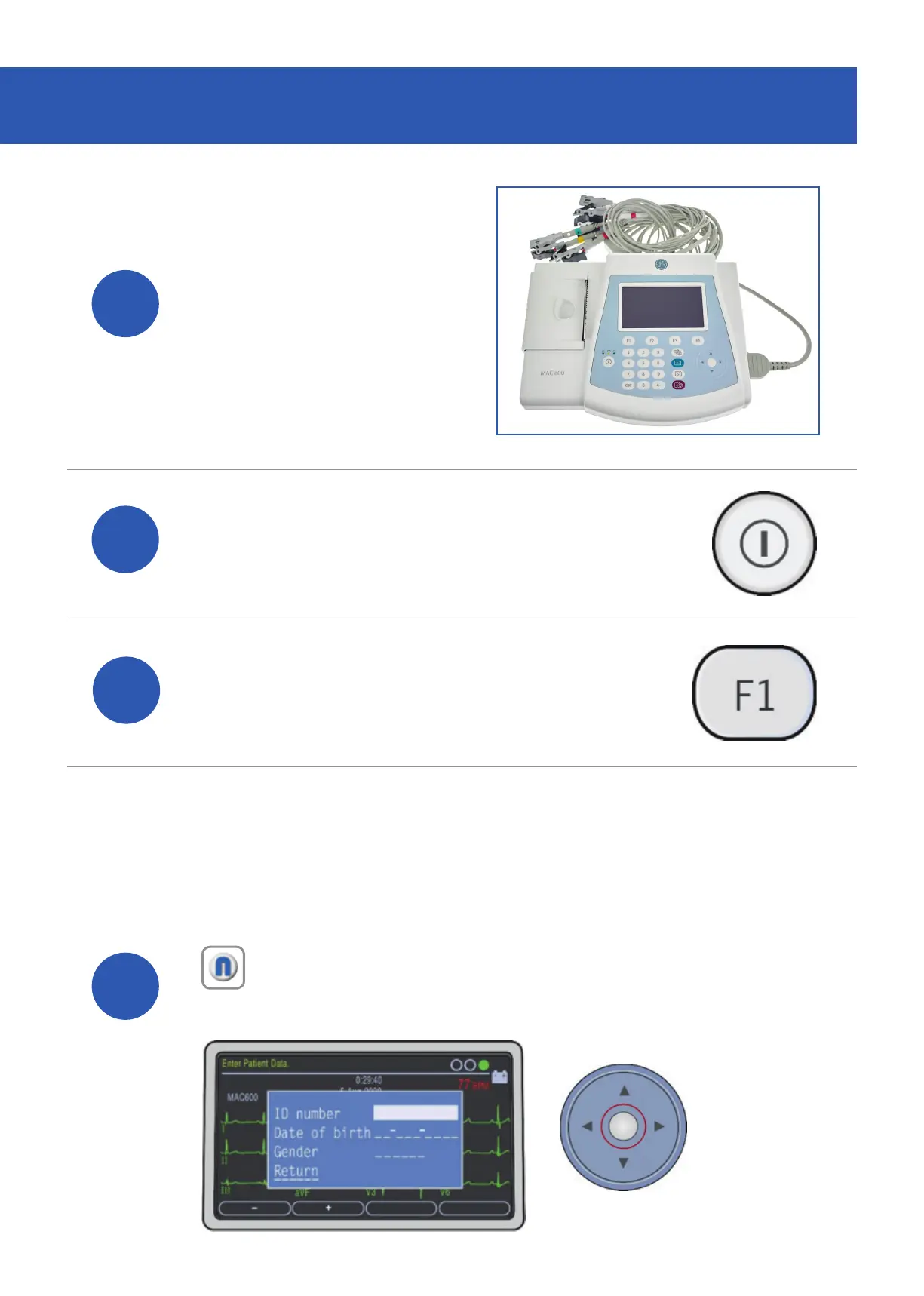
Connect the patient
lead to the MAC 600
ECG system.
Power on the device.
3
Press the ‘F1’ key to access
the patient details screen.
4
Enter your patient’s details using the keypad
and arrow pad. To conrm the details, press
the white circle which is located in the centre
of the arrow pad.
ACQUIRING AN ECG
Note: The Patient ID for EMIS Clinical Systems is the patient’s EMIS
Number. For the TPP SystmOne and InPS Vision clinical systems the
Patient ID is the patient’s NHS/CHI Number.


 To Next Page