Start Up
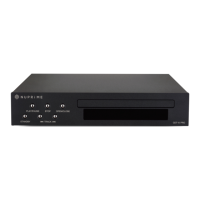
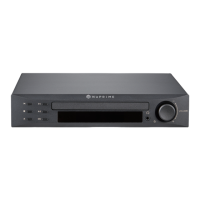
Press power button on the front panel or power button on remote control to turn on CDT-9 Pro.
Note: During DISC loading, all function is disabled until DISC status is ready.
CD PLAYER:
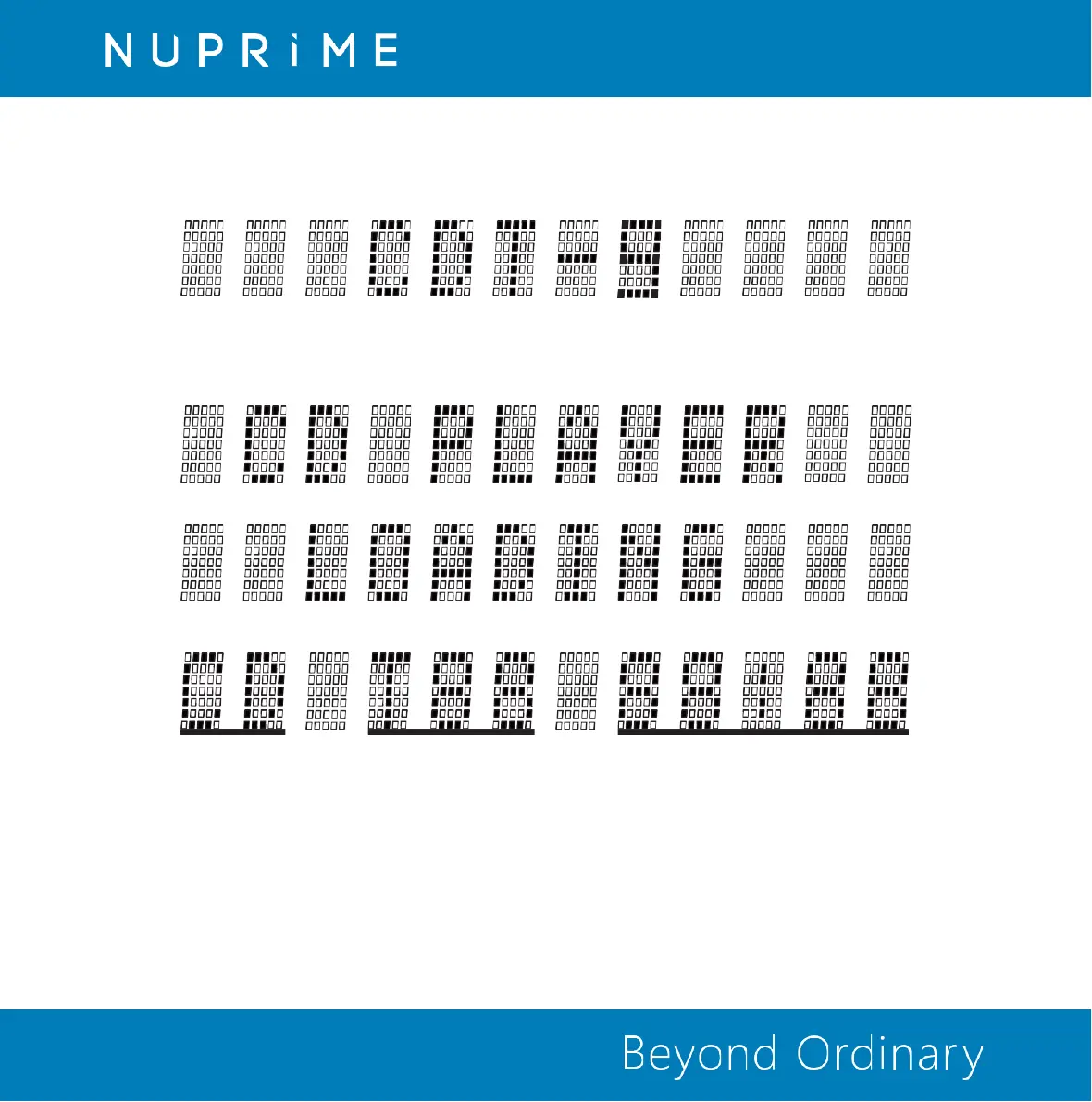
The full album information is displayed once the DISC is successfully loaded.
1. Playback Mode 2.Total tracks of the album 3.Total time of the album
1. Playback Mode: Display current playback mode. Repeat One, Repeat All, Shuffle All, Shuffle Repeat, & no repeat or shuffle.
2. Total tracks of the album: Display how many tracks are content in the album. Up to 99 tracks can be displayed.
3. Total time of the album: Display the combine play time of all tracks in the album. Up to 99 hours and 99 minutes can
be displayed.


 To Next Page