If no DISC is placed or incorrect format is being loaded, No DISC is displayed.
CD Function: Eject
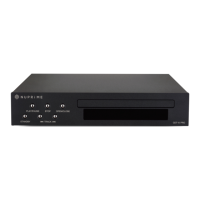
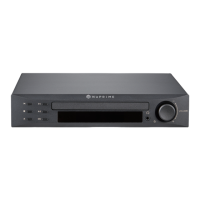
To load DISC, please press OPEN/CLOSE button on the front panel or on remote control to Eject the CD tray.
Once the tray is out, place CD DISC onto the tray and press again for closing.
After closing, DISC is loaded and status is displayed.
CD Function: Play / Pause
Once the DISC status is successfully loaded, press PLAY/PAUSE button on the front panel or remote control to
begin playback.
If no Playback Mode is selected, playback begins from track 1 of the album.


 To Next Page