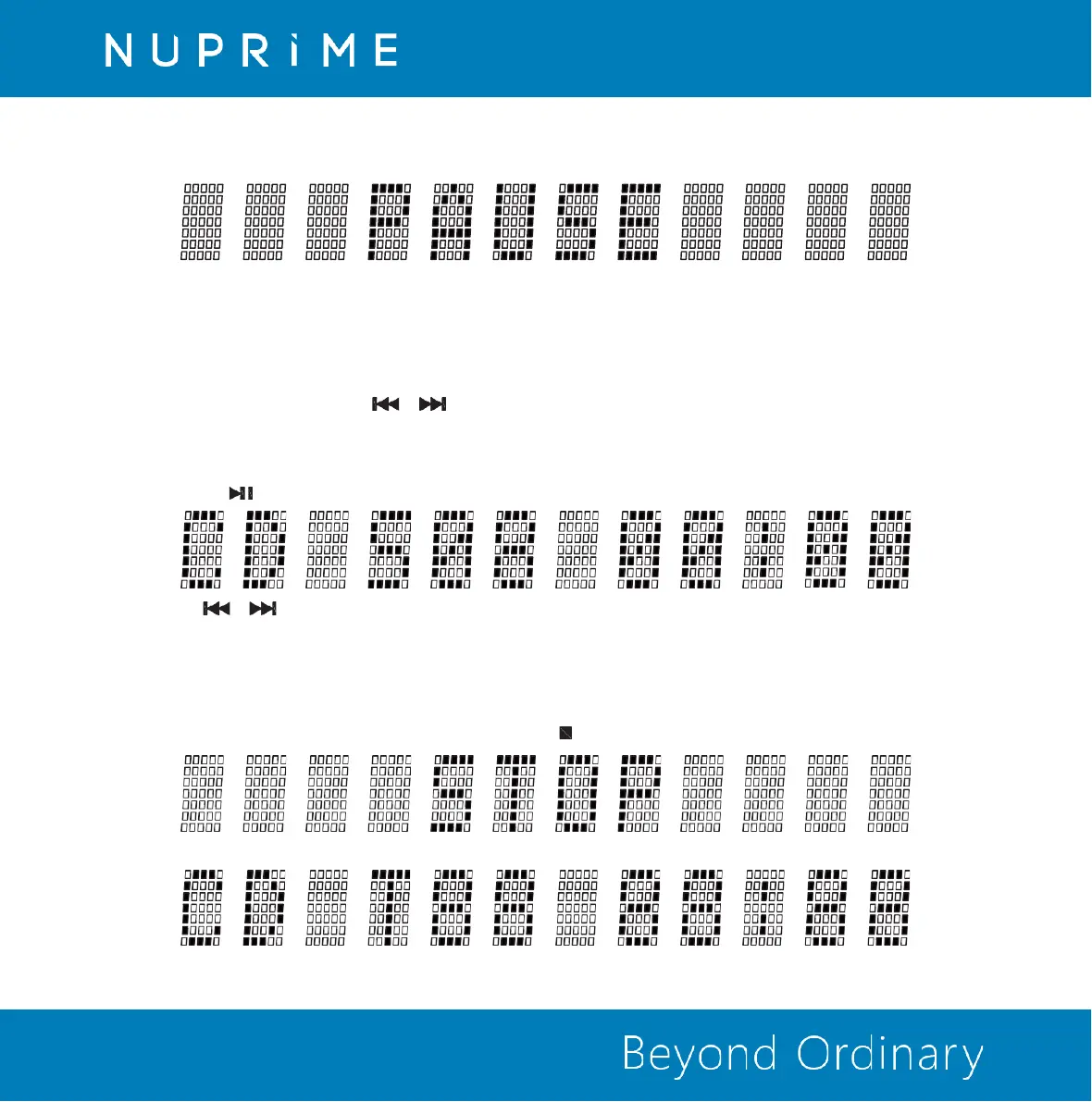
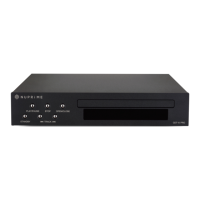
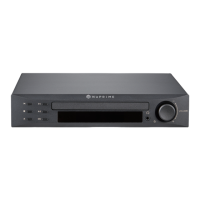
During playback, press PLAY/PAUSE button again to pause playback. In pause mode, a flashing PAUSE is displayed.
To resume, press PLAY/PAUSE button again.
CD Function: Previous/Search Backward & Next track/Search Forward
Briefly press Previous & Next buttons & to skip to previous track or next track during playback.
If playback is still in the first 3 sec, pressing Previous button will skip to previous track. If playback is more than 3 sec in,
Pressing Previous button will repeat current track from the beginning.
While in CD status menu, briefly press Previous & Next buttons to select desire track. Once the desire track is selected,
press PLAY button to begin playback.
Press and hold & during playback to fast rewind backward or forward the current playing track.
Release to resume playback.
CD Function: Stop
You can stop playback any time by pressing the STOP button on the front panel or remote control to stop playback.
Once playback is stop, CD status menu is displayed.


 To Next Page