05
3. Quick Start Guide
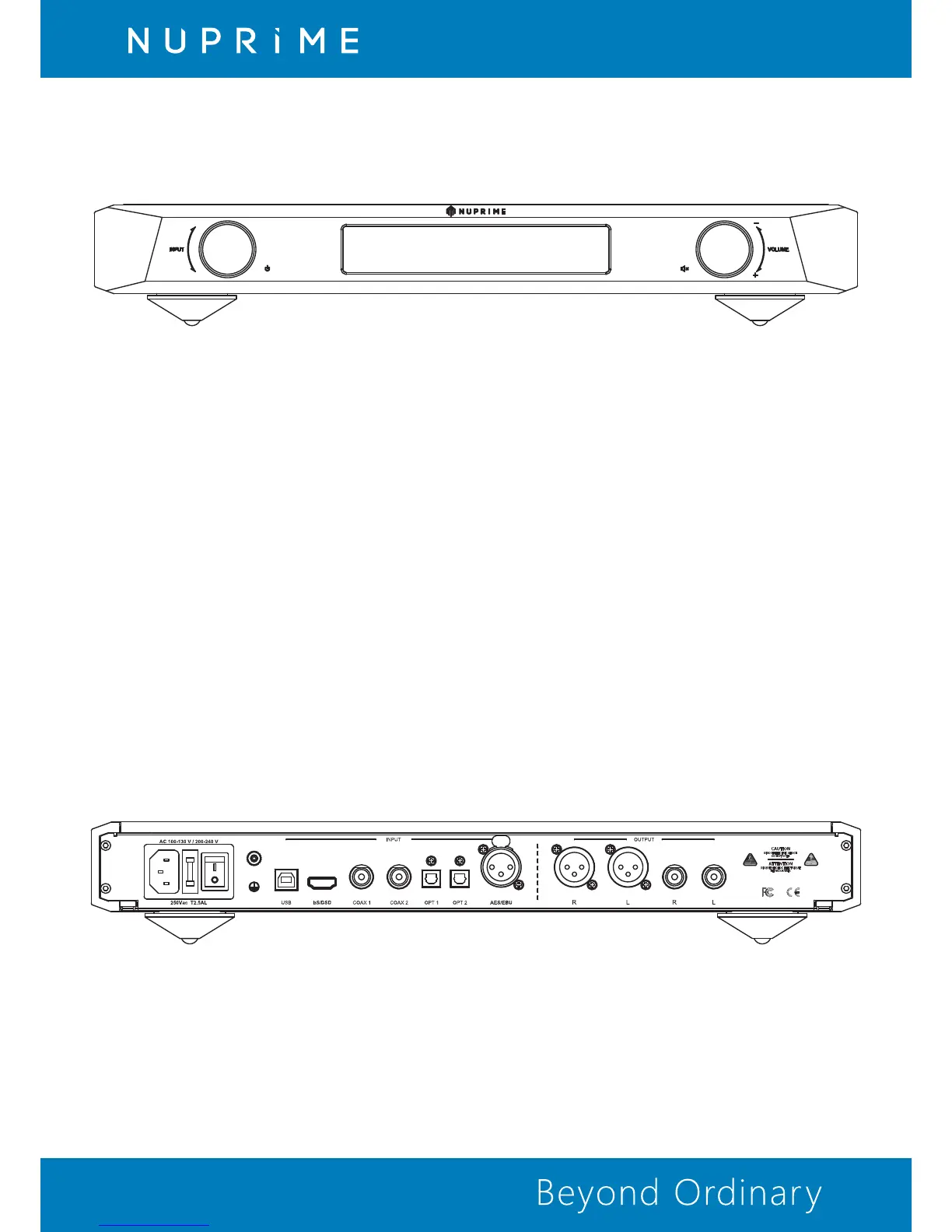
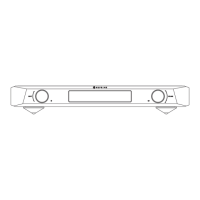
3.1 Front Panel
Power, Input and Menu Selection:
Press briefly to Turn On or put in Standby mode.
Turn the knob to switch between inputs.
In menu mode, turn the knob to switch menu item.
In menu mode, briefly press to accept load default function.
In menu mode, turn the knob to switch item value.
STANDBY LED
LED will light, indicating that the EVO DAC is standby.
DISPLAY OFF LED:
LED will light indicating that the display is off.
Mute, Volume, and Menu Value Selection:
Briefly press to Mute/Unmute.
Briefly press for 3 sec enter Menu / exit Menu.
Turn the knob to adjust volume.
3.2 Rear Panel
USB Input: USB slot is for connecting with the B Type USB to A Type USB 2.0 version cable to
PC's USB port which is able to send digital audio up to PCM 384KHz and DSD 256.
• Digital Inputs:
IIS/DSD Input: With HDMI cable to transfer IIS and DSD data from NuPrime source devices. Do not
connect to the HDMI output of Set Top Box or BD / DVD player.


 To Next Page