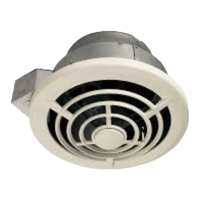
EZ80N
n
Installation Guide
Page 3
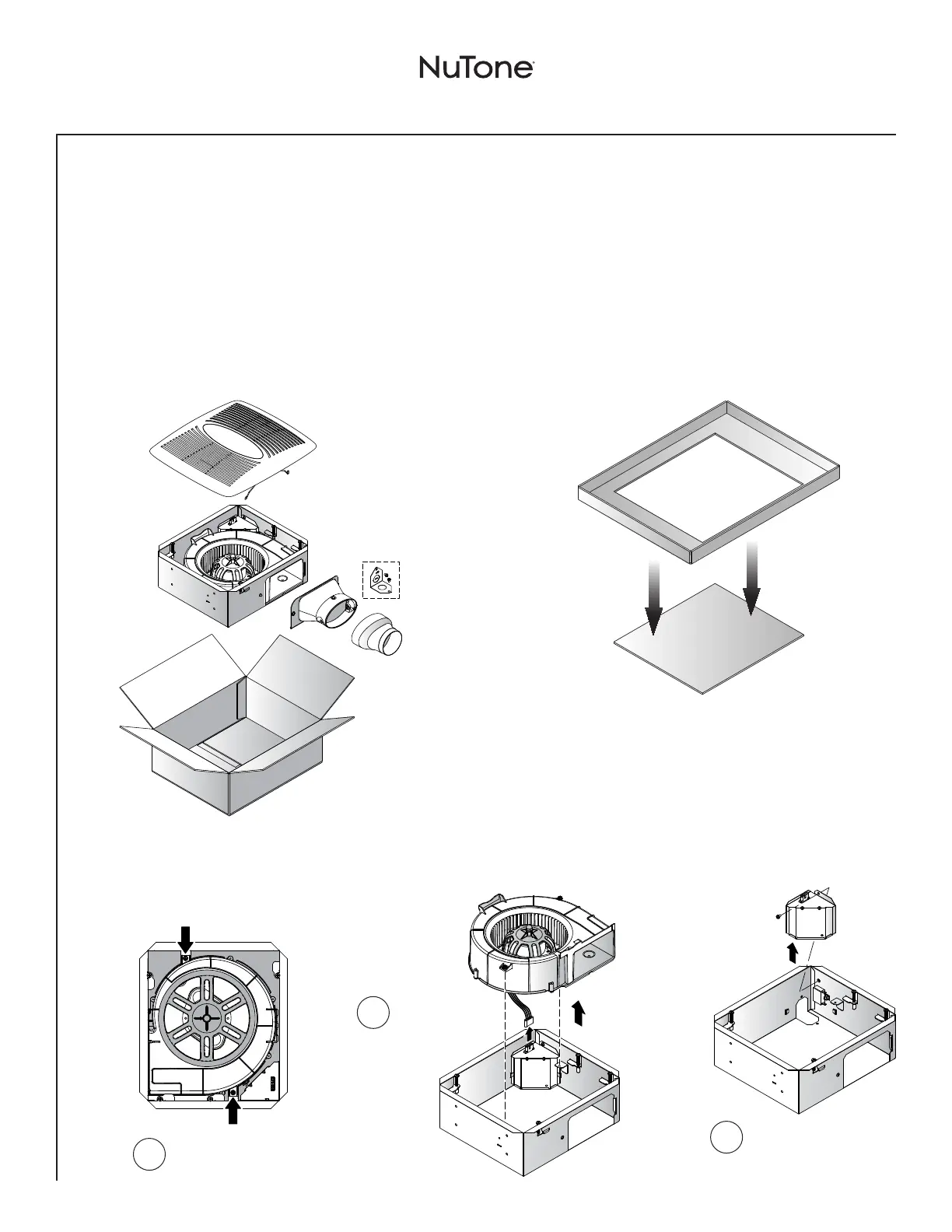
Punch out
Template from
packaging. See
Step 3.
Installation - Replace an Existing Fan
Tools needed
• Phillipsscrewdriver(recommended)
• Hammer
• Safetyglasses
• Pencil
• TapeMeasure
• Drywallsaw
Materials needed
• 4"roundmetalductingrecommendedforbestperformance. Useof
other ducting is acceptable but may impact performance.
• Roofcaporwallcap(built-indamperrecommended)
• Tapetosealductconnections
• Drywallscrews,sheetmetalscrews(optional)
• Electricalwiringandsuppliesperlocalcoderequirements
1
Remove from Packaging
2
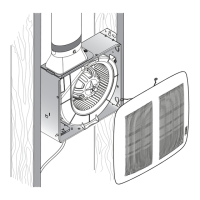
Prepare the Housing
Loosen 2 blower
screws.
Unplug blower
and remove
blower from
housing.
1
2
3
Remove wiring cover.


 To Next Page