-26-
EN
TO CHANGE THE FEEDING PROGRAM DURING FUNCTIONING
• Press the “start/stop” key to pause the pump.
• Change the program by pressing the required key (ml/h, volume ml or bolus ml/int h) and adjust using the “+” or “-” keys.
• Check all installed parameters to assure correct programming of the pump.
• Restart the pump by pressing the “start/stop” key again.
CLEARING THE MEMORY
All parameters and values can be cleared one after the other in the following way:
• Press “start/stop” to pause the pump.
• Select the parameter that needs to be cleared.
• Press the “clr” key to clear the memory. The parameter or value returns to its default value:
ml/h = 0 ml/h
volume ml = CONT = No dose set. Pump will feed continuously until feed container is
empty or pump is stopped.
bolus ml = NO = No bolus volume set. The pump will run in continuous feeding mode.
int h = NO = No bolus interval set.
info = 0 ml = Volume delivered is cleared.
In order to keep a clear overview of the daily amount of feed delivered, clear the total volume delivered as each daily feeding schedule
is started, as follows:
• Switch on the pump.
• Immediately after the self-test the pump displays total volume delivered.
• Press the “clr” key. The total volume delivered returns to “0 ml”.
• The pump is in the “hold” mode ready for programming.
• When another feeding program needs to be started, or the pump will be used for another patient, all
settings (rate and dose) can be returned to default and the volume delivered can be set at zero by simply pressing the “clr” key
and keeping it pressed for 5 seconds.
BATTERY OPERATION
• The Flocare
®
Infinity
™
+ pump is equipped with a Lithium-ion battery. The expected battery life is approximately 2 to 5 years.
Performance may degrade due to age, excessive temperatures and number of charging cycles.
• The battery symbol in the display is automatically replaced by the plug symbol when the charger is plugged in. The “fuel gauge”
then indicates that the battery is charging by displaying the bars in an ascending low to high pattern starting with the leftmost
bar.
This pattern continuously repeats while the pump is charging.
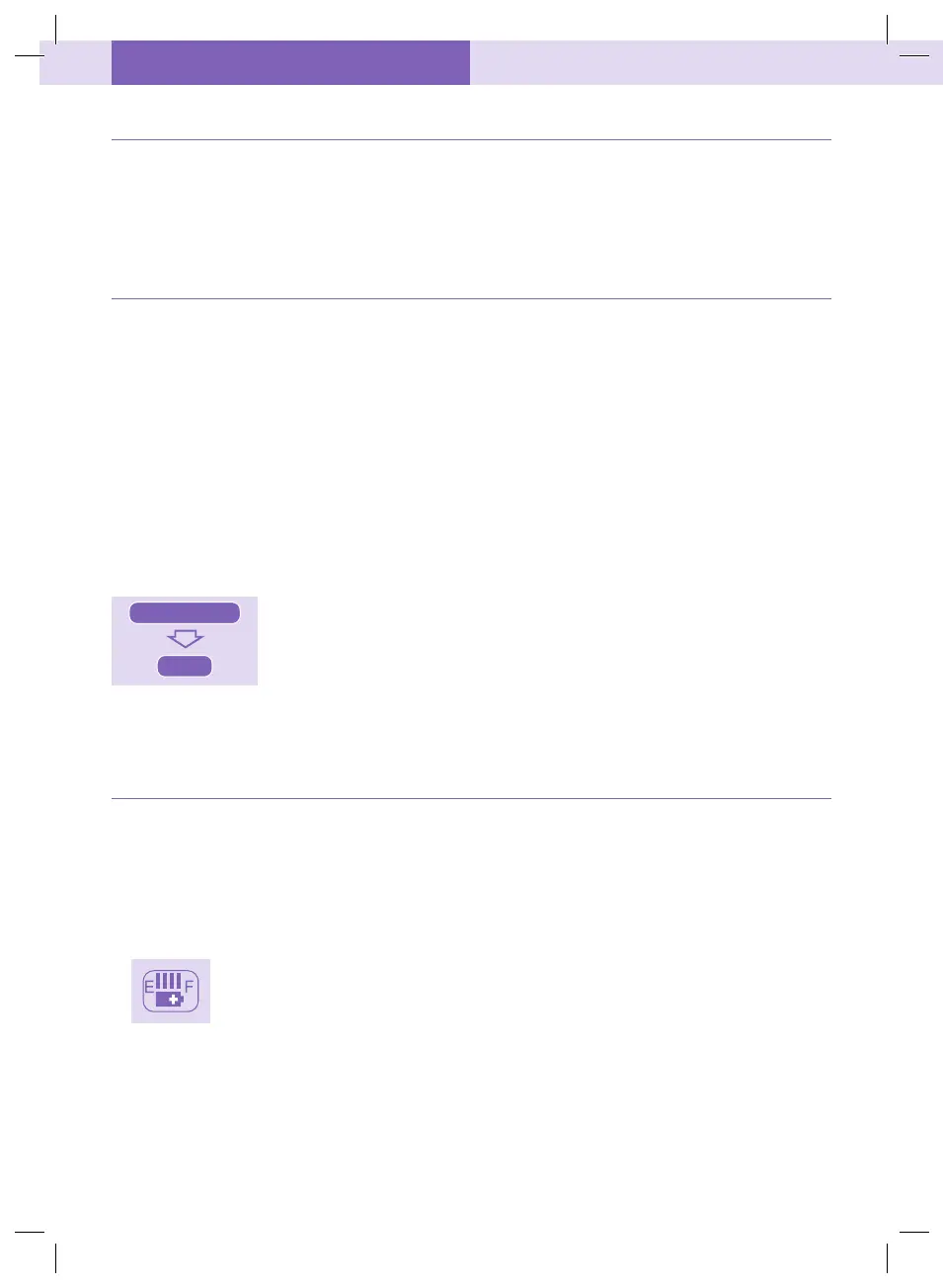
• To check the status of the battery, disconnect the charger from the pump and turn the
pump on. The bars between E and F (E=Empty, F=Full) represent the “fuel gauge” of the
battery. Each bar is approximately 1/4 of a full battery charge. If 2 bars appear the
battery is half full and remaining operating time is approximately 12 hours at a flow rate
of 125 ml/h for a new battery.
• In case of power failure when the pump is connected to mains, the pump automatically switches to battery powered operation.
• When during functioning the last bar is gone, the battery symbol will blink to indicate that there is approximately 1 hour of charge
left. The display will flash “BATT” every 3 seconds, alternating with the active display and the pump will beep every 2 seconds to
remind the user of the low battery charge condition. Plug in the charger to continue to run and recharge the battery.
start/stop
clr
403259622_r0.indd 28403259622_r0.indd 28 13/04/23 3:19 AM13/04/23 3:19 AM


 To Next Page