-25-
SET UP MODE
The set up mode is used • to set the alarm level,
• to lock the keypad,
• to switch the audible alarm off when a dose is administered.
• to switch the light of the LCD permanently on when connected to the mains.
• to enable connection with a Nurse call or Patient Data Monitoring System
(PDMS).
This set up mode may only be entered by healthcare professionals and authorised personnel trained to use this applica-
tion of the pump.
The patient or his/her relatives without permission of the physician, dietician, nurse or other licensed practitioner, may
not change the settings of the set up mode.
TO SET THE ALARM LEVEL
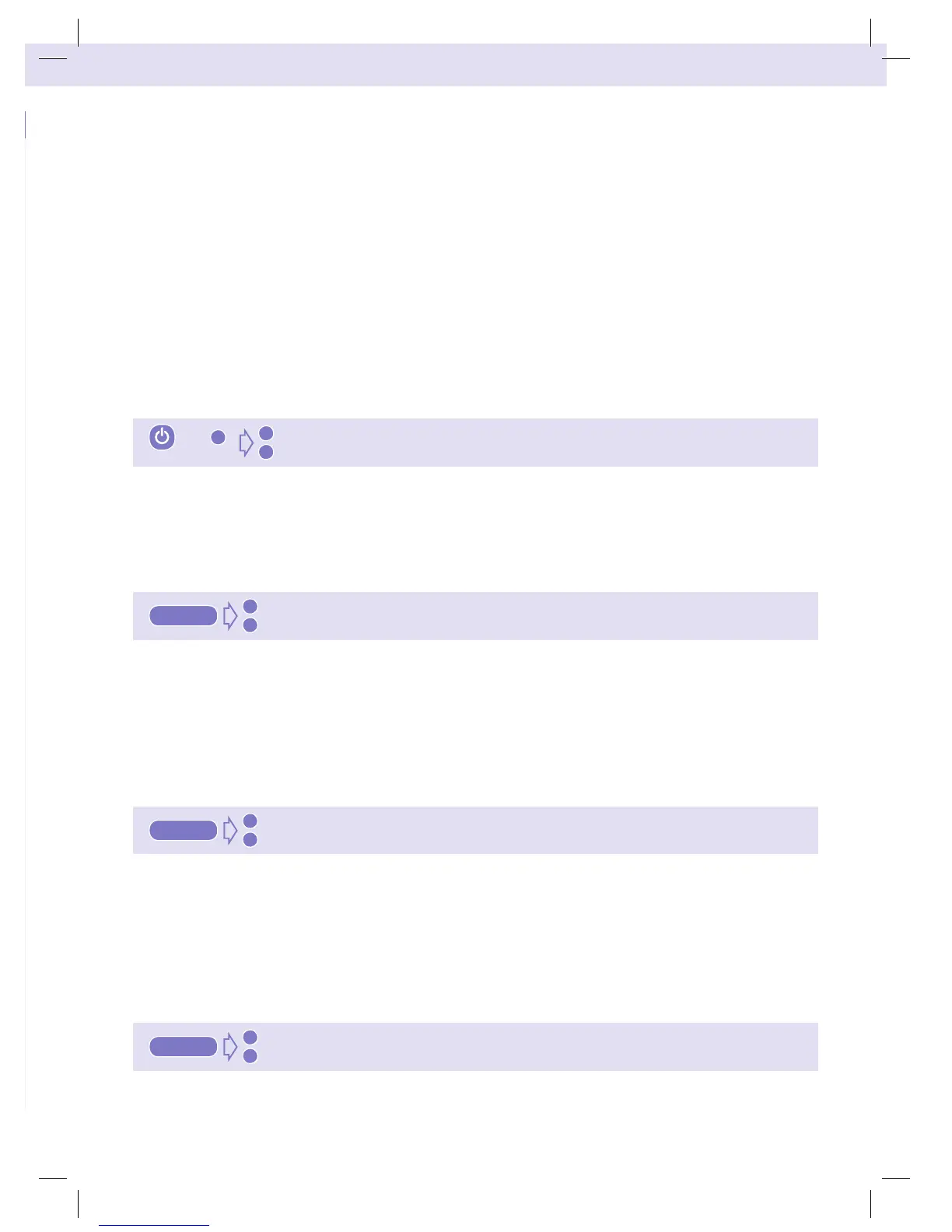
Hold the ‘+’ key down and press “ON/OFF” for 2 seconds. The pump enters the set up mode.
First the alarm level can be set: “BEEP HIGH” (+) or “BEEP LOW” (-)
Use the “+” or “-” key to change the setting from “HIGH” to “LOW” or from “LOW” to “HIGH”.
TO LOCK THE KEYPAD
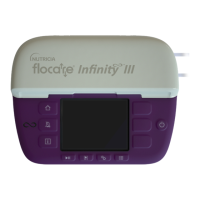
Hold the ‘+’ key down and press “ON/OFF” for 2 seconds. The pump enters the set up mode. Press the
“FILL SET” key to switch to the next setting:
“UNLK” the keypad (-) or “LOCK” the keypad (+). In the “LOCK” mode the feeding program of the pump
can no longer be changed.
Use the “+” or “-” key to change the setting from “LOCK” to “UNLK” or vice versa.
TO MUTE WHEN DOSE DONE
Hold the ‘+’ key down and press “ON/OFF” for 2 seconds. The pump enters the set up mode. Press the
“FILL SET” key to switch to the next setting:
“BEEP WHEN DONE” (+): the pump will give an alarm when the dose is administered or “MUTE WHEN
DONE” (-): the pump will not give an alarm after administering the dose. Use the “+” or “-” key to change
the setting from “BEEP WHEN DONE” to “MUTE WHEN DONE” or vice versa.
TO SWITCH LIGHT ON
Hold the ‘+’ key down and press “ON/OFF” for 2 seconds. The pump enters the set up mode. Press the
“FILL SET” key to switch to the next setting:
&
BEEP LOW
–
BEEP HIGH
+
2 sec 2 sec
+
UNLK
–
LOCK
+
fill set
MUTE WHEN DONE
–
BEEP WHEN DONE
+
fill set
LITE OFF
–
LITE ON
+
fill set
ZMNL900097_AW.indd 27 24/01/12 7:29 PM


 To Next Page