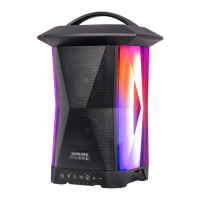
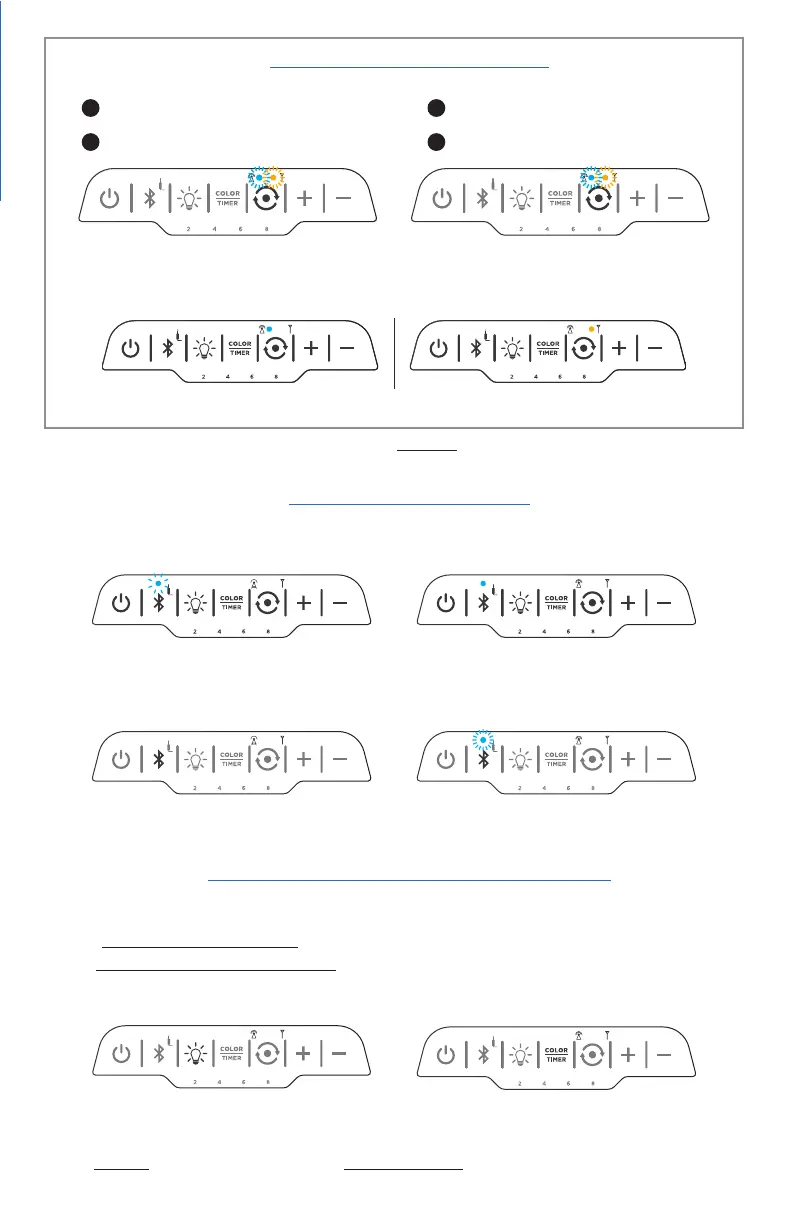
hold until both receiver and transmitter lights flash
55
4. Syncing your Speakers
6. Light Show Selections and Timer
See Section B. on page 11 for more details
SOLID COLOR OPTIONS: Red/Blue/Aqua/Amber/Green/Pink/Purple/White
COLOR-CHANGING OPTIONS: Color-changing Fade / Color-changing Pulse
TIMER: 1. Press and HOLD the COLOR/TIMER button. 2. When the desired
timer interval lights up, release the button. To change, repeat steps 1 and 2.
2. TURN ON REMAINING SPEAKERS
1. TURN ON FIRST SPEAKER
3. PRESS & HOLD FIRST SPEAKER SYNC BUTTON
4. PRESS SYNC BUTTON ON ALL OTHER
SPEAKERS TO SYNC (one by one)
hold until receiver light turns solid amber
NOTE: When speakers are synced transmitter light and receiver light will be solid
Transmitting speaker (first speaker turned on)
Receiving speaker(s)
PAIRED
Solid light + chime indicates pairing successful
TO PAIR (enable Bluetooth on your device)
If BT indicator is not flashing quickly, press and hold until it
flashes quickly. Select “Nuvelon FLARE” from devices list
To disconnect user, press BT button 4-5 secs.
(chime will sound when device is disconnected)
BLUETOOTH WAKE-UP
If your device is out of BT range for >5 mins, and
disconnects, press BT button to pair again
LIGHT SHOW / BRIGHTNESS BUTTON
Press to turn lantern ON, OFF, and cycle through
brightness settings - 20%, 40%, 60%, 80%, 100%
Press and release COLOR/TIMER button to
cycle through light show selections
LIGHT SHOW SELECTIONS (Lantern must be ON)
For detailed sync instructions see Section III on Page 7 of this guide
5. Pairing your Device
NOTE: If you synced speakers, you can only pair your device with the first speaker you turned on
DISCONNECT PAIRED DEVICE


 To Next Page
 Loading...