EasyManua.ls Logo

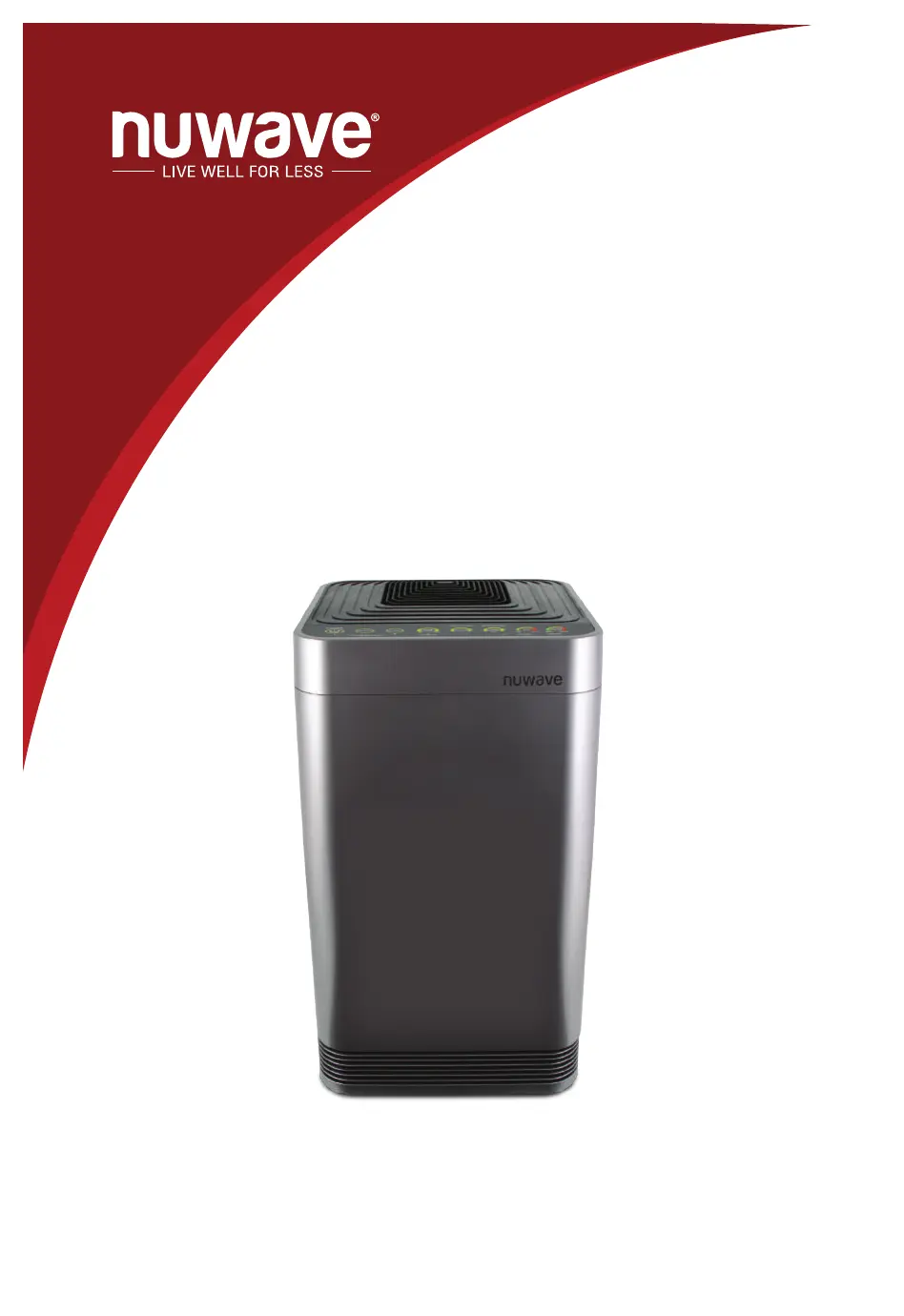
NuWave OxyPure - User Manual

NuWave OxyPure
44 pages
Print Icon
To Next Page IconTo Next Page
Loading...
Owners Manual
NuWave OxyPure
®
Air Purier

Questions and Answers

Summary

Product Registration and Extended Warranty

Scan QR Code to Register

Scan the unit's QR code to access the product registration page.

Manual Registration Option

Visit nuwavenow.com/QR and manually enter the serial number if a smart device is unavailable.

Complete Registration Details

Fill out remaining information and complete the optional survey to finalize registration.

Using the QR Code Scanner App

Download QR Code Reader App

Download a QR code reader app from your mobile app store (App Store, Google Play).

Scan QR Code with App

Open the downloaded QR code reader, scan the code, and proceed with registration.

Important Safety Safeguards

Electrical Safety Precautions

Avoid water immersion, use proper outlets, handle plug carefully, unplug before assembly.

Operational Environment and Placement

Place on stable surface, maintain ventilation, avoid heat, moisture, flammable gases, and outdoor use.

Safe Handling and Unit Integrity

Do not operate with damaged parts, route cords safely, avoid tipping, do not place objects on top, do not sit/lean.

General Usage Guidelines and Warnings

For household use only, keep manual handy. Polarized plug usage and servicing warnings.

Additional Safeguards

Power Cord and Extension Cord Safety

Use short cords or ensure longer cords are arranged safely to prevent tripping hazards.

Operational Safety Checks

Operate only with proper sounds, check parts, use caution, do not pull by cord, do not block vents, use with filter.

Intended Use and Warranty Notice

For normal household use only. Failure to follow safeguards may void warranty and cause injury.

Parts Description

Front Panel Components

Identifies parts visible on the front of the unit, including vents, display, and handles.

Back Panel Components

Identifies parts on the rear of the unit, including filter covers, sensors, and vents.

Filter System Components

Details the various filters including HEPA, Carbon, Bio-Guard, and Pre-Filter.

Assembly Guide

Air Filter Assembly Order

Describes the correct order for installing the four filters inside the OxyPure unit.

Filter Functions and Lifespans

Explains the purpose, cleaning, and lifespan of each of the four air filters.

Wi-Fi Connection Setup

Connecting to Wi-Fi Network

Step-by-step instructions for connecting the OxyPure to your Wi-Fi network via the NuWave Connect app.

Wi-Fi LED Status Indicators

Explains the meaning of different Wi-Fi light statuses (Solid, Blinking, No Light).

Operating Instructions

Powering the Unit On and Off

How to plug in, turn on, and turn off the OxyPure unit.

AUTO Mode Operation

Explains how the unit automatically adjusts fan speed based on air quality.

ECO-FRIENDLY MODE Activation

How to activate and deactivate the Eco-Friendly Mode for air quality response.

ULTIMATE CLEAN Mode Activation

How to activate and deactivate the Ultimate Clean mode for high-speed cleaning.

Advanced Operating Modes

ULTIMATE CLEAN with TURBO

How to use Ultimate Clean mode combined with Turbo for faster air purification.

Adjusting Fan Speed Settings

Step-by-step guide to adjust fan speed from LOW to HIGH.

Activating Sleep Mode

How to engage Sleep Mode, which turns off lights while fan operates.

Using the Timer Function

How to set the operating duration using the Timer function with various time options.

Air Quality and Filter Status

TURBO Mode Operation

How to use the Turbo function for highest fan speed and timed operation.

Air Quality Indicator Explanation

Describes how the unit measures and displays current air quality via colored bars.

Filter Status Indicator Lights

Explains the 'CLEAN FILTER 2' and 'REPLACE FILTER 4' lights and their meanings.

Care and Maintenance Basics

Cleaning Before First Use

Instructions for wiping down the Top Vent and In Flow Vent before initial operation.

General Exterior Cleaning

How to clean the exterior of the OxyPure unit to maintain performance.

Cleaning Vents and Odor Sensor

Detailed steps for cleaning the unit's vents and the odor sensor opening.

Filter Maintenance and Replacement

Filter Order and Lifespans

Details the correct filter order and lifespan for optimal air purification.

Changing the Air Filters

Step-by-step guide on removing and reinstalling the OxyPure's air filters. Includes cautions.

Cleaning Specific Filters and Resetting Indicators

Cleaning Bio-Guard and Pre-Filters

Instructions for cleaning the Bio-Guard Filter and the Pre-Filter.

Resetting Filter Indicators

Steps to reset the AIR and ODOR indicators after filter maintenance.

Internal Component Cleaning

Cleaning the Filter Sensor

Guide on how to clean the filter sensor for optimal unit performance.

Cleaning Under Top Vent and Inner Screen

Instructions for removing the top vent to clean internal surfaces and vent screens.

Troubleshooting Common Issues

Unit Power and Timer Problems

Solutions for when the unit does not turn on or the timer function is unresponsive.

Fan and Airflow Issues

Troubleshooting tips for fan not blowing, weak airflow, or smoke/odor production.

Filter Indicator Reset Issues

Steps to take if the CLEAN/REPLACE FILTER indicators do not reset after maintenance.

Advanced Troubleshooting and Warranty

Operation Error Troubleshooting

Solutions for specific operational issues like ULTIMATE CLEAN not activating or POWER light blinking.

Odor Sensor and Indicator Errors

How to address issues with the Odor Sensor or flashing indicators.

Manufacturers Limited Warranty Overview

Details the manufacturer's warranty coverage, duration, and what is excluded.

Obtaining Service and Warranty Details

How to Obtain Service and Claims

Procedures for getting service, including RGA numbers, proof of purchase, and contact information.

Warranty Limitations and Exclusions

Information on warranty voidance, limitations on damages, and state-specific rights.

NuWave OxyPure Specifications

General IconGeneral
BrandNuWave
ModelOxyPure
CategoryAir Cleaner
LanguageEnglish

Videos

How to clean Nuwave Oxypure Zero Smart Air Purifier Filters

Related product manuals