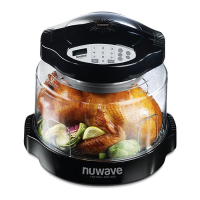
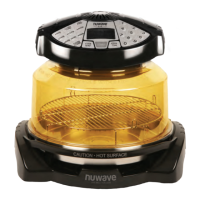
DIRECTIONS FOR ANALOG NUWAVE OVENS
SETTING COOKING TIME:
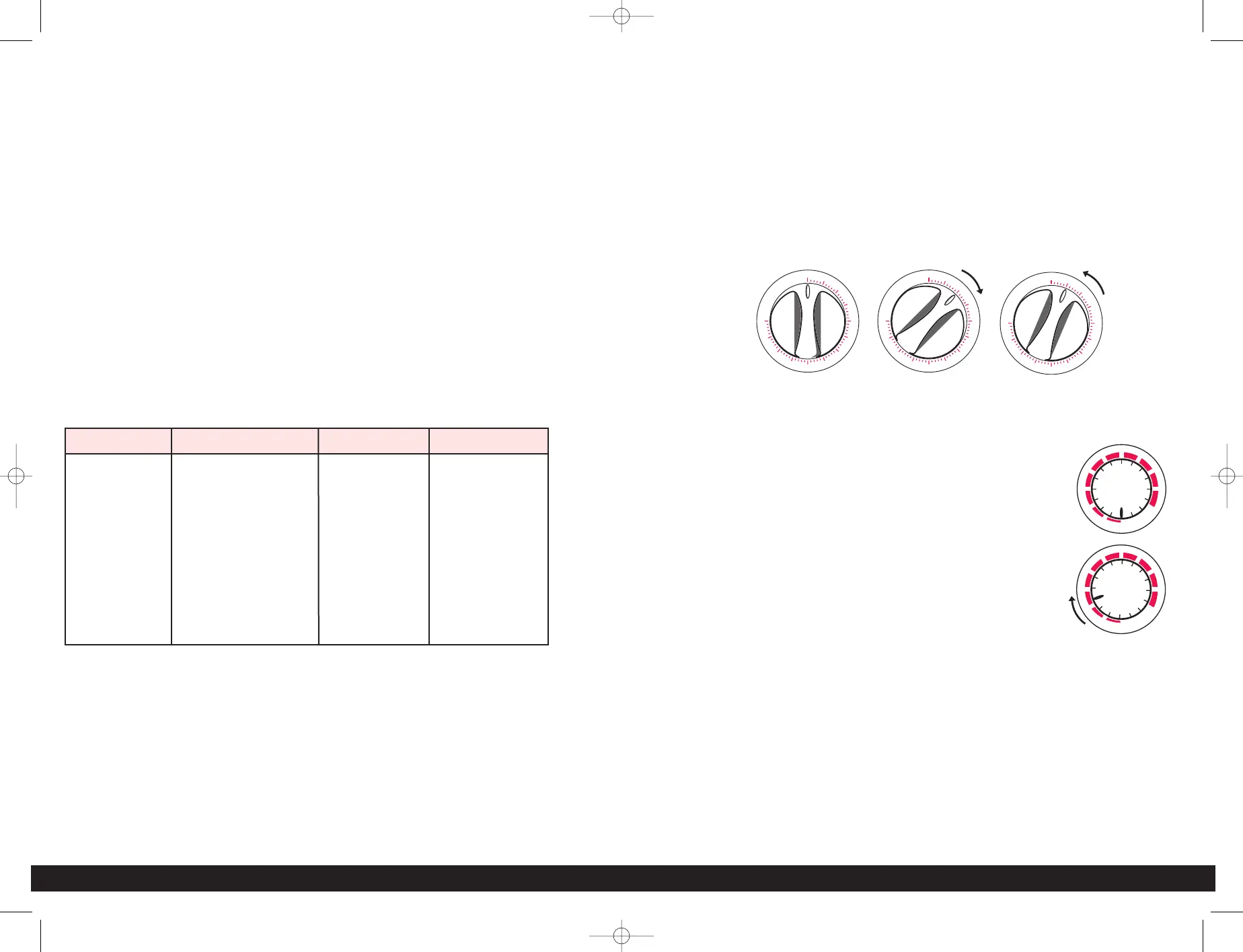
Cook time dial is located on the front of the power head. You can turn the cook
time dial to the desired cooking time. The power indicator light will come on. As
time lapses, the dial will return to “OFF” position. The maximum cooking time is
one hour. During cooking, you can add or reduce the cooking time by turning
the cook time dial. Same as with all mechanical timers, for accuracy, turn the
cook time dial past the desired time, then turn it back to the desired
setting. For example: If the desired time setting is 5 minutes, then turn the cook
time dial to 10 minutes, then turn back to 5.
Important: For U.S.A. models, before checking or removing food, turn the cook
time dial to “OFF” to turn off the heating power. DO NOT OPEN OR REMOVE
POWER HEAD WHILE IT IS STILL OPERATING.
OWNER’S MANUAL • 14
13 • THE NUWAVE COMPLETE COOKBOOK
SETTING THE POWER LEVEL:
• Press the POWER LEVEL button.
• The default “HI” setting is indicated in the display panel (power level 10).
• PWR indicator flashes in the display panel. To override the default and change
the power level, just press the desired cooking power: 1 (low power) to
9 (near high power). The power is entered as a single digit.
To reset to HI, press 0.
• Verify the correct power setting on the control panel.
• If power setting needs to be corrected, re-enter the required number.
• To check power level during cooking, press POWER LEVEL once and setting will
appear on the display panel for a few seconds. Remaining cooking time will then
re-appear.
NOTE: Maximum allowed cook time for HI power is 2 hours. If cooking time is
set to more than that, it will automatically revert back to 2:00 hours. Simply add
more time after the initial 2 hours has expired. For lower power settings,
maximum allowed time is 9 hours 59 minutes.
*Do not press Power Level unless you want to change the Default setting
(power level 10).
REHEAT FUNCTION:
This can be used to reheat single portion sized foods. To activate the reheat
function, make sure program is clear (PAUSE / CLEAR button). LCD will read
0. Press REHEAT button and then press the START button. This will program
power level HI for 4 minutes. Alarm will beep when time has expired. Example,
if you are reheating left over pizza, simply place the slice on the 4” rack, press
REHEAT, and then START. If you reheat a rice or noodle dish, place the single
serving amount on an oven safe dish or on a piece of foil. If you want the rice or
noodles softer, cover with foil and add a sprinkle of water.
Power Level Oven Temperature Press Button Panel Display
10(HI) 342°F (172°C) 0 (High) PHI
9 325°F (163°C) 9 P90
8 300°F (149°C) 8 P80
7 275°F (135°C) 7 P70
6 250°F (121°C) 6 P60
5 225°F (107°C) 5 P50
4 175°F (79°C) 4 P40
3 150°F (66°C) 3 P30
2 116°F (47°C) 2 P20
1 106°F (41°C) 1 (Low) P10
SETTING COOKING POWER LEVEL:
• Power level dial is located on the front of the power head.
• Turn the power level dial to the desired power setting, from
1 to 10 (HI).
• You can adjust the power higher or lower during cooking.
* Power Setting is different from Digital Oven.
TO START COOKING:
Set the cook time dial to desired setting (As with any timer, you may want to
turn the dial past the desired time and then turn back to desired setting).
TO PAUSE/END COOKING:
Turn the cook time dial to “OFF”, bell rings, and cooking stops.
Note: For some models, when the power head is lifted and the safety switch
located in the handles is activated, the unit will automatically shut off for your
safety. To reactivate the unit, put back the power head properly in position, and
turn the cook time dial back to “OFF” first, then set it to the remaining cook time.
Cooking will resume.


 To Next Page
 Loading...