EasyManua.ls Logo

NuWave PRO SMART 20902 - User Manual

NuWave PRO SMART 20902
104 pages
Print Icon
To Next Page IconTo Next Page
Loading...
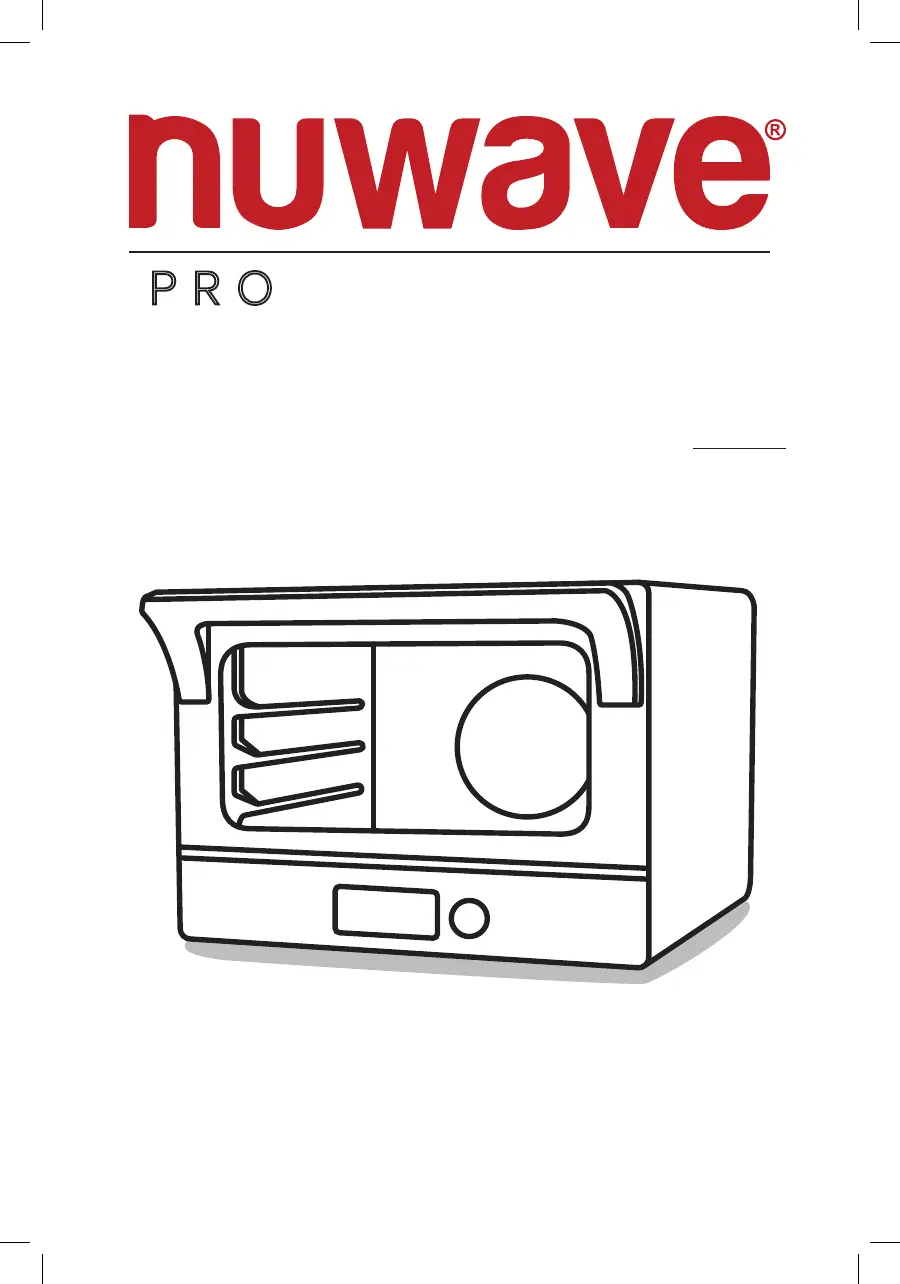
Owners Manual
Model 20902
Rev. 2
Questions or Concerns?
Toll Free: 1-877-689-2838 • help@nuwavenow.com
(Mon-Fri 7:30am-4:30pm CST)
CONDUCTION, CONVECTION
& INFRARED • TRIPLE HEAT
ZONES • AIR FRYER • GRILL
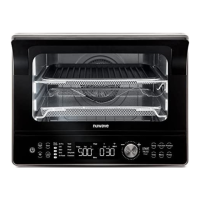
PRO SMART OVEN

Questions and Answers

Summary

WELCOME

To The NuWave Family!

A warm welcome and introduction to the NuWave brand and its products.

IMPORTANT SAFEGUARDS

General Safety Warnings and Precautions

Essential safety instructions for household use of the Pro Smart Oven.

PARTS & ACCESSORIES

Component Identification

A visual and descriptive list of all included oven parts and accessories.

ASSEMBLY GUIDE

Pre-Operation Preparation

Steps for unpacking, cleaning, and preparing the oven before its first use.

CONNECTIVITY

NuWave Connect App Download

Instructions on how to download and install the NuWave Connect mobile application.

Wi-Fi Setup and Activation

Guide to connecting the Pro Smart Oven to your home Wi-Fi network.

Bluetooth Connection

Steps for pairing your smart device with the oven using Bluetooth.

Remote Control via App

Instructions on how to operate the oven using the NuWave Connect App.

GETTING STARTED

Control Panel Overview

Explanation of all buttons, functions, and display elements on the oven's control panel.

INSTRUCTIONS

Quick Start Guide

Essential initial steps to power on and begin using the Pro Smart Oven.

Basic Cooking Functions

An overview of the fundamental cooking modes and their basic operations.

Time and Temperature Management

Instructions for setting and adjusting cooking time and temperature.

Temperature Format Settings

How to switch the temperature display between Fahrenheit and Celsius.

Time Format Settings

How to switch the time display between hours:minutes and minutes:seconds.

Using Menu Presets

Guide on accessing and utilizing the oven's pre-programmed recipe presets.

Programming Custom Presets

Steps to save your own cooking settings and recipes into memory slots.

Memory Recall and Review

How to retrieve saved presets and review their settings.

Editing Saved Presets

Instructions for modifying existing custom cooking presets.

Preheat Function Usage

Detailed steps on how to use the oven's preheating feature before cooking.

Automatic Preheat Control

How to enable, disable, or cancel the automatic preheat function.

Digital Temperature Probe Operation

Guide on using the probe to cook food to a specific internal temperature.

Carryover Cooking Explained

Understanding how the oven uses residual heat after reaching target temperatures.

Probe Temperature Guide

Recommended internal temperatures for various types of meat for safe cooking.

Probe Error Troubleshooting

Explains common probe error messages and their solutions.

Mute;Unmute Alert Sounds

How to silence or activate the oven's audible alerts and door alarm.

Clock Setting and Display

Instructions for setting the oven's clock and displaying the time.

Keypad Lock Function

How to lock and unlock the oven's control panel to prevent accidental changes.

Wattage Adjustment

Procedure for changing the oven's power output setting.

CLEANING & MAINTENANCE

Initial Cleaning Procedures

Steps for cleaning the oven and its accessories before the first use.

Routine Cleaning After Use

Guidelines for cleaning the oven and accessories after each cooking session.

Storage Guidelines

Proper methods for storing the oven when not in use to ensure longevity.

Oven Light Bulb Replacement

Step-by-step instructions for safely replacing the oven's interior light bulb.

TROUBLESHOOTING GUIDE

Common Operational Issues

Solutions for frequent problems like white smoke, blank screen, or no heating.

LIMITED WARRANTY

Warranty Coverage and Exclusions

Details on what the manufacturer's limited warranty covers and what it excludes.

Obtaining Service and Support

Procedure for requesting warranty service, including contact information and requirements.

Manufacturers Obligations

Outlines the manufacturer's responsibilities under the terms of the limited warranty.

Dispute Resolution Process

Explains the procedure for resolving disputes, including arbitration details.

APPENDIX ONE: ADVANCED FUNCTIONS

Stage Cooking Programming

Instructions for programming multi-stage cooking sequences for complex recipes.

Sear Function Principles and Usage

Explains the different sear modes (Sear 1, 1&2, 2) and their application.

Heat and Fan Control

How to manually adjust the oven's heat sources (top, bottom, rear) and fan speed.

Slow Cook Functionality

Guide to using the Slow Cook mode for tender results over extended periods.

Slow Cook with Probe Temperature

Advanced use of the probe to control slow cooking based on internal food temperature.

NuWave PRO SMART 20902 Specifications

General IconGeneral
Power1800 Watts
Control TypeDigital
ModelPRO SMART 20902
TypeOven
Cooking TechnologyConvection
Temperature Range100°F - 500°F
Cooking FunctionsBake, Roast, Broil, Air Fry, Dehydrate
TimerUp to 99 hours
MaterialStainless Steel
Smart FeaturesWi-Fi Connectivity
AccessoriesAir Fry Basket

Related product manuals