INTRODUCTION TO ANDROID TV
BASIC LAYOUT AND NAVIGATION
From the Android TV home screen, you can easily access movies, TV shows, music, apps, games,
and settings. To get to the Home screen at any time, press the Home button on your SHIELD
remote or on your SHIELD controller.
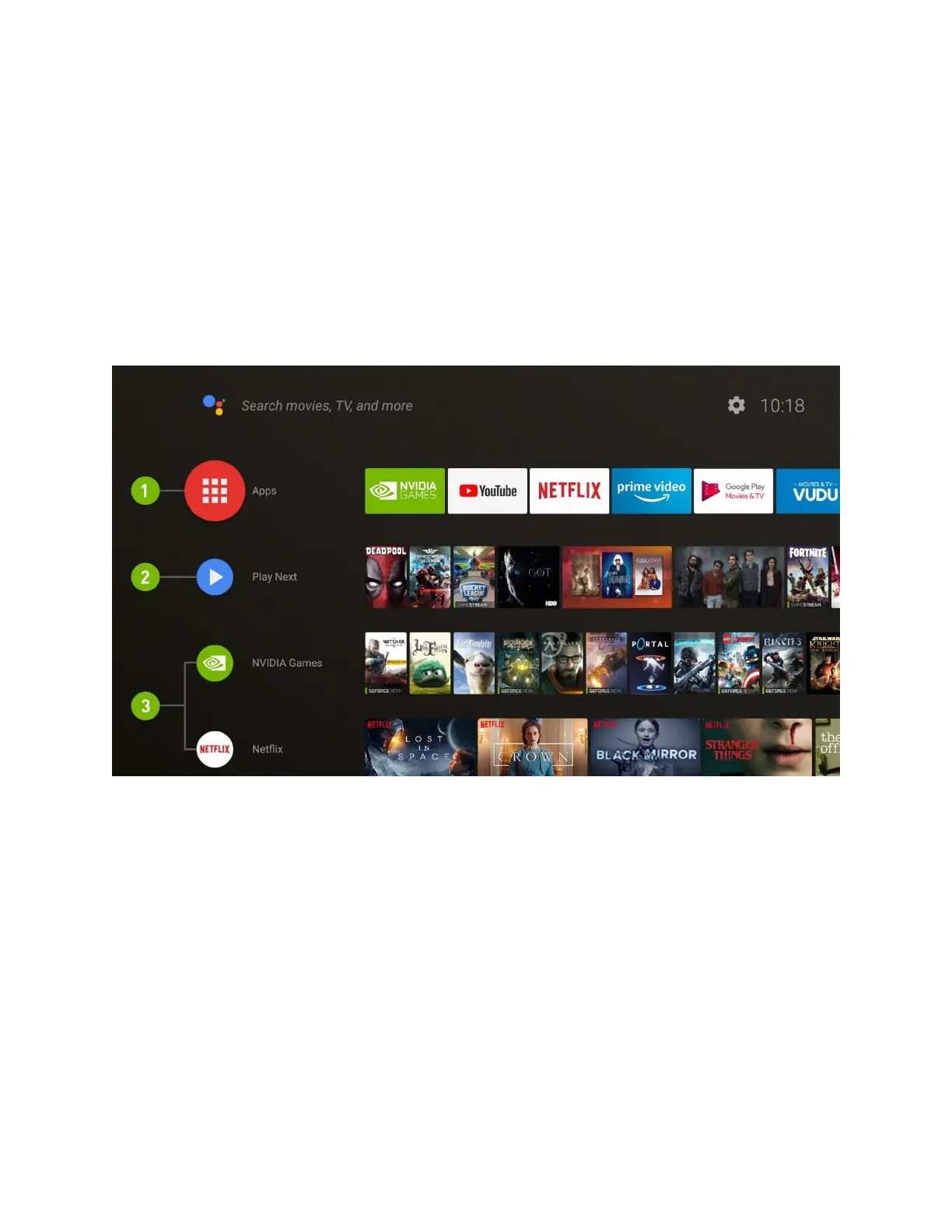
(1) Favorite Apps
You choose the apps and the order! Hold the Select button on an app to move it. To access all
your apps, hold the Home button or select the red Apps icon.
(2) Play Next
Continue where you left off in TV shows, movies, and games. To add content to Play Next,
navigate to the content and hold the Select button.
NOTE: Not all apps support Play Next
(3) Channels



 To Next Page