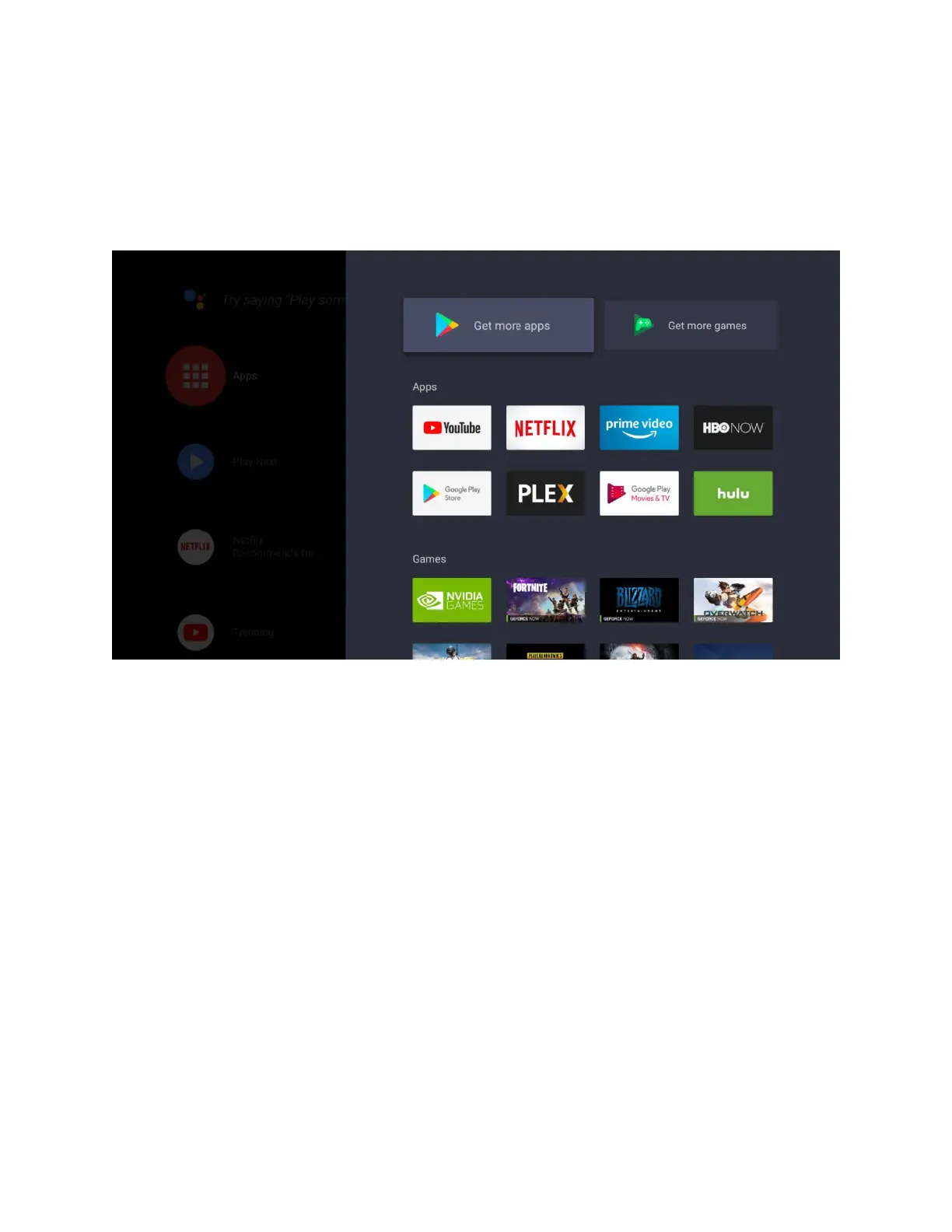
APPS AND GAMES
All installed apps and games can be accessed by selecting the "Apps" icon on the home screen,
or by long pressing "Home" on your SHIELD Remote
Get more apps (Google Play Store)
Use this shortcut to access the Google Play Store to find the latest apps available
for SHIELD Android TV Game Console
Launch app or game
Press select or button to immediate launch the app.
Move, Uninstall, or add to "Favorite Apps row
Long press select or button to access the app menu.



 To Next Page