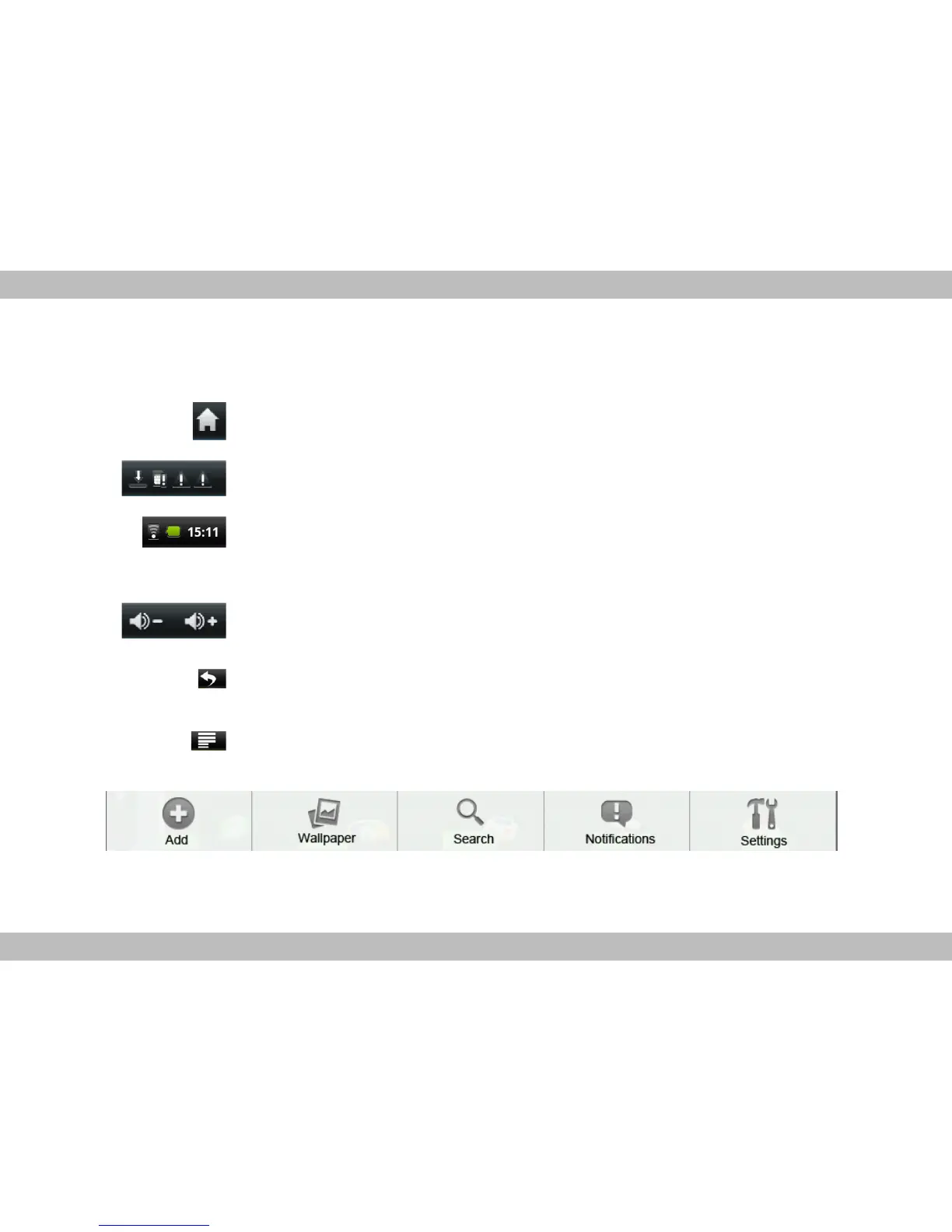
There are 4 home screens. You can switch them by dragging your fingers on the home screen left or
right and do operations shown below:
Home screen: touch to back to the home screen.
System notice: drag it down to see the system notifications.
Status bar: it is used to show the current status of network connec
tion, battery volume and system time.
Touch to decrease / increase the volume key.
Return: touch to return the previous screen.
Menu: touch to popup submenu shown below:



 To Next Page