Photo Browser
Function icon Photos on the system function interface is used for you to view photo files in
your device. It is an APK program, you can also download another APK program to view photos
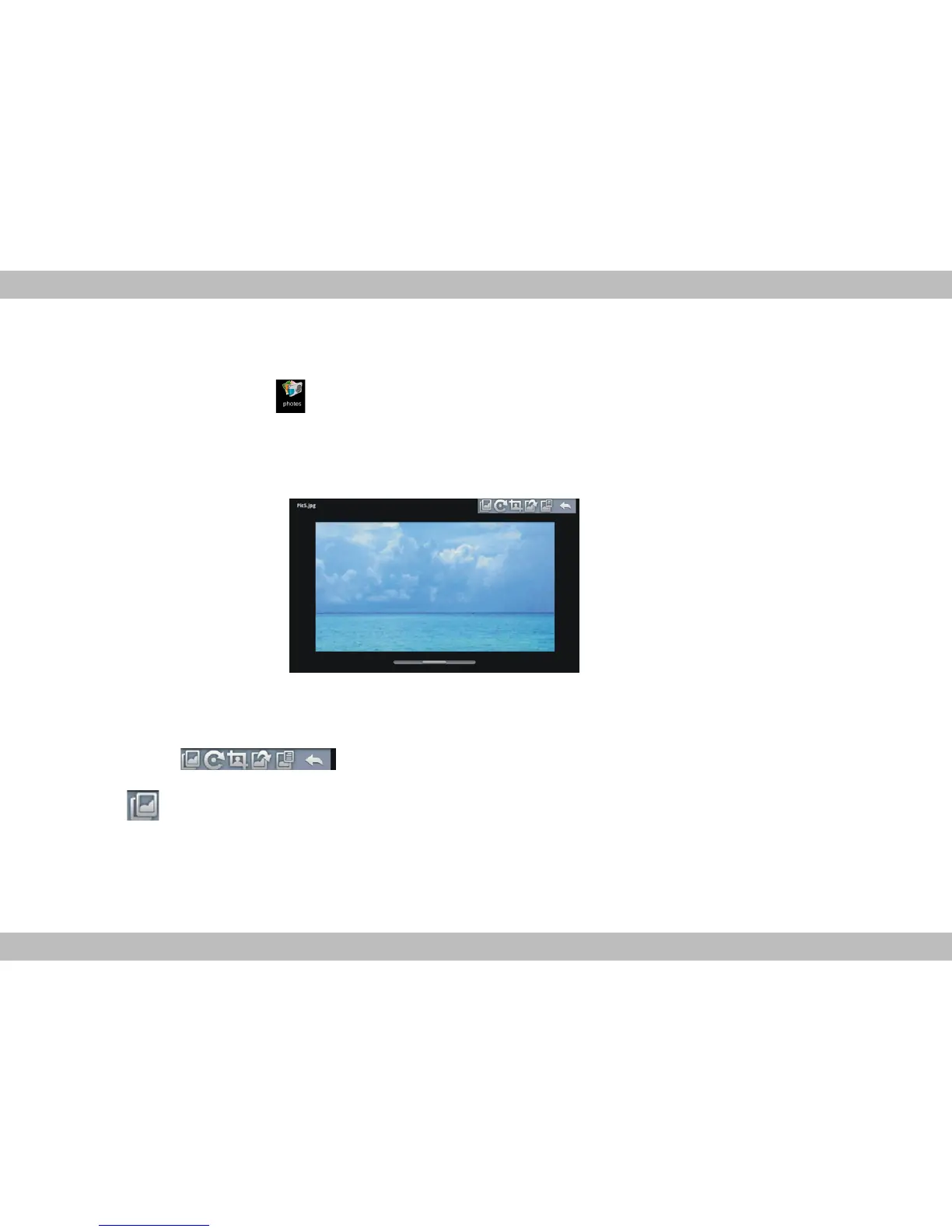
from market or other ways. The photo play interface is shown as the below:
Icons in the tool bar shown on the above interface have functions shown below:
Touch to select a slideshow mode, revolve the current photo, clip the current photo,
set the current photo to be home picture, view photo information and retun the
previous menu.



 To Next Page