Audio Player
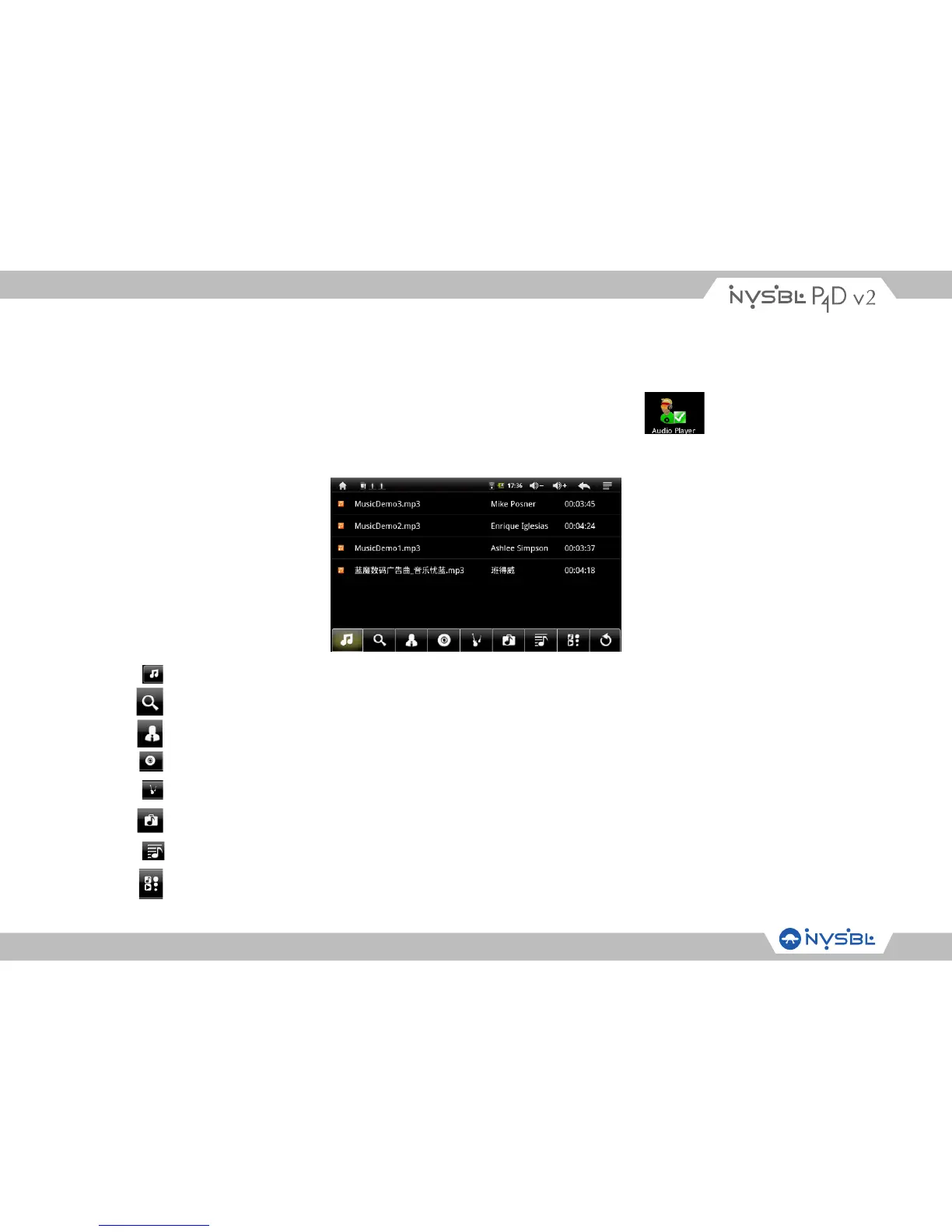
On the system function interface, touch function icon Audio Player to enter the audio fie
listing interface shown below:
Touch to list all music files on screen.
Touch to enter song search & download interface.
Touch to sort song by singer.
Touch to sort song by album.
Touch to sort song by genre.
Touch to sort song by location.
Touch to create and delete play list.
Touch to play the selected song.



 To Next Page