Touch to return the previous screen.
Drag your finger on the screen up and down to view the list and touch any one to
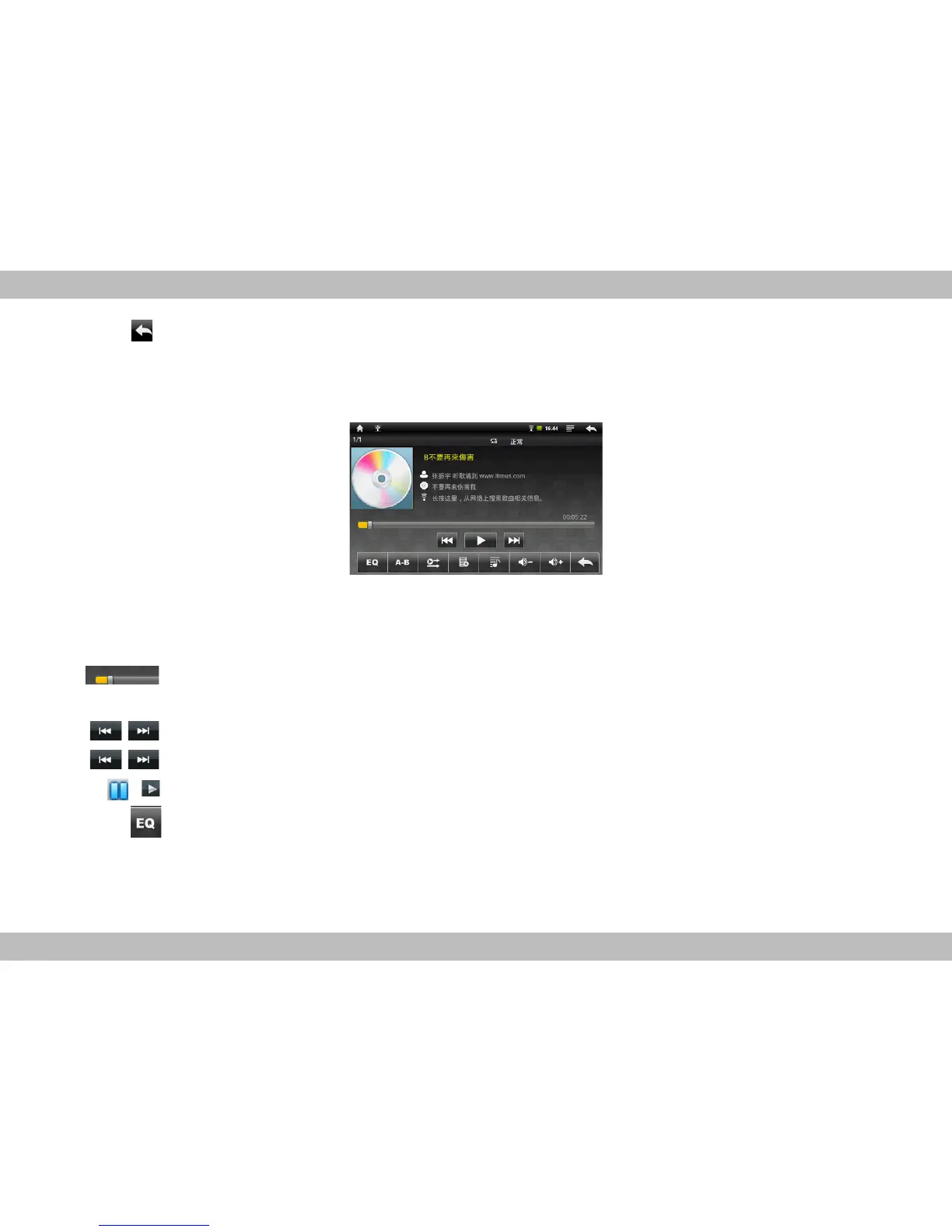
enter audio playing interface like the one below:
Icons in the tool bar shown on the above interface have functions shown below:
Progress bar: it is used to view video playing progress. Dragging it can fast
reverse / forward the video.
Touch to play the previous / next song.
Long press to fast reverse / forward the current.
Pause / play: touch to pause / resume the normal play.
Touch to set sound effect to Normal, Rock, Popular, Classical, Heavy bass,
Jazz and My effect.



 To Next Page