Sound Recorder
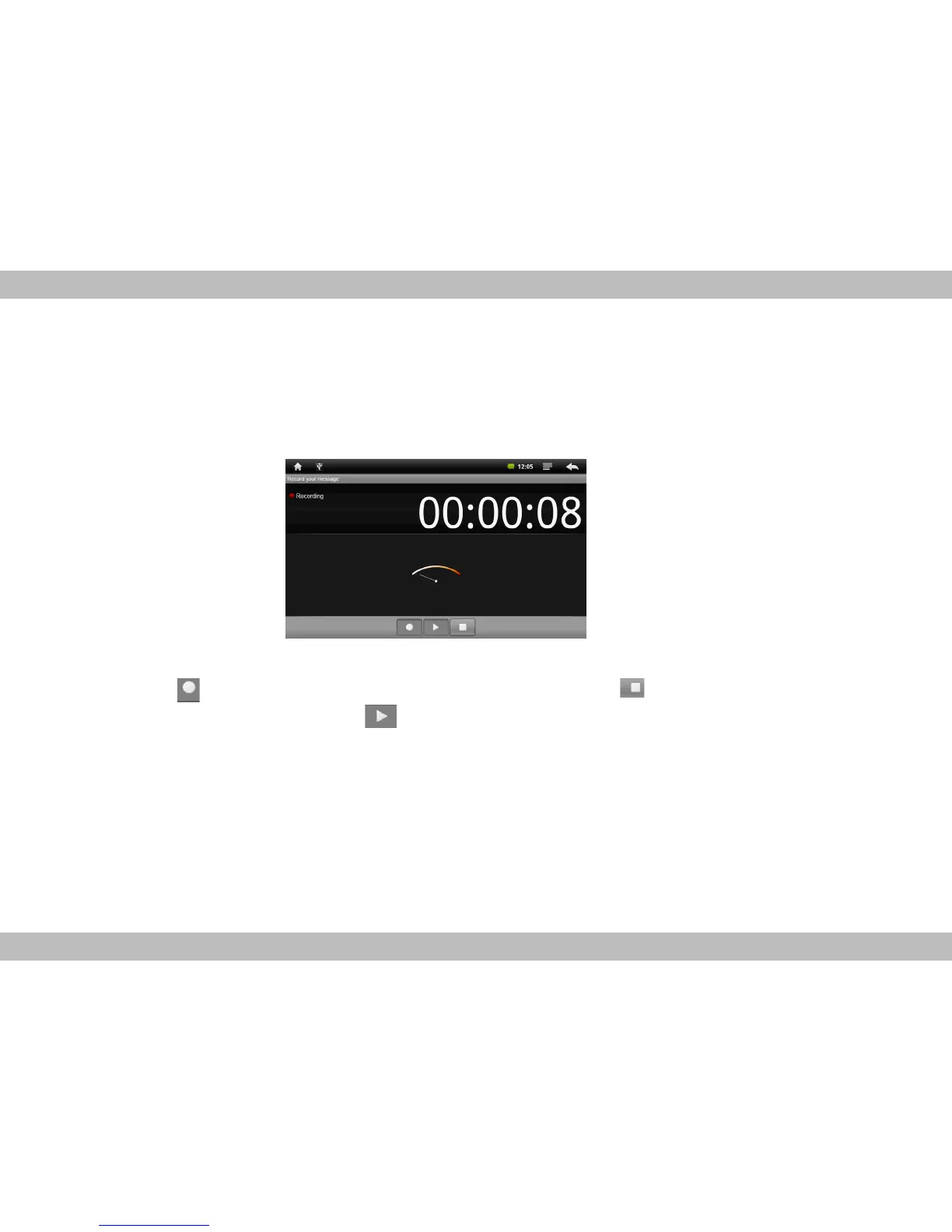
On the system function interface, touch function icon Sound Recorder to enter the voice record-
ing interface shown below:
Touching can start record, after finish the record, touching can popup the record sav-
ing dialogue, this time touching can listen to record just recorded.
All the record files (VXXXX.3gpp) are saved in folder Record, which is located in the root
directory. User can play the record file like play songs.


 To Next Page