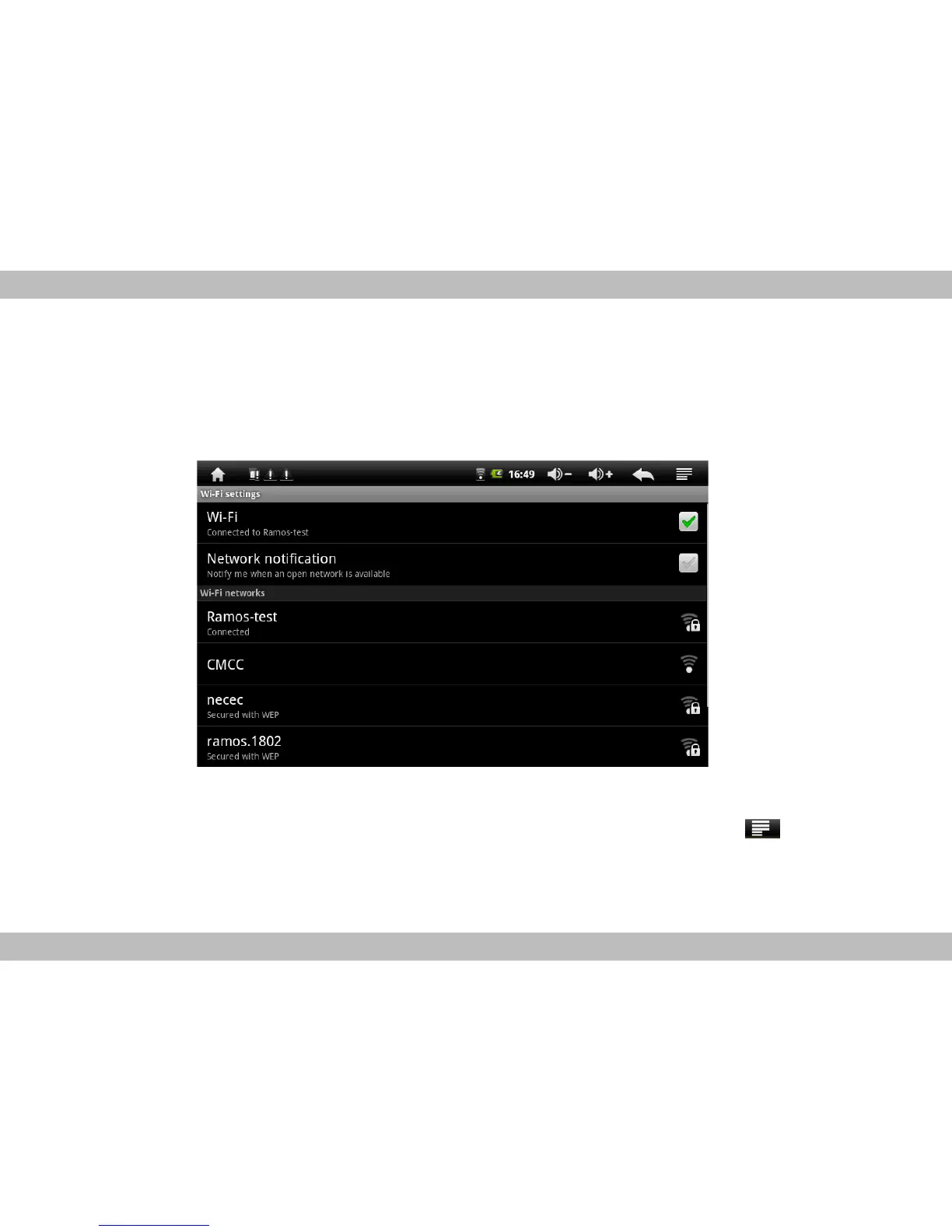
1. Wireless & networks: touch to enter Wi-Fi managing interface, on which user can view cur-
rent Wi-Fi connection under item Wi-Fi. On Wi-Fi managing interface, if user touch item Wi-Fi
settings, then your MID will scan all Wi-Fi networks available and list them on the screen as
the below:
On the above interface, touching any Wi-Fi network scanned can view its signal
status and select whether connect it or not, and touching menu key can select
do operations scanning network again and doing more advanced settings.



 To Next Page