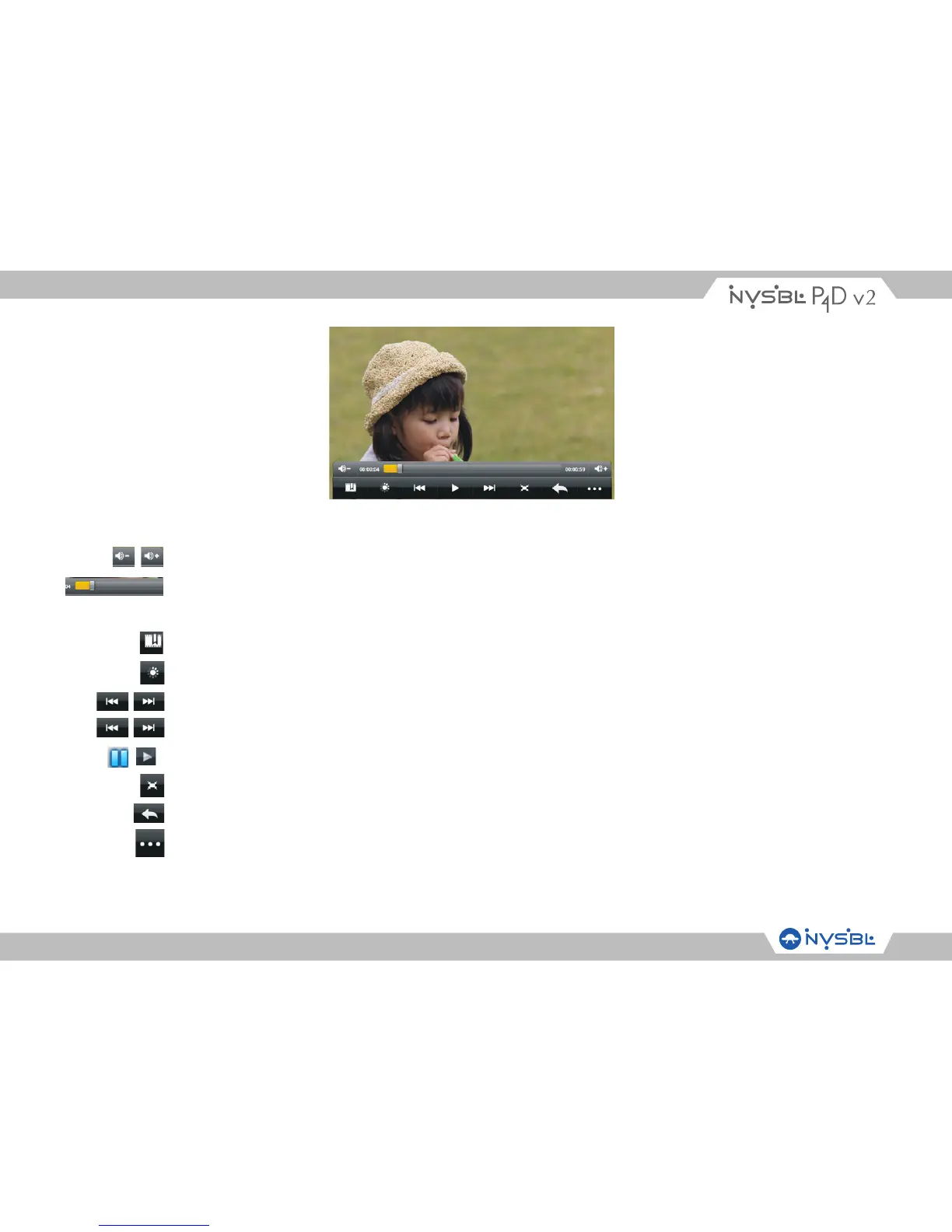
Icons in the tool bar shown on the above interface have functions shown below:
Volume: touch to decrease / increase the volume.
Progress bar: it is used to view video playing progress. Dragging it can fast reverse /
forward the video.
Touch to add the current point to be a bookmark.
Touch to set the screen brightness.
Touch to play the previous /next video.
Long press to fast reverse / forward the current video.
Pause / Play: touch to pause / resume the normal play.
Touch to play video in different size.
Touch to return thee previous directory.
Touch to show sub menu which includes items Play from beginning (this will delete
bookmark), Play mode, TV-Out, HDMI, Help and Return.



 To Next Page