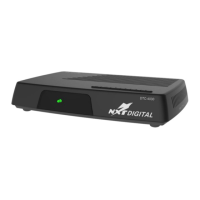
Digital Receiver USER MANUAL
4
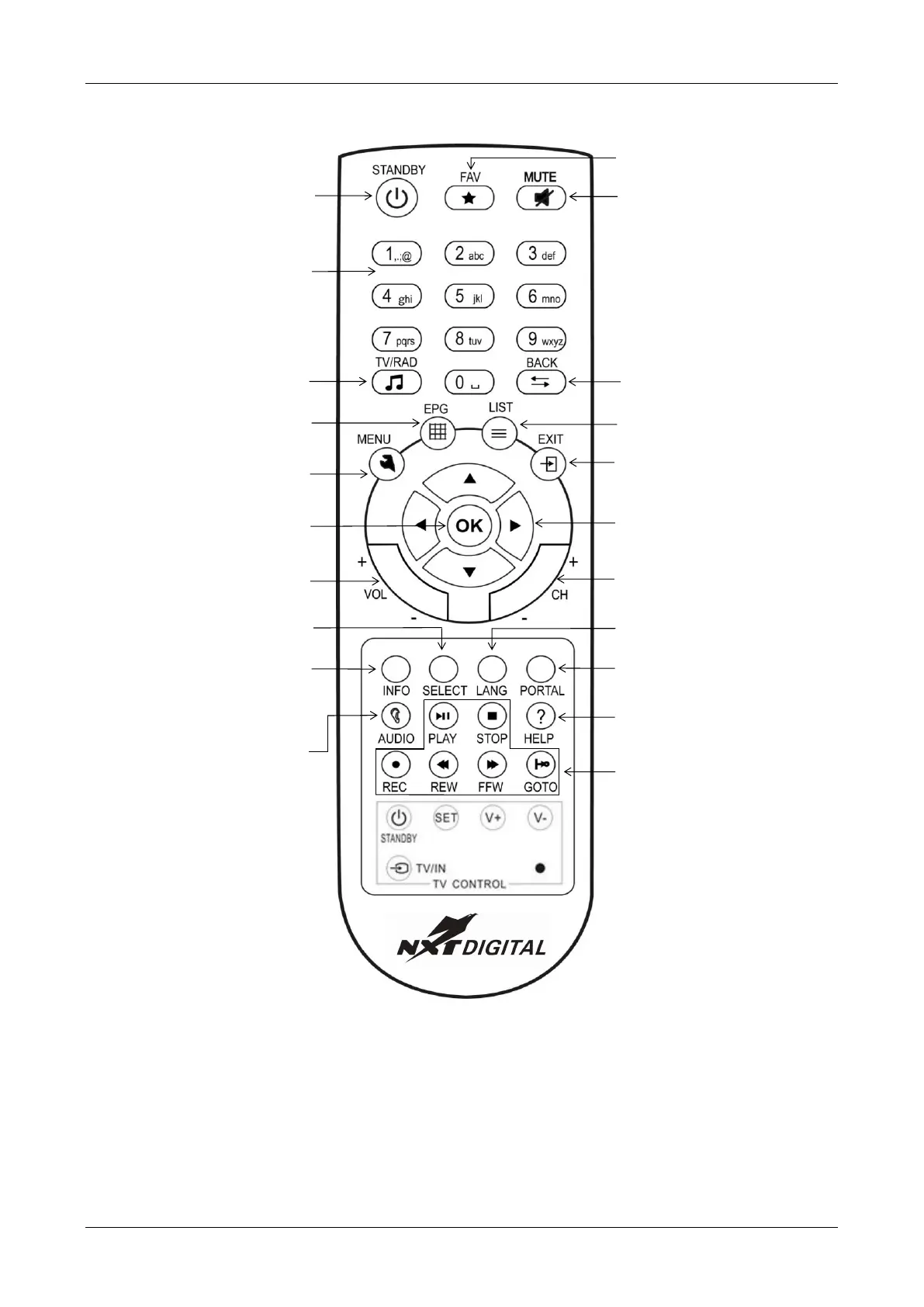
Your REMOTE CONTROL
between TV and Radio
services
Green Button
Select picture and audio
Red Button
Open Info banner
Temporary settings for Audio and
Subtitling
Toggle to previous channel or
menu screen
Favourites
Open favourite list
Select channel with up/down
Select volume with left/right
Open channel list
Select setting
Learning Function Manual
1. Press and hold the (SET) Key for 2 seconds, enter the learning mode when the LED turns ON.
2. Press the learning button, you will be in the learning mode when the LED light is Blinking.
3. Put two transmitting tube focus at each other with same level in 10 mm distance, press the button of the learnt
one for another 1 second, then release it.
4. After learning successful, LED light will keep staying ON after flashed 3 times rapidly. You can choose another
button to change the mode.
5. If you want learn other function, repeat step from 2 to 4.
6. Press (SET) button to save and exit learning mode after completion, LED light will turn OFF.


 To Next Page