Digital Receiver USER MANUAL
5
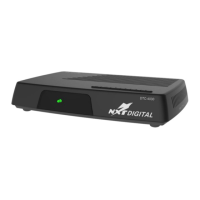
Control your box via the Front Panel Keys
Your Digital Receiver has 6 keys on the front side to allow controlling your Digital Receiver without remote
control on the basic functions:
Standby key:
o Standby/wakeup the digital receiver
o Exit Main Menu and sub menus
OK key
o Calling the main menu and entering sub menus
o Confirm made selections
o Press Up key first for channel change and then the OK key opens the Channel List
Up / Down key
o Channel change
o Change selection in Main Menu or in Channel list
Left / Right key
o Audio Volume change
o Change value of a selection in the Main Menu
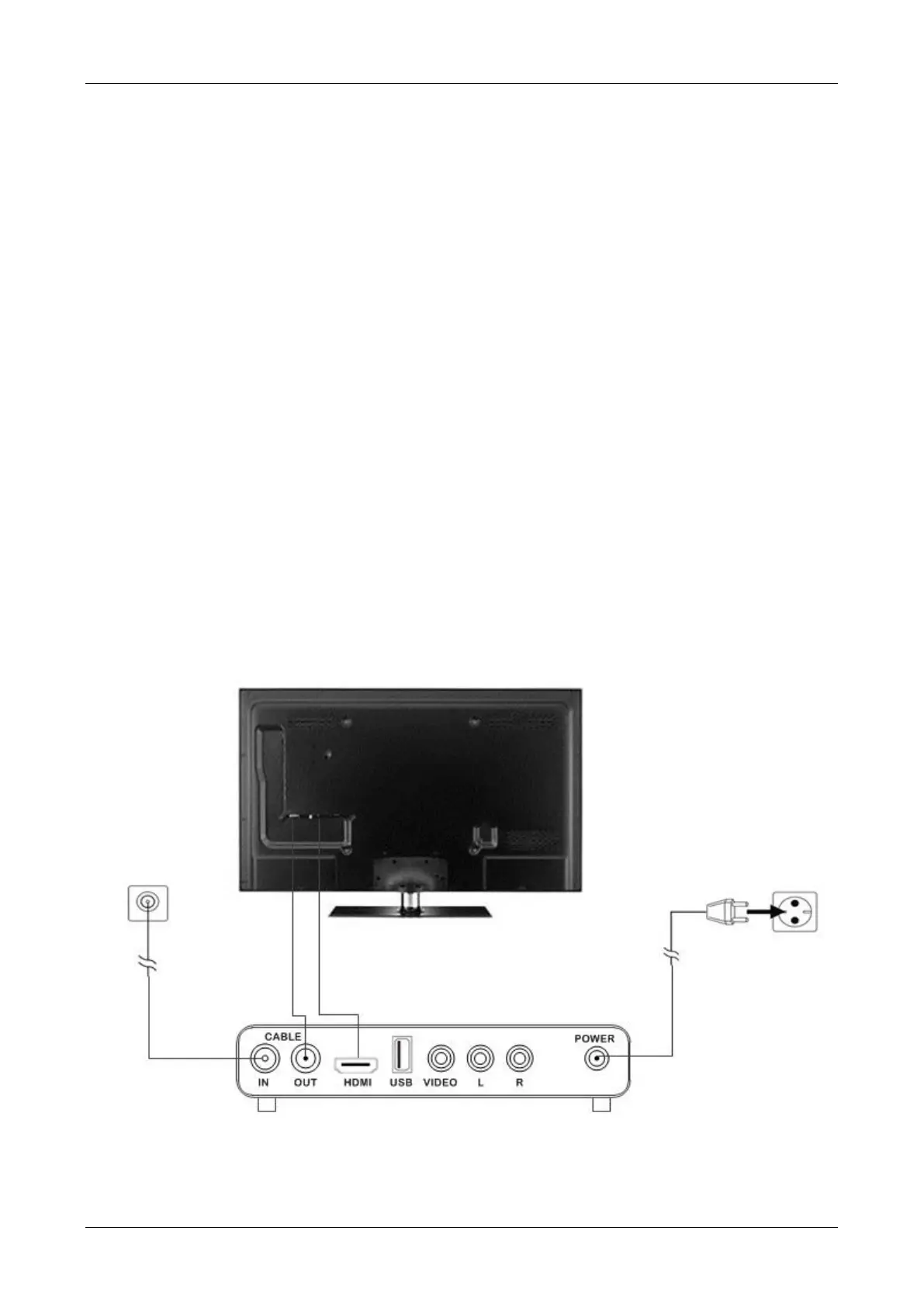
Connecting your Digital Receiver


 To Next Page