Digital Receiver USER MANUAL
7
c. Channel Installation by User
Your Digital Receiver is updating your channel list
automatically while you are enjoying your digital
programme.
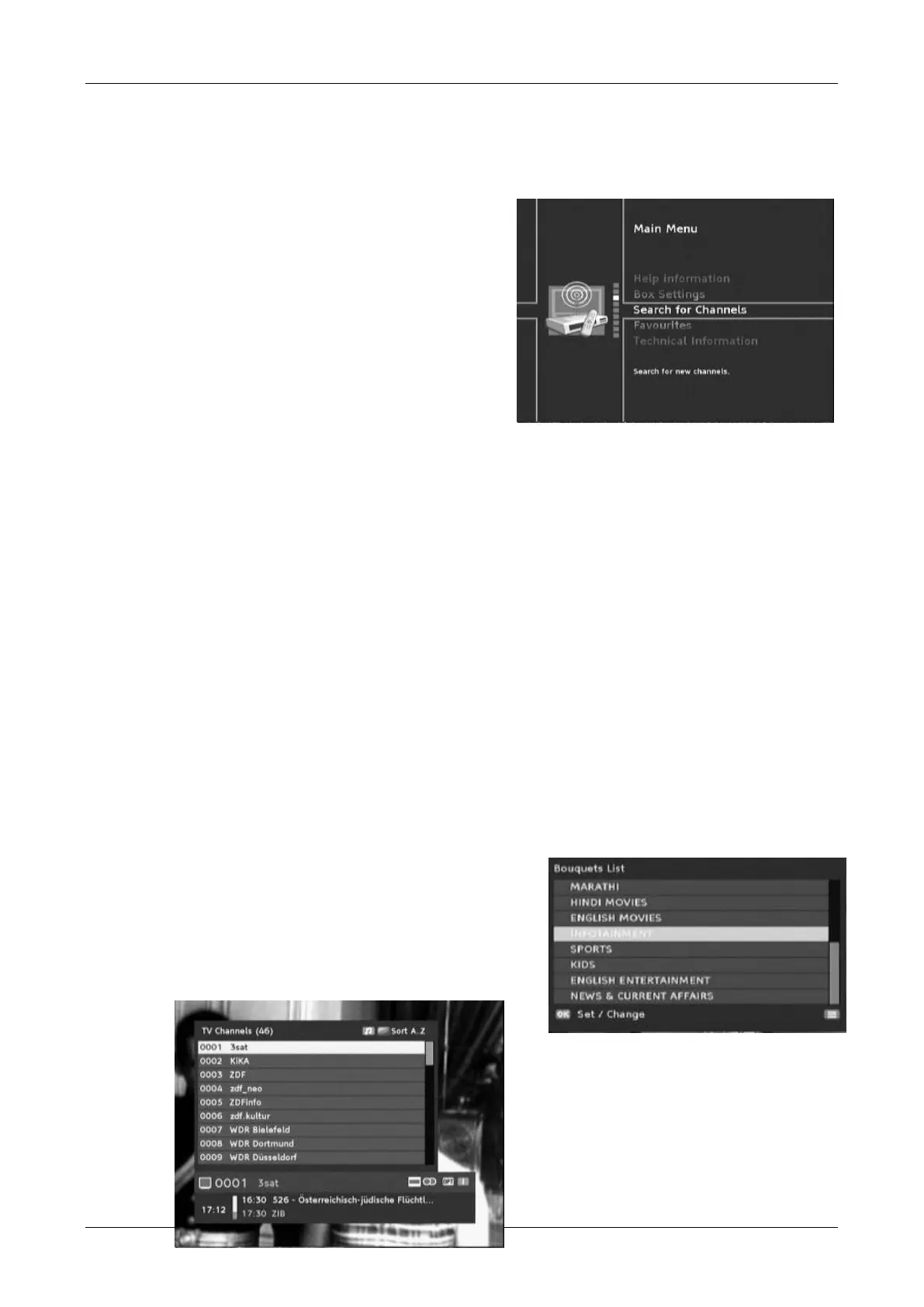
Whenever you want to reinstall or add channels you can
choose additional from main menu between
Automatic Search or Manual Search
After the initial installation you may want to
search for channels again or to add specific
channels that are additionally broadcasted.
Automatic search is usually the best option and
will find all of the channels available
automatically.
Manual search enables the specific search for an
individual channel. This is only suitable if you
want to include just one channel in your channel
list and you know the channel and frequency.
d. Information available while watching TV or listen to Radio
While watching your TV programs you get more information about the TV channel.
Press the INFO (red) key to open the programme information banner. Press again to see detailed
description about the event. Next press will show the next event description. Pressed again you
leave the description and info banner as well if you use the Exit key at any time.
The information banner gives you information like current time, even name of currently running
and following event, current event progress and as well their start times.
Press the TV/RAD key to toggle between TV and Radio mode.
Press the EPG key to enter the Electronic Programme Guide (EPG). At first press you will enter the
Grid EPG and at second press you enter the 8 day schedule EPG. To leave the EPG press the EPG
key a third time.
Press the FAV key to open your favourite list and press again to toggle to your other favourite
lists. How to create favourite lists please refer to next chapter.
Press the LIST key to open the list containing all
channels maybe sorted in Genre grouping if available
by the broadcasting.
You can as well press the OK key to open current
active channel list.
To switch to another channel use the arrow keys
/ //and press the OK key.


 To Next Page