NZXT. 4
steps will outline the steps to remove the top, side panels and the
motherboard tray.
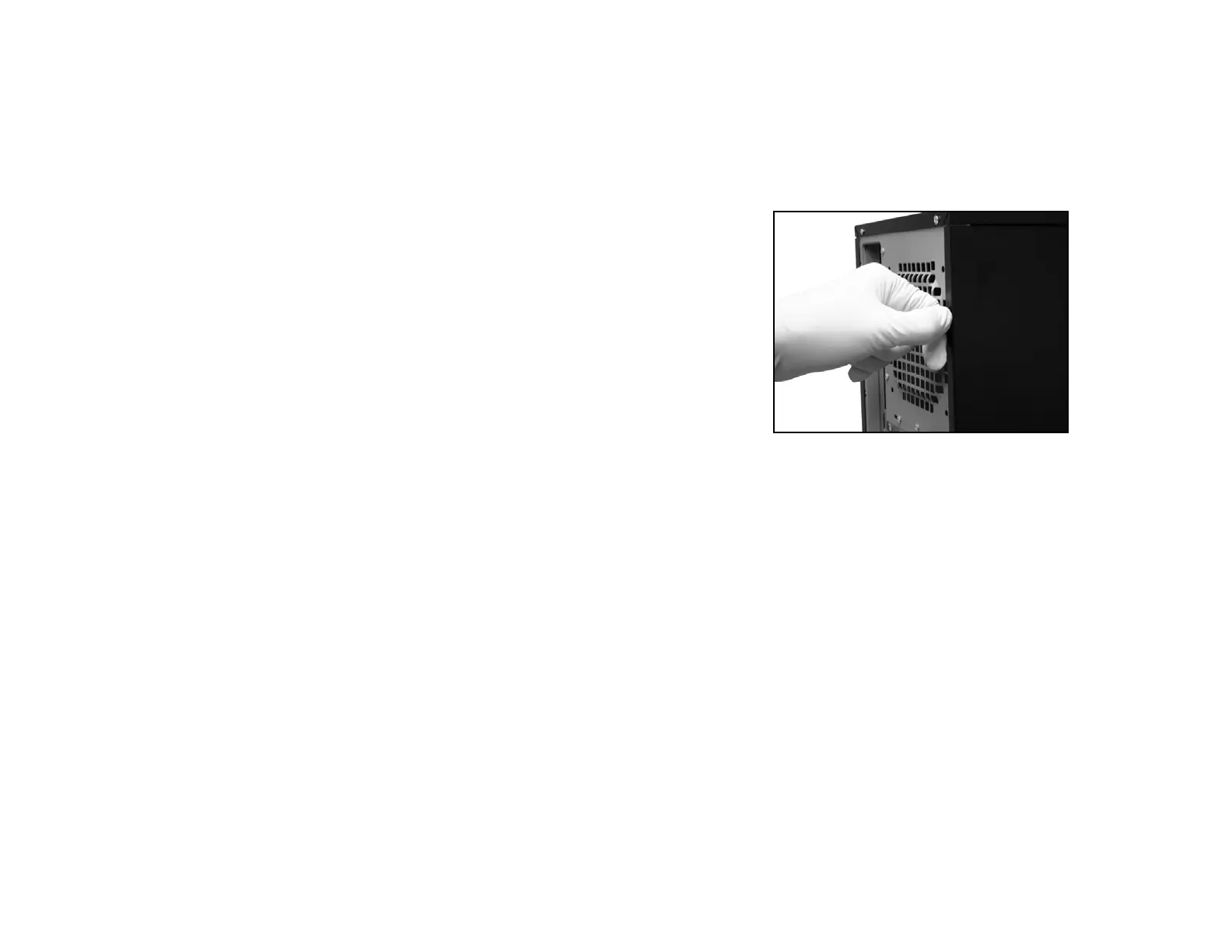
1. Remove the thumb screws securing the side panels.
2. Pull the side panel out and remove it.
Opening the side panel
Motherboard Installation
Please refer to the case interior infrastructure and secure the power
supply at the back of the case by using the screws provided.
1. Match the motherboard form factor ( E-ATX, ATX, M-
ATX, Mini-ATX ) with the holes on the motherboard tray
2. Secure the standoffs onto the holes which match your
motherboard
3. Lay the motherboard onto the standoffs and then
continue to secure the motherboard with the screws
provided.



 To Next Page