NZXT. 5
LED, Power and Reset Installation
Please refer first to your motherboard manual to locate where the
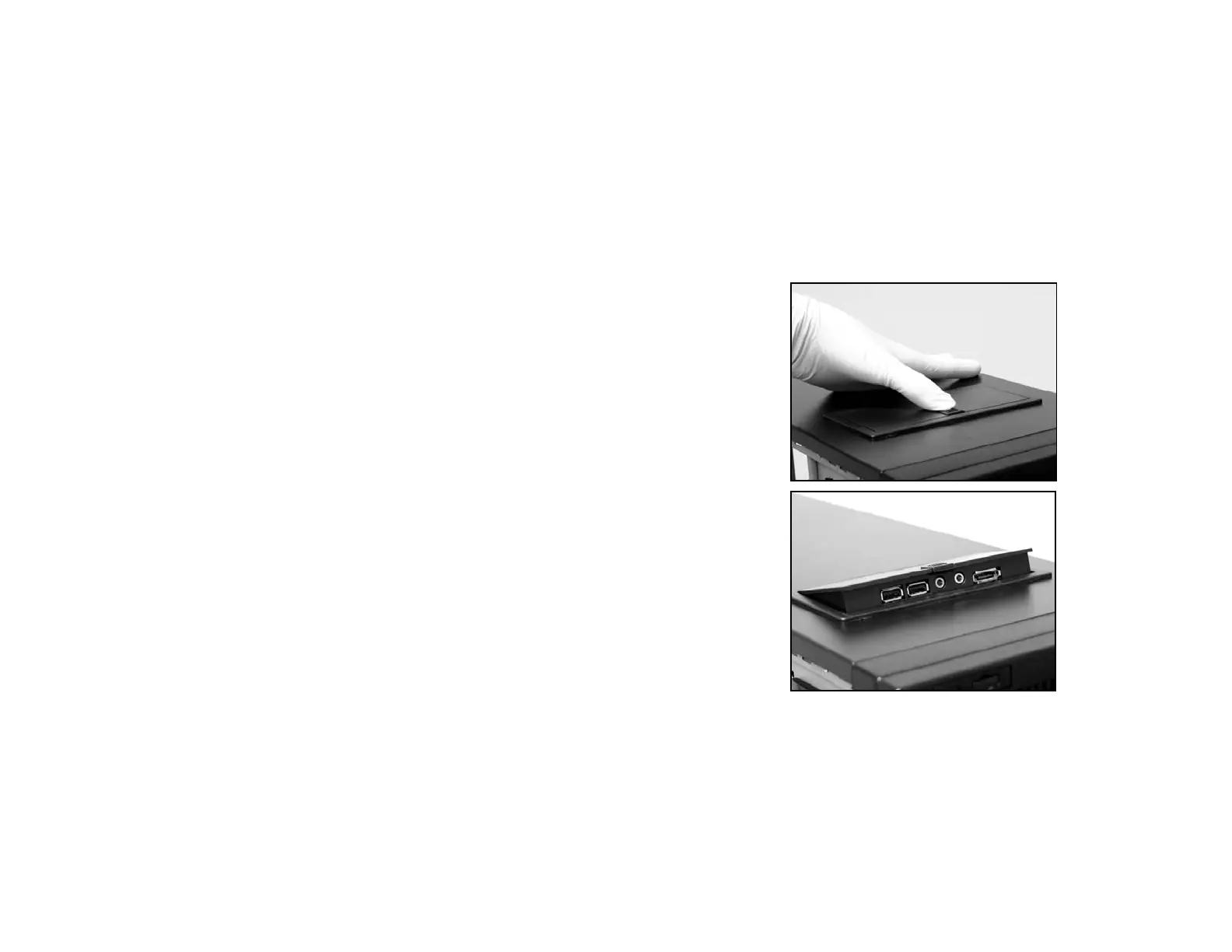
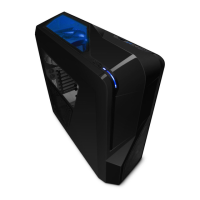
power switch and reset pins are located. The power and reset
buttons are located at the top of the chassis. The colors following
each instruction designate the color of the wires.
USB, Audio ports, E-SATA, Reset, and Power buttons
1. Connect the reset switch (labeled RESET SW) by
connecting to your motherboard RESET connector. Make
sure you always attach the white wire to ground. (Blue/White
+/-)



 To Next Page