NZXT. 7
R-OUT Front Right Channel Audio Signal Line out_R
L-RET Rear Left Channel Audio Signal
BLINE Line
out_L
R-RET Rear Right Channel Audio Signal
BLINE Line
out_R
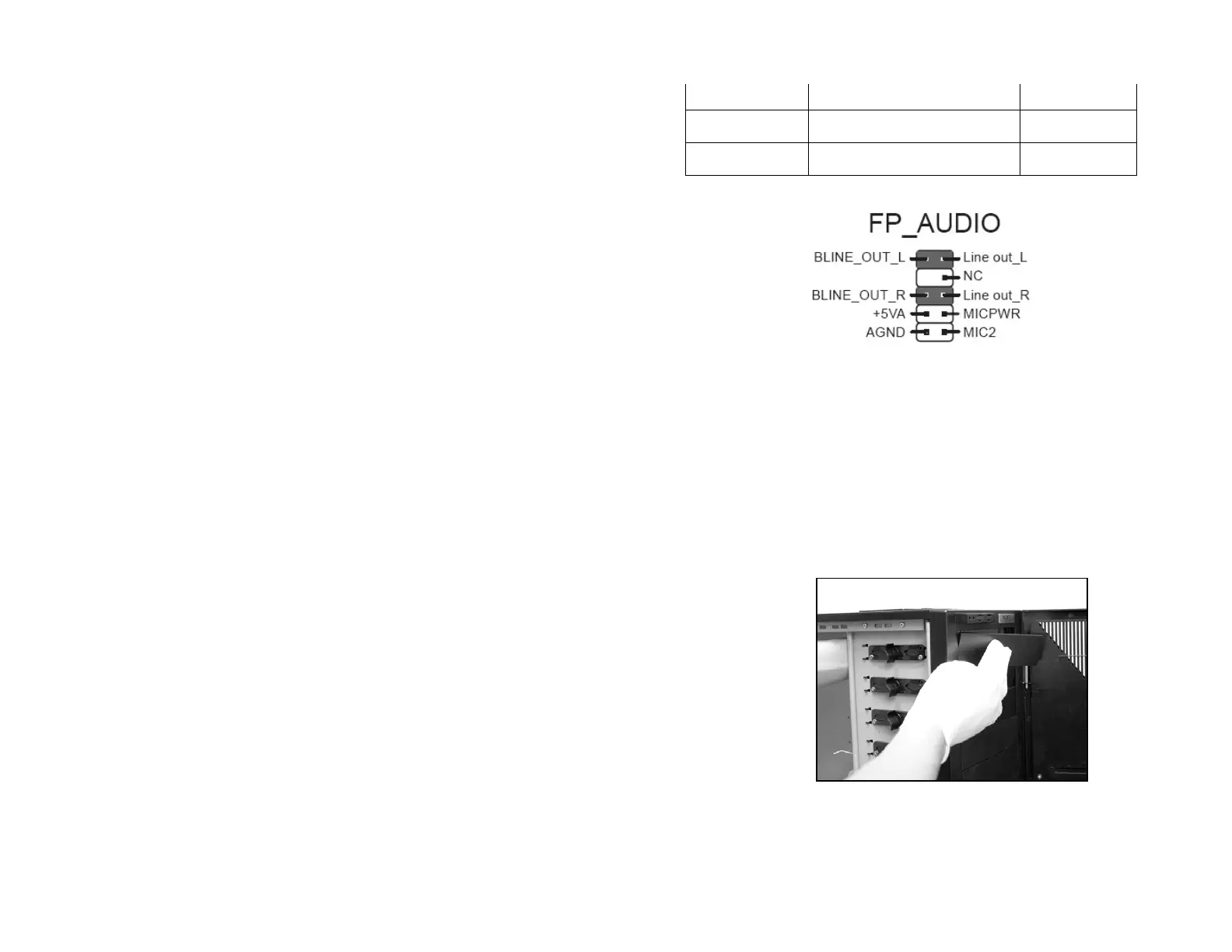
ASUS© Motherboard Pin Assignment
External 5.25” Drive Bay Installation
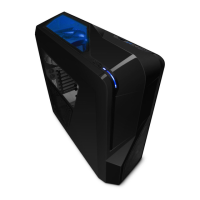
Please follow the directions below to install the 5.25” in the top 3
bays of the Tempest:
1. Remove the drive bay cover for the bay the 5.25” device is
being installed.
2. Remove the screwless mechanism so the 5.25” drive can
slide in correctly.



 To Next Page