5 / 9
4. Subsequent working.
Next time when you take out the headset from charging bin, the headset will paring
your mobile phone automatically (Make sure mobile phone Bluetooth is turned on
already)
Single ear mode
1. If “L” headset paired mobile phone before, next time when you use “L” headset
single ear mode, just need to take our “L” headset and wait for about 10 seconds, the
headset will pair automatically.
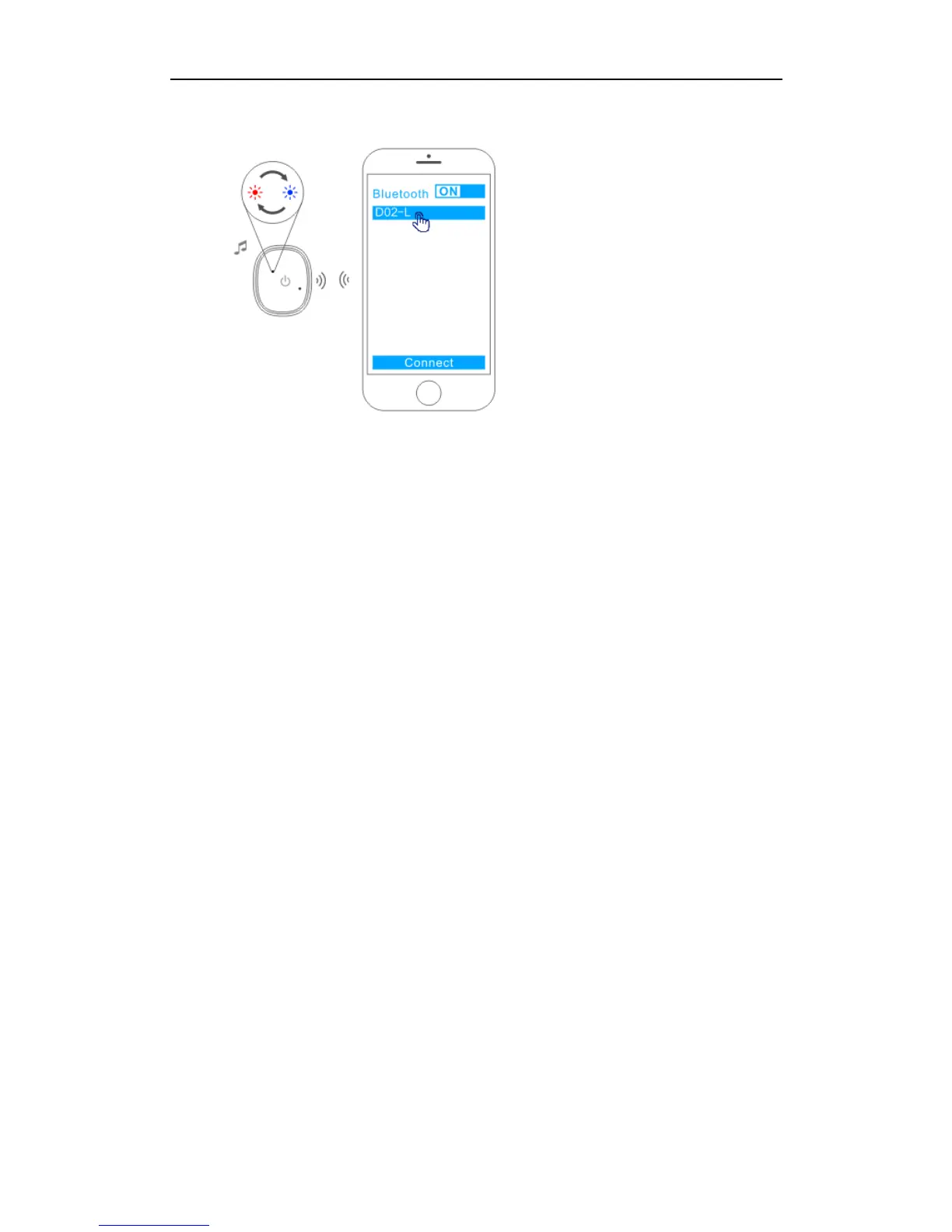
2. If “L” headset didn’t pair mobile phone before, you will need to take out headset or
power on headset and wait about 10 seconds until the LED indicator light flash red
and blue, then turn on mobile phone Bluetooth, search and pair “D05-L”.
3. The first time when you use “R” headset, take out headset or power on headset and
wait for about 10 seconds until the LED indicator light flash red and blue, then turn
on mobile phone Bluetooth, search and pair “D05-R”.
4. If “R” headset paired mobile phone before, next time when you use “R” headset
single ear mode, just need to take our “R” headset and wait about 10 seconds, the
headset will pair automatically.
Charging Instruction
How to charge the charging bin
Connect the adapter or USB port via USB cable, it will finish charging after about 120
minutes.



 To Next Page