7 / 9
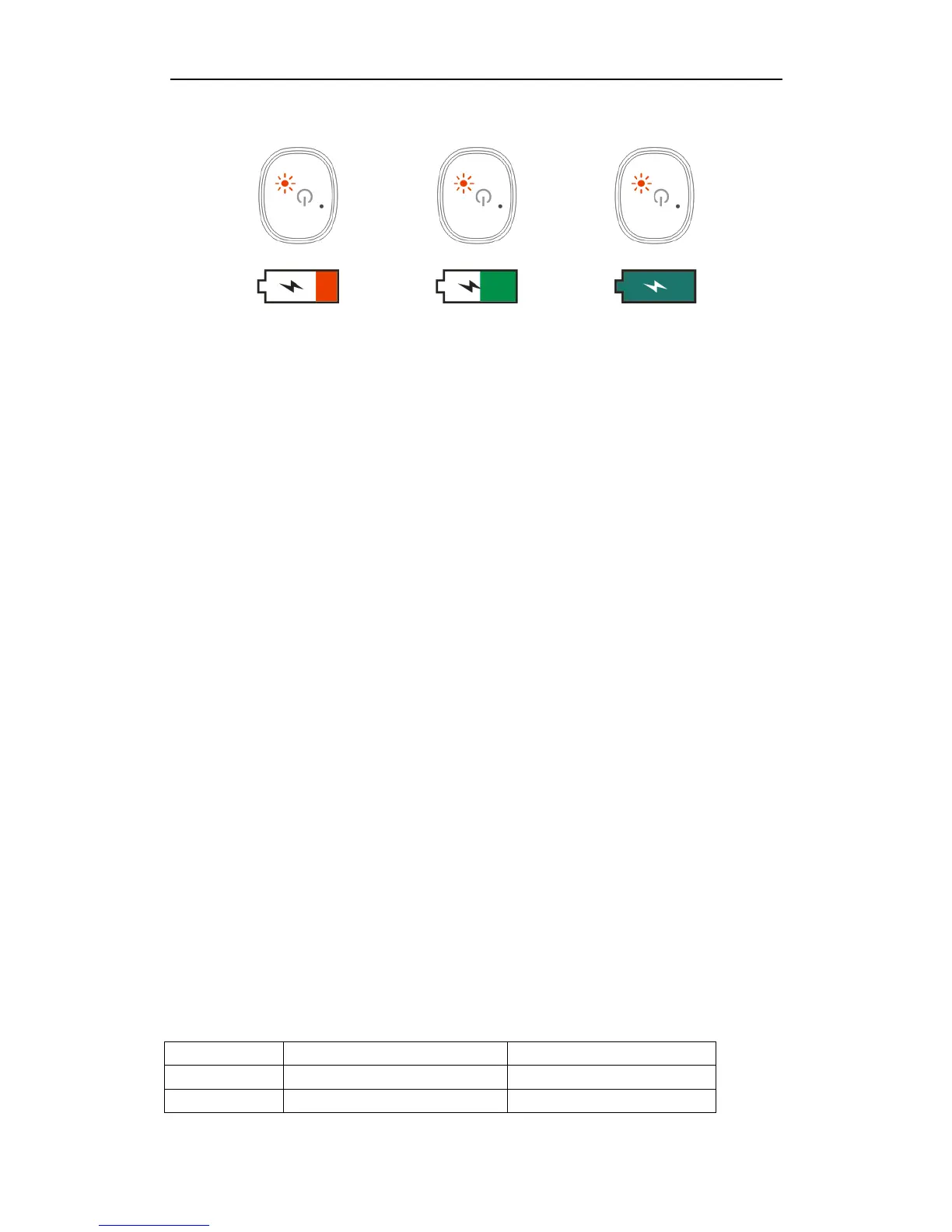
Working status
Flashing red light shows low power
Charging status
The red light keep lighting on shows it's charging.
Charging status
The red light flash 5 times and then light off shows charging is finished
Function list:
1 Headset Call
Binaural mode: Call status, only the main headset(left headset) has sound.
Single ear mode: Call status, single headset has sound(left and right headphones can
work separately)
Coming call status: Single click to answer the call, long press for two seconds to
reject the call.
Standby status: Double-click the main-headset(left headset)key, will dial back the last
number automatically.
Call Status: Single click the key to hang up the call, double-click the key to transfer
the call to the phone.
2. Play music
Play: single click the key
Pause: single click the key
Next: Double click the key when playing the music
3. Power off
Put the headset back into the charging bin or long press the headset key for 4
seconds.
Troubleshooting



 To Next Page