6
EN
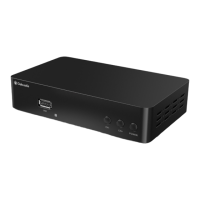
Steps for getting started with your Freeview Box
1. Turn on your TV.
2. Plug the STB (Set Top Box) device into the mains.
3. Connect the STB to your TV using an HDMI cable or SCART cable
(See page 5 for details).
4. Select the correct source/video or AV input channel for the HDMI
input. This can be done by pressing the TV/AV or VIDEO button
on your TV remote control. (Refer to your TV user’s manual for
instructions).
5. The welcome screen will appear, followed by a message asking if
you would like to automatically search for channels and stations.
6. To automatically search for available channels and stations, press
OK on the remote control (Ref.). The auto search window will
apear and searching begins.
If you want to search for channels and stations yourself, see
‘Manual Searching’ on page 15 for instructions and follow the
steps described.
7. Once the search is complete, the device will automatically begin
playing one of the TV channels found.
Getting Started
Instrucon Guide


 To Next Page