TRANSFERRING MUSIC FROM CDs
To transfer songs from a music CD to THUMP Pro, you must first convert the CD music into one of the supported file formats.
If you have a CD burner, the software included with the burner may have this ability. Otherwise, there are many music-
playing programs that can convert files. Check the Internet for these free third-party programs. One or more might already
be installed on your computer. Look in your computer menu for a media program that plays CDs, then select Help from the
menu and look for “file conversion” or “AAC” or “MP3” or “WMA” or “rip.” Once the files are converted, use the directions
above to transfer them to THUMP Pro.
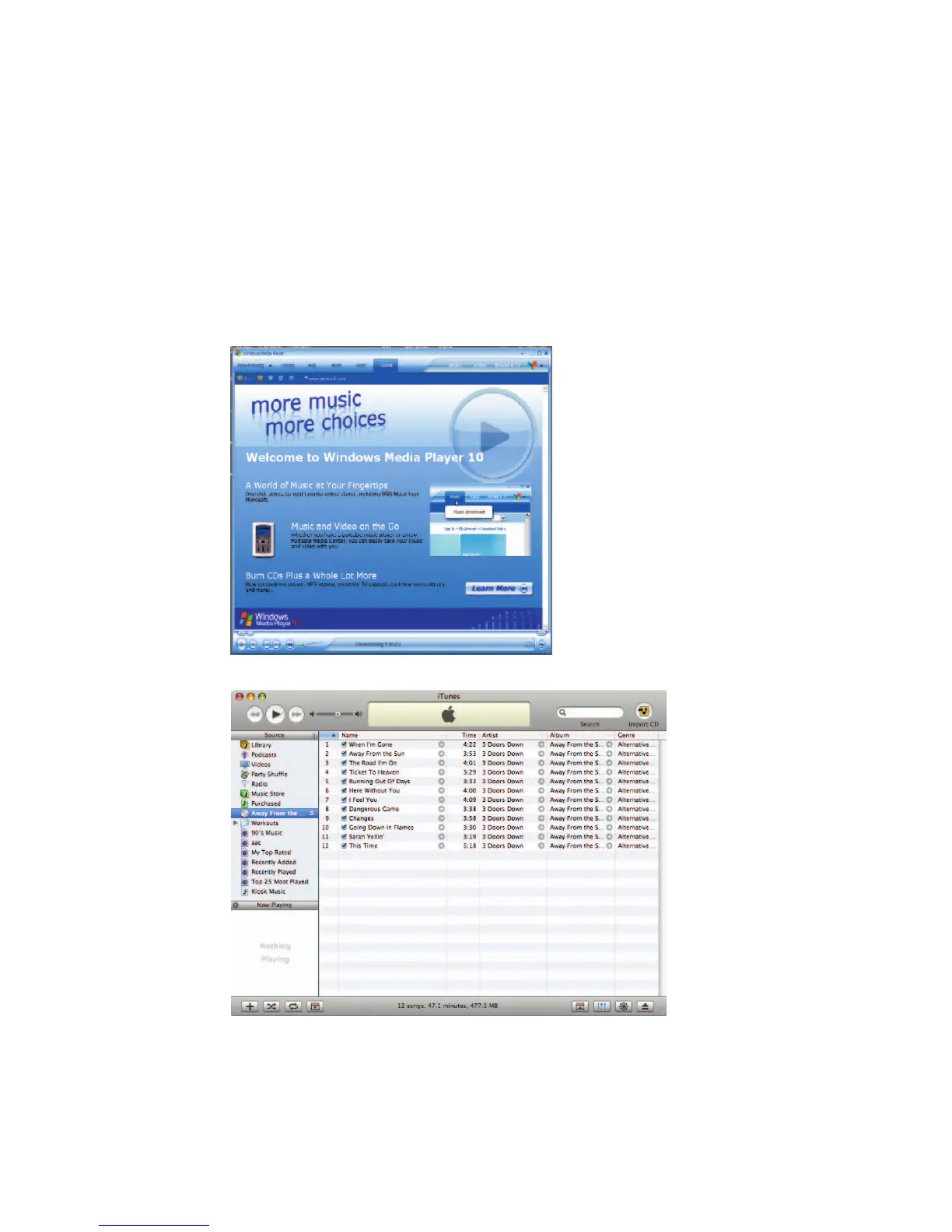
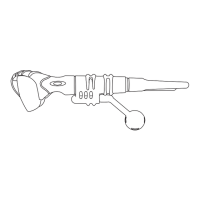
Two applications with the ability to create THUMP Pro compatible media are:
THUMP PRO USER GUIDE 6
WARNING: Files created by these applications are for personal use only. Unauthorized recording or duplication of
copyrighted material may infringe upon the rights of third parties and may be contrary to copyright laws.
Microsoft Windows Media Player (version 9 and above)
Apple
®
iTunes
®
(version 5 and above)


 To Next Page