(10) — Self-Diagnosis icons and numberings
(11) — Temperature compensation mode icons — ATC: Auto Temperature Compensation; MTC: Manual
Temperature Compensation
(12) — Completed calibration icons
(13) — Stable reading icon
(14) — Icons for maximum and minimum values
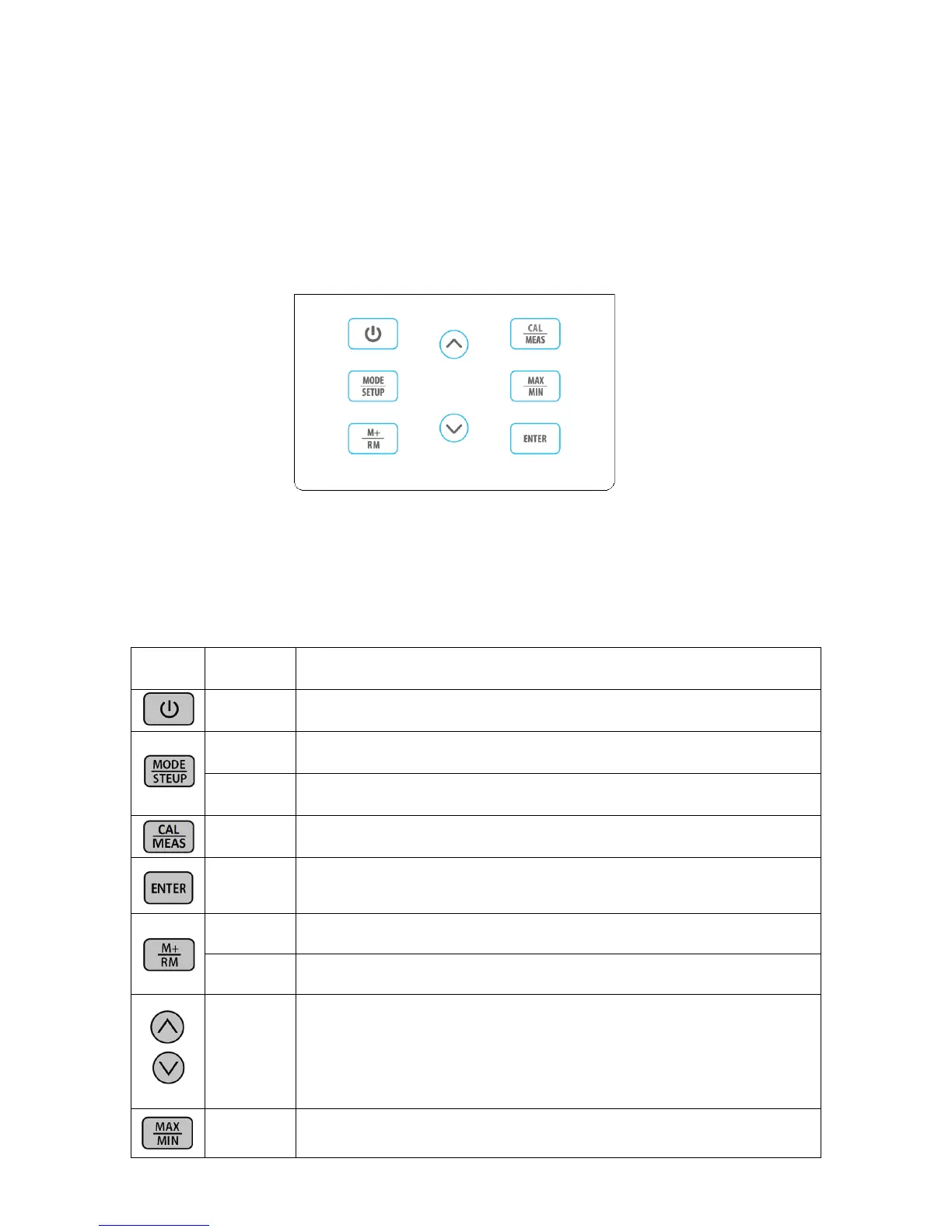
3.2 Keypad
3.2.1. Keypad operations
Short press ----- <1.5 seconds; Long press ----- >1.5 seconds.
3.2.2 For keypad operation, please see Table-1.
Table – 1 Keypad operations and descriptions
Select measuring mode: Cond→TDS.
Enter parameter setting:P1→P2→…P6.
Enter Calibration mode
Cancel any operation and go back to measurement mode
In calibration mode, press to conduct calibration
In parameter setting, press to confirm selection
Recall stored measuring data
Short Press
or
Long Press
1. In manual temperature compensation mode, short press to change
temperature, long press to change quickly
2. In parameter setting mode, short press to change parameter and settings.
3. In recall mode, short press to change numberings, long press to change
quickly.
4. Buttons for max/min values (refere to section 3.6)


 To Next Page