EasyManua.ls Logo

Oakton Ion 510 Series - User Manual

Oakton Ion 510 Series
30 pages
Print Icon
To Next Page IconTo Next Page
Loading...
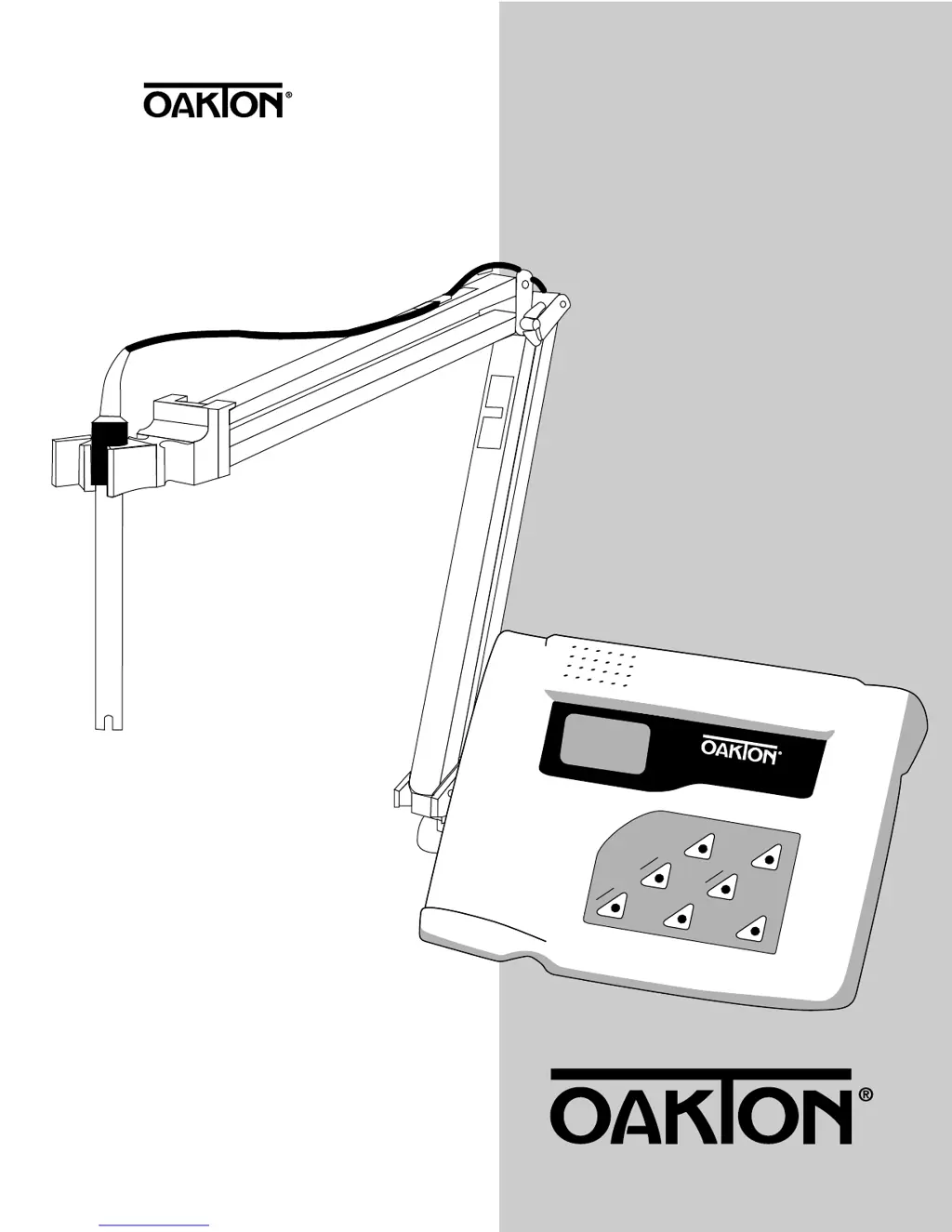
pH/mV/Ion/°C meter
ON/OFF
MEAS
MODE
HOLD
ENTER
CAL
MR
MI
The
pH 510 and Ion 510 Series
Benchtop Meters
WD-35619-00, -02, -03, -05, -07,
-08, -10, -12, -15, -17
WD-35619-20, -22, -23, -25, -27, -28
pH 510—pH/mV/°C meter
Ion 510—pH/Ion/mV/°C meter
2/00 ©2000 00702-93

Questions and Answers

  • C
    Cody DuffyAug 15, 2025
    What to do if Oakton Ion 510 display shows Ur or Or?
    • L
      Lisa PerezAug 15, 2025
      If your Oakton Measuring Instruments display shows 'Ur' or 'Or' during pH or ppm measurement, with 'C ATC' also visible, it could be due to several reasons. First, ensure the electrode is properly connected. If it is, try recalibrating the meter. The electrode might also be clogged, dirty, or broken, so clean or replace it. Finally, the measurement may be out of range; in this case, treat the samples to bring them within the meter's measuring range.
  • R
    Robert SalasAug 18, 2025
    Why is my Oakton Ion 510 reading unstable?
    • E
      ericfernandezAug 18, 2025
      An unstable reading on your Oakton Measuring Instruments can be caused by several factors. Check the electrode's reference electrolyte level and refill if it's low. A broken electrode can also cause this issue, so consider replacing it. Electrical interference from nearby motors or ultrasonic devices can also be the culprit; try removing or switching off these devices. Lastly, a dirty electrode can lead to unstable readings, so clean and hydrate it if needed.
  • B
    Brian YoungAug 21, 2025
    What to do if electrode icon shows CAL pH ERR pH on Oakton Measuring Instruments?
    • S
      Shari WilliamsAug 21, 2025
      If the electrode icon displays 'CAL pH ERR pH' on your Oakton Measuring Instruments, it indicates that the buffer value doesn't match the displayed value, the electrode is disconnected, or the electrode is failing. Try using fresh buffer solutions and check the electrode connection. If the problem persists, you may need to replace the electrode.
  • J
    Jeffrey SanchezAug 25, 2025
    Why is Oakton Ion 510 response so slow?
    • C
      Christopher PattonAug 25, 2025
      A slow response with your Oakton Measuring Instruments is often due to a dirty electrode. Clean the electrode and hydrate it if needed to resolve this issue.
  • A
    Adam HannaAug 27, 2025
    What to do if Oakton Measuring Instruments keypad not responding?
    • P
      Peter FinleyAug 27, 2025
      If your Oakton Measuring Instruments keypad is unresponsive, it could be due to a couple of reasons. First, check if HOLD mode is active, indicated by 'Hold' on the LCD; if so, press the Hold button to cancel HOLD mode. If that's not the issue, there might be an internal program error. Try resetting all internal programs by removing the A/C adapter from the meter and then re-inserting it.
  • U
    upooleAug 30, 2025
    What to do if Oakton Measuring Instruments shows Err. 3 during calibration?
    • H
      Hannah EvansAug 30, 2025
      If your Oakton Measuring Instruments display shows 'Err. 3' during ion calibration ('CAL ERR'), it means that the calibration solution is not within an acceptable range or the electrode is faulty. Recalibrate using fresh ion solutions and, if the issue persists, replace the electrode.
  • D
    David ZhangSep 2, 2025
    Why Oakton Measuring Instruments is not turning on?
    • T
      Thomas AlvaradoSep 2, 2025
      If your Oakton Measuring Instruments display is blank when you press the ON/OFF key, it could be due to two reasons: either the AC outlet power is not switched on, or the AC adapter socket is not inserted properly. Ensure that the power supply is switched on and re-insert the AC adapter socket correctly.
  • D
    Deanna SmithSep 5, 2025
    What does Err. 2 mean on Oakton Measuring Instruments?
    • C
      christopher90Sep 5, 2025
      If your Oakton Measuring Instruments shows 'Err. 2' during ion calibration ('CAL READY ERR'), it indicates that the meter was calibrated with only one point. To resolve this, recalibrate using two or more points.
  • D
    Darlene StoutSep 8, 2025
    What does Err. 4 mean on Oakton Ion 510 Measuring Instruments during calibration?
    • J
      Jennifer WestSep 8, 2025
      If your Oakton Measuring Instruments shows 'Err. 4' during ion calibration ('CAL READY ERR'), it means that the calibration points are more than one decade apart. Recalibrate using calibration points that are one decade apart.
  • K
    Kyle PerezSep 12, 2025
    What to do if Oakton Measuring Instruments shows pH ERR C ATC?
    • E
      Emma HarveySep 12, 2025
      If your Oakton Measuring Instruments displays 'pH ERR C ATC' in the secondary display with 'MEAS READY', it indicates that the button you are pressing does not work in the current operation mode. Release the key and select valid buttons depending on the mode.

Summary

Starting Up the Meter

Back Panel Connections

Details the purpose of each connection port on the meter's rear panel for accessories.

pH Calibration and Measurement

pH Calibration Procedure

Guides users through calibrating the pH meter using buffer solutions for accurate readings.

pH Measurement Process

Explains how to take pH readings, including automatic and manual temperature compensation.

mV Calibration and Measurement

Ion Calibration and Measurement (Ion 510 Only)

Ion Calibration

Details the multi-point calibration process for ion measurements on the Ion 510 meter.

Ion Measurement

Explains how to perform ion concentration measurements using the Ion 510 meter.

Memory Functions

Temperature Calibration

Setup Mode

Electrode Care and Maintenance

Troubleshooting Meter Issues

Error Message Diagnosis

Guides users to diagnose problems indicated by error messages and provides corrective actions.

Common Problems and Solutions

Lists common meter issues, their causes, and suggested solutions for operational problems.

Meter Specifications

Technical Specifications

Details technical specifications for pH 510 and Ion 510 meters, including range, resolution, and accuracy.

Oakton Ion 510 Series Specifications

General IconGeneral
pH Resolution0.01 pH
pH Accuracy±0.01 pH
Salinity Resolution0.01 ppt
Memory500 data sets
mV Range±2000 mV
Temperature Range-5.0 to 105.0°C
Temperature Resolution0.1 °C
Temperature Accuracy±0.5 °C
Resistivity Resolution0.01 to 0.1 MΩ•cm
DisplayLCD with backlight
Power SupplyUniversal power adapter, 100-240 VAC, 50/60 Hz
CalibrationUp to 5 points

Related product manuals