EasyManua.ls Logo

OBL KIT-PRO UL - Using the KIT PRO Software Interface; User Interface Navigation; Program Icons and Functions

Default Icon
42 pages
Print Icon
To Next Page IconTo Next Page
To Previous Page IconTo Previous Page
Loading...
File: UT-5601 Copyright © - OBL Metering pumps - All rights reserved
20
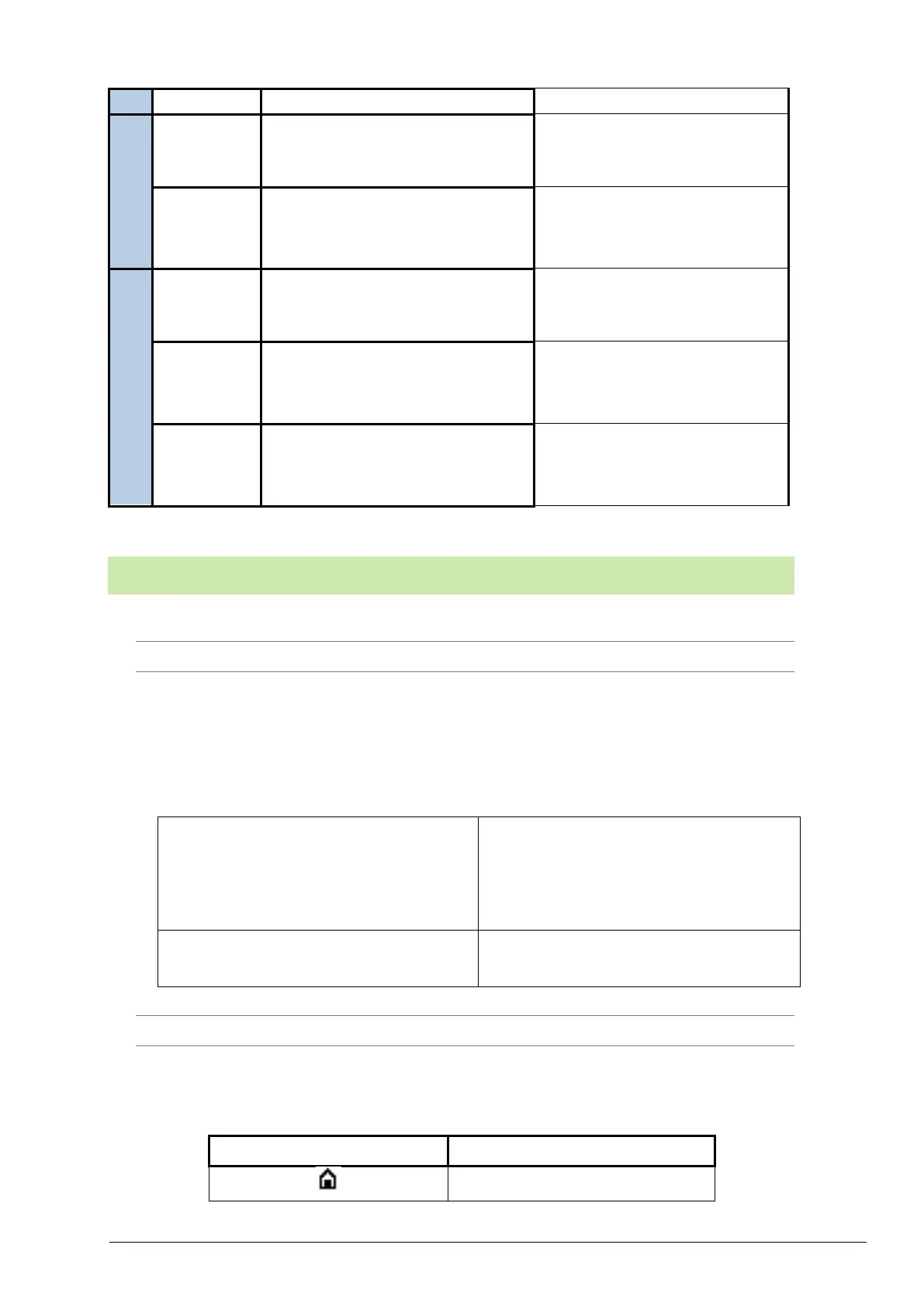
Max load START digital input
28 V DC
Output
(HW 0.1)
4-20 mA
(passive)
Input Voltage /Control input
48 V DC
Relays
Max load
24 V DC 3A
Output
(HW0.2)
4-20 mA
(active)
Max Out Voltage
21 V DC
Max impedance
750 Ω
Relays
Max load
24 V DC 3A
5 USE AND SOFTWARE
1 INTERFACE
The user interface consists of an encoder with a knob, which allows you to carry out two
operations:
Table 1 Interface
ROTATION
Turn the knob to move a selector switch to
the required item. Moreover, you can
increase or decrease the value of a selected
item.
CLICK
Press the knob to confirm a selected value
or access different items of the menu.
2 ICONS
The icons used in the program and relative function are summarised in the following table:
Table 5 Icons
ICON
FUNCTION
Main Menu

Related product manuals