Menu Operation
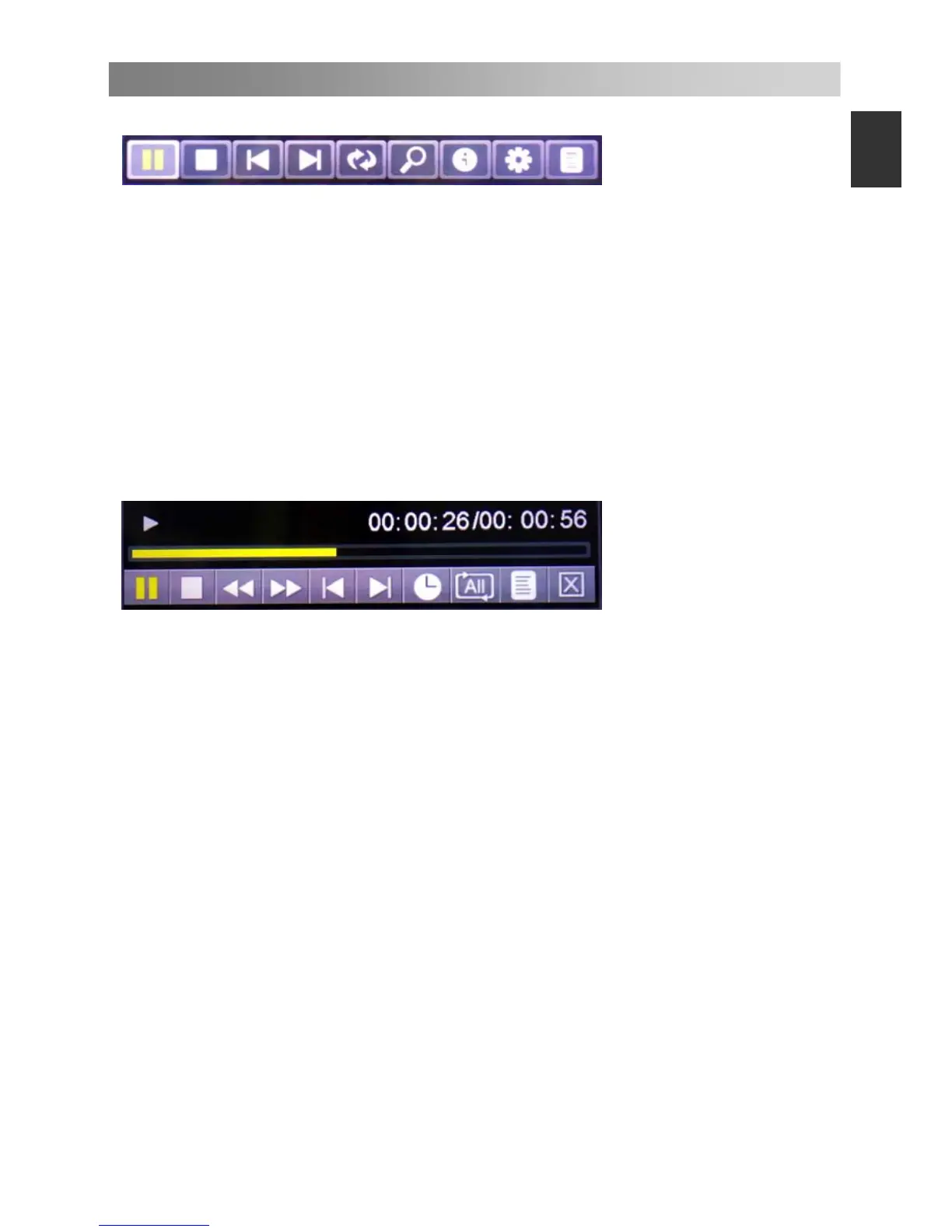
Photo Play Console
1. Play/pause: To switch between the play and pause status
2. Stop: To stop play.
3. Previous: To play the previous file in the same directory.
4. Next: To play the next file in the same directory.
5. Rotate Right: To rotate right for 0, 90, 180, and 270 degrees.
6. Zoom in: To magnify the picture.
7. Info: Picture information.
8. Photo Setup: Press the ▲/▼ button to select the Repeat Mode, Background Music,
Music Source, Slide Time, and Effect, and then press the ◄/► button to set you
want.
9. Playlists: Display the playlists. Press green button to delete a photo, and press red
button to delete all photos in the list.
Music Play Console
1. Play/pause: To switch between the play and pause status
2. Stop: To stop play.
3. Fast Backward.
4. Fast Forward.
5. Previous: To play the previous file in the same directory.
6. Next: To play the next file in the same directory.
7. Goto Time: Select the settings time to play music.
8. Play mode: Press ENTER button to select 4 modes.
9. Play list: To display the music file in the same directory.
10. Exit: Press ENTER button to back to the previous menu.


 To Next Page