EasyManua.ls Logo

occiam K23 - Functions; For music; For Call; Voice Assistance

occiam K23
14 pages
Print Icon
To Next Page IconTo Next Page
To Previous Page IconTo Previous Page
Loading...
For
music
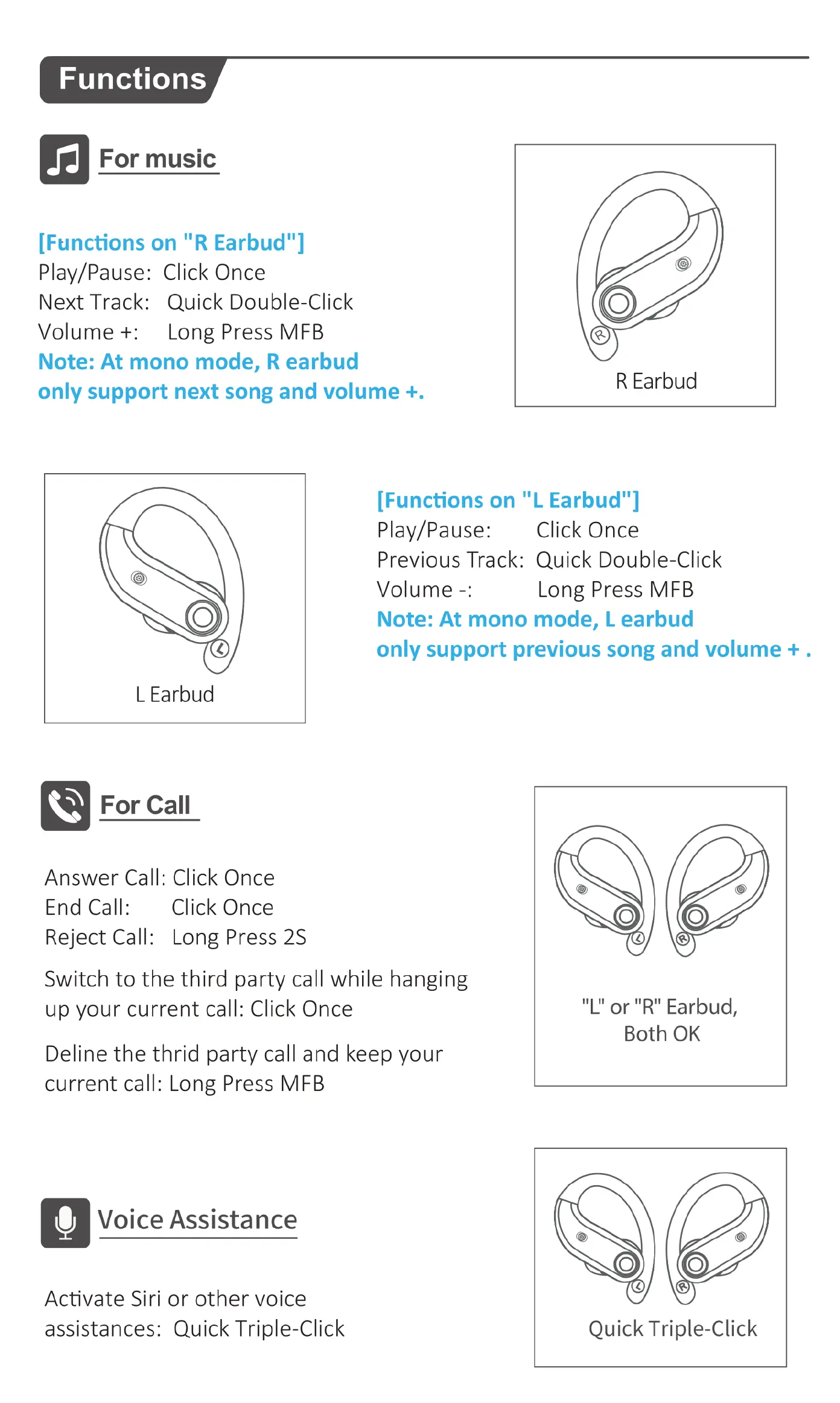
[Functions
on
"R
Earbud"]
Play/Pause:
Click
Once
Next
Track:
Quick
Double-Click
Volume
+:
Long
Press
MFB
Note:
At
mono
mode,
R
earbud
only
support
next
song
and
volume
+.
Q
For
Call
Answer
Call:
Click
Once
End
Call:
Click
Once
Reject
Call:
Long
Press
2S
Switch
to
the
third
party
call
while
hanging
up
your
current
call:
Click
Once
Deline
the
thrid
party
call
and
keep your
current
call:
Long
Press
MFB
Voice
Assistance
Activate
Siri
or
other
voice
assistances:
Quick
Triple-Click
R
Earbud
Volume
-:
[Functions
on
"L
Earbud"]
Play/Pause:
Previous
Track:
Quick
Double-Click
Long
Press
MFB
Note:
At
mono
mode,
L
earbud
only
support
previous
song
and
volume
+.
Click
Once
"L"
or
"R"
Earbud,
Both
OK
Quick
Triple-Click

Related product manuals