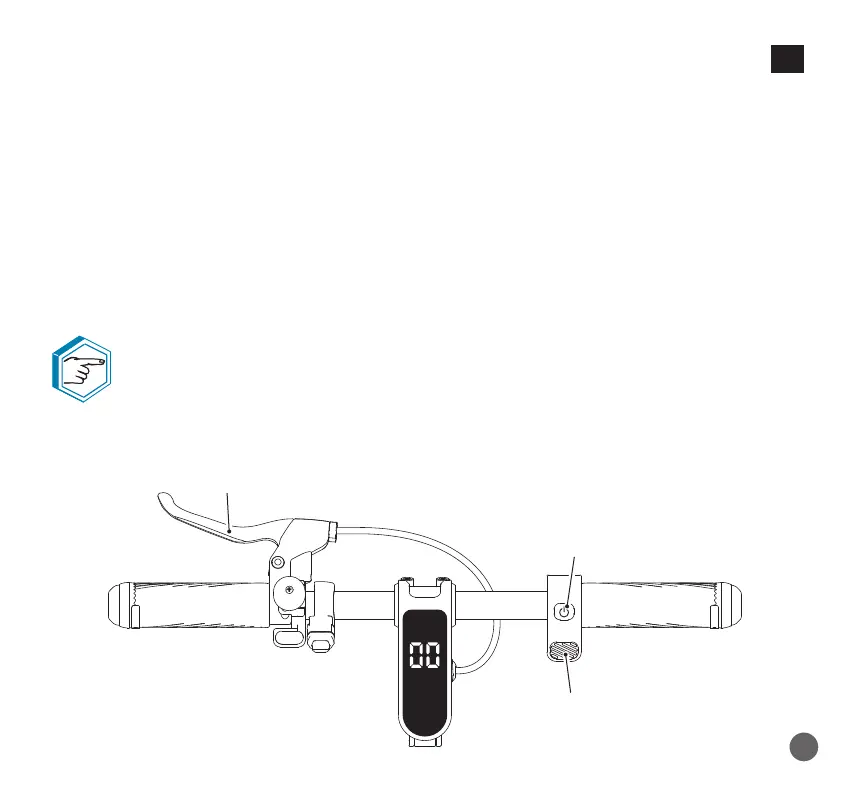
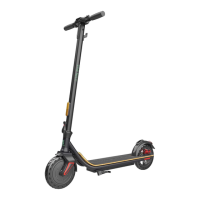
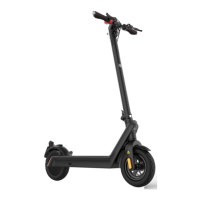
- To enter the unlock code:
With the “LOCK” function activated, at each start, the e-scooter will ask for code.
a• To unlock the e-scooter, turn it on by pressing the ON/OFF key (25) for 3 seconds;
b• Enter the code using the brake lever (11) and the throttle lever (12);
c• Press the ON/OFF key (25) twice.
- To disable the “LOCK” function:
a• Unlock the e-scooter (see procedure above);
b• Press the ON/OFF key (25) button 7 times;
c• Enter the code using the brake lever (11) and the throttle lever (12);
d• A second entry will be requested: instead of typing a new code, squeeze the brake lever (11)
until you hear a “beep” to disable the function.
If you disable your code, the default code will be your old code.
The e-scooter turns off by itself and locks (if the function is activated) after 5
minutes of inactivity.
11
12
25
107
EN



 To Next Page