2.8 Begin recording using the IR Remote Control
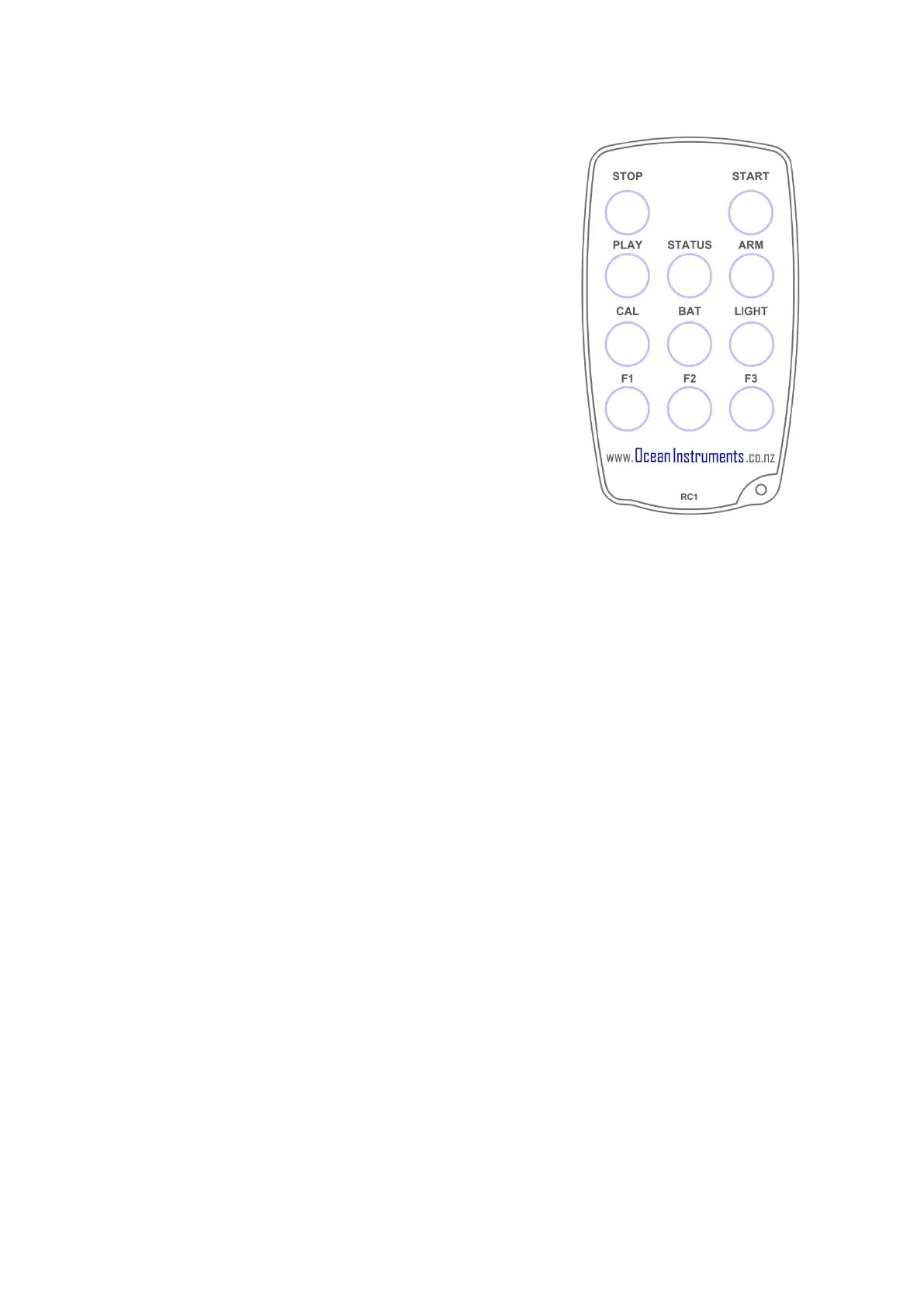
You may use the remote control to start recording. The
recorder housing must be open to receive the signal from the
remote.
• Press ‘START’ to start recording.
• Press ‘STOP’ to stop recording.
• If you have set a recording to start recording at a
later time, the recorder will blink red to indicate it
is ‘armed’ and waiting.
• The ‘armed’ state is cancelled by pressing Stop key.
• Re-enable the armed state by pressing the ARM
button.
• You can verify recording has started by checking for slow blinking of the status (green)
indicator.


 To Next Page
 Loading...