Magnetic charge
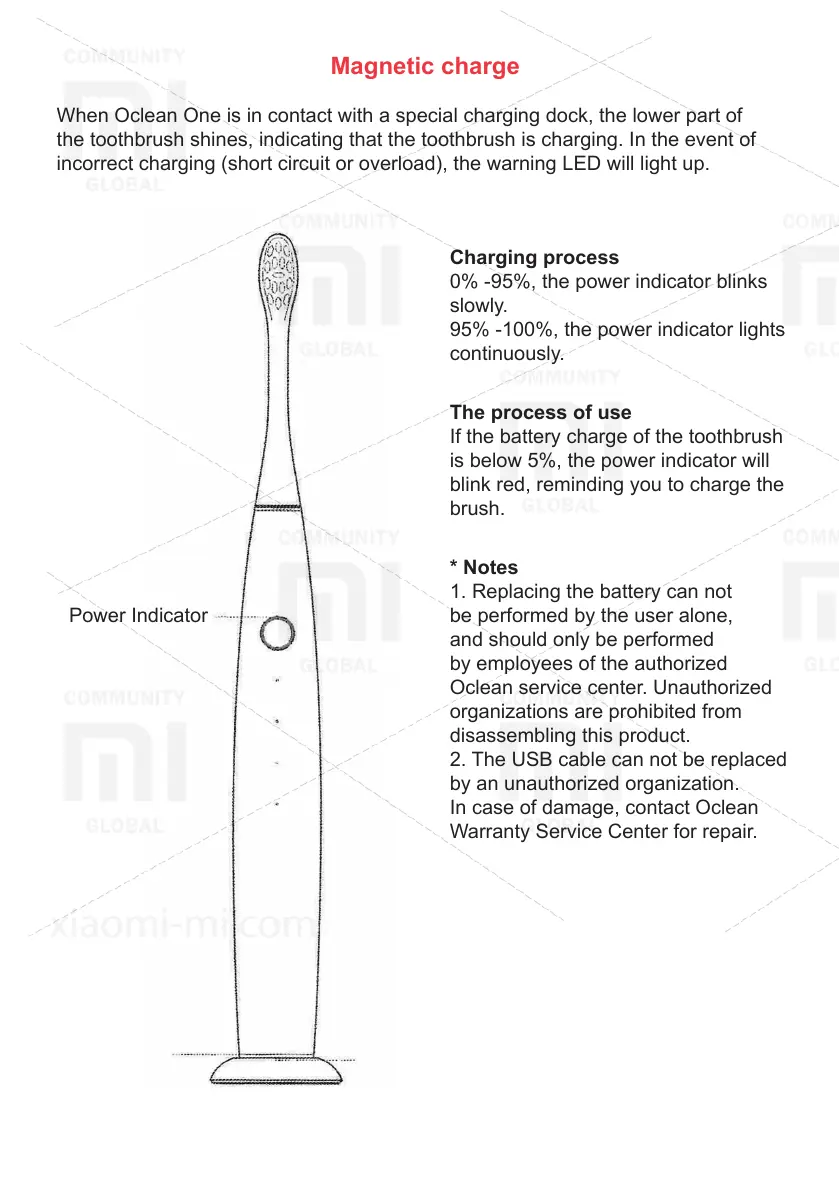
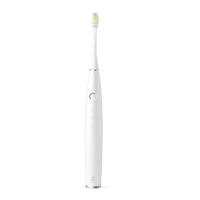
When Oclean One is in contact with a special charging dock, the lower part of
the toothbrush shines, indicating that the toothbrush is charging. In the event of
incorrect charging (short circuit or overload), the warning LED will light up.
Power Indicator
Charging
Indicator Warning LED
Charging process
0% -95%, the power indicator blinks
slowly.
95% -100%, the power indicator lights
continuously.
The process of use
If the battery charge of the toothbrush
is below 5%, the power indicator will
blink red, reminding you to charge the
brush.
* Notes
1. Replacing the battery can not
be performed by the user alone,
and should only be performed
by employees of the authorized
Oclean service center. Unauthorized
organizations are prohibited from
disassembling this product.
2. The USB cable can not be replaced
by an unauthorized organization.
In case of damage, contact Oclean
Warranty Service Center for repair.


 To Next Page