1. Safety and General Information
2. Package Contents
3. First time pairing with Bluetooth device
4. Charging
5. Power ON/OFF and Standby mode
6. Connecting/Pairing with other Bluetooth devices
7. Listening to music (play & control)
8. Call Function
9. Noise cancelling function
10. Ambient Mode
11. Activate Voice Assistant
12. Factory Reset
13. ODDICT APP
14. Specifications
15. Troubleshooting
16. Compliance Information
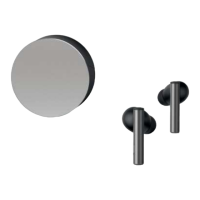
Digital Hybrid Active Noise Cancelling Earbuds
Thank you for purchasing the ODDICT TWIG PRO
- Please follow the directions and read the guidelines carefully before use.
We recommend keeping the owner’s guide for future reference.
- Some functions of the TWIG Pro may not be available when paired with certain devices.
- The specifications are subject to change without prior notice for quality improvement.
Carefully check all components before use.
To ensure quality of this product, specifications are subject to change without prior notice.
Features of TWIG PRO may also be limited, depending on the operating system and functions of the
connected ‘Bluetooth device’.
ODDICT HELP CENTER info@oddictofficial.com or visit us at www.oddictofficial.com/faq


 To Next Page