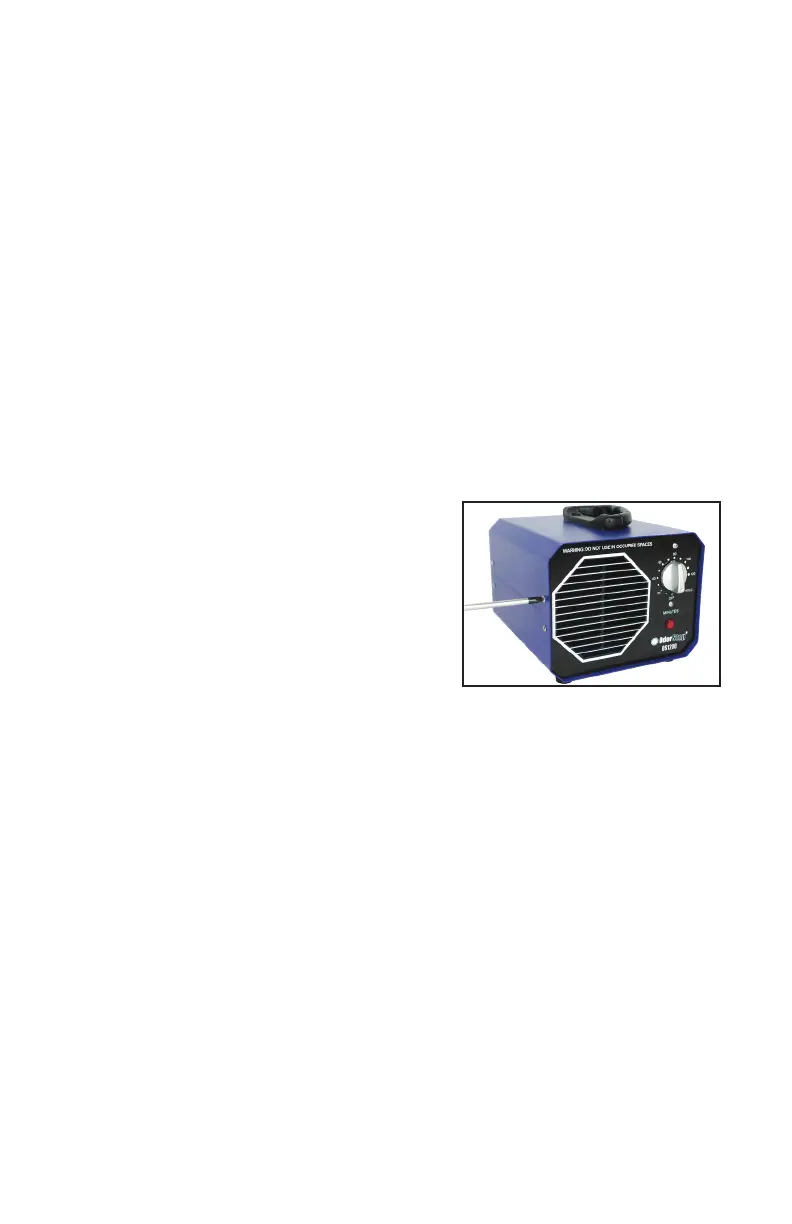
Changing & Cleaning Filter
1. Firmlygrasptheoutsideedgesofthelterholderandcarefully
pull it off straight until it unsnaps from the unit.
2. Removethelterfromthelterholderandcleanorreplaceas
needed. To clean: gently vacuum being careful not to damage
thelter.
3. Re-attachthelterholdertotheunitbypressingrmlyonthe
outside corners until it snaps securely back into place.
Cleaning Ozone Plate
When a decrease in ozone production
is noticed, the ozone plate needs to
be cleaned or replaced. Clean the
plate after every 8 hours of use
or whenever a decrease in ozone
production is noted.
1. Unplug the unit. Remove the four (4) screws that secure the
top half of the housing and lift up on the handle to expose the
internal parts.
2. Using a slightly dampened cloth, wipe the exposed face of the
ozoneplatecompletely.DoNOTcleanthebackoftheplateasit
has grease on it.
3. Re-install the top half of the housing and secure it using the four
(4) screws.
4. If after cleaning ozone production does not increase, the ozone
plate may need to be replaced.


 To Next Page