15/27
EN
Playback setting
Description
Once an option is selected, you can change its setting by pressing “Enter”.
Repeat
Off
Single
All
Plays all files in the current folder once.
Displays the current file repeatedly.
Displays the files in the current folder repeatedly.
Mode
Normal
Shuffle
Plays files in the same order that they are saved on the storage medium.
Plays files in random order
Play the first 10 seconds of music files
No function in Photo and Movie mode
Exit
Exits the mode and returns to the main menu.
You can also exit a mode by pressing the “Menu” button.
The Photo, Music and Movie modes only display the file formats they support. If you want to display all
files, go to the menu and choose Folder.
Note that due to the sheer number of different file formats available, the Photo Frame may not be
able to play back some file types.
F
F
o
o
l
l
d
d
e
e
r
r
You can use the “Folder” item to manage all
supported file formats. You can select and display them there and play them back there as well. Formats that are
not supported will not be displayed.
S
S
e
e
t
t
u
u
p
p
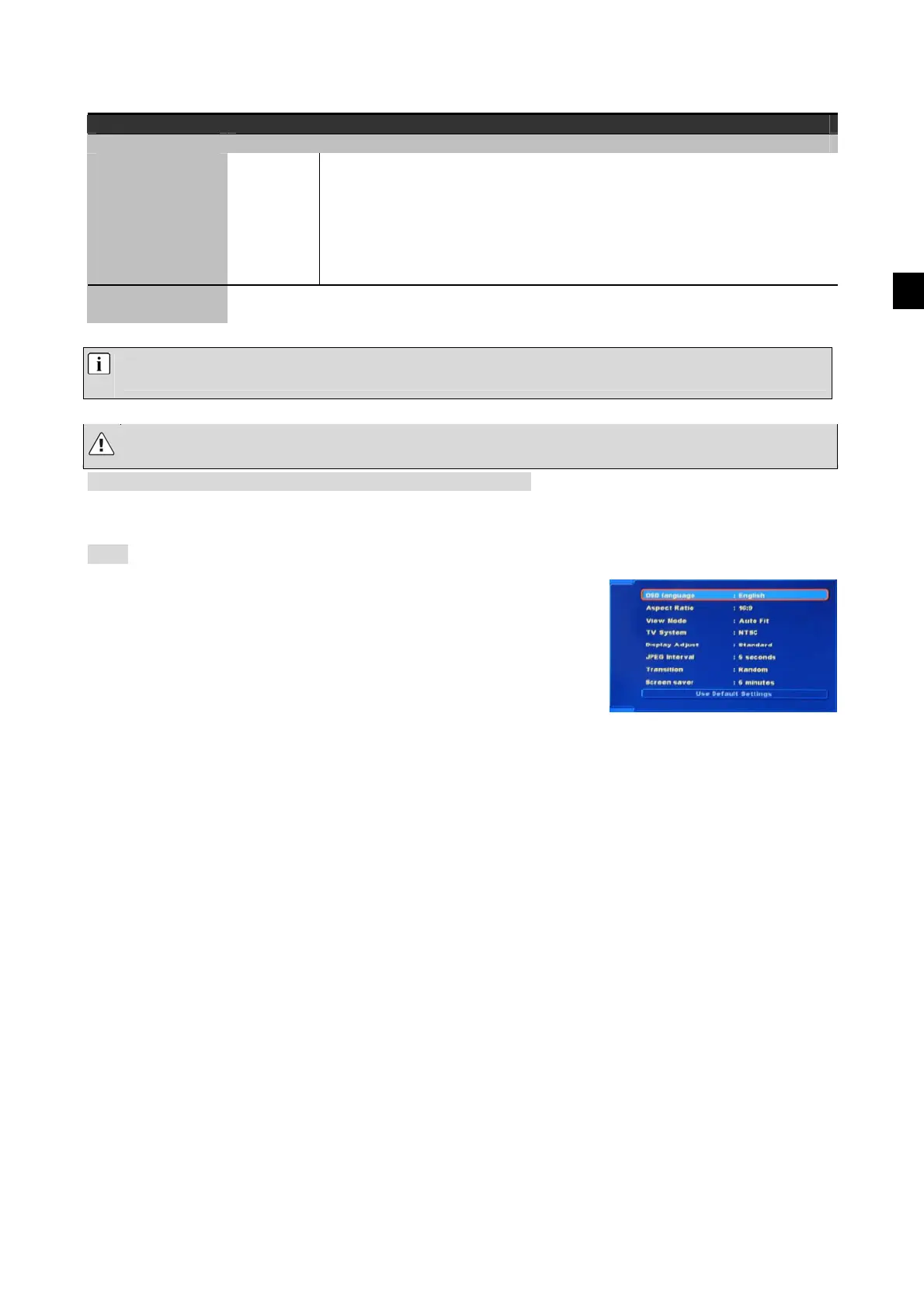
Setup has the most important settings options for the device.
Select a menu item using the buttons, and
press the “Enter” button. Make the setting you require
in the same way.


 To Next Page
 Loading...