Vertical Column Lift
Fast Stop Switches
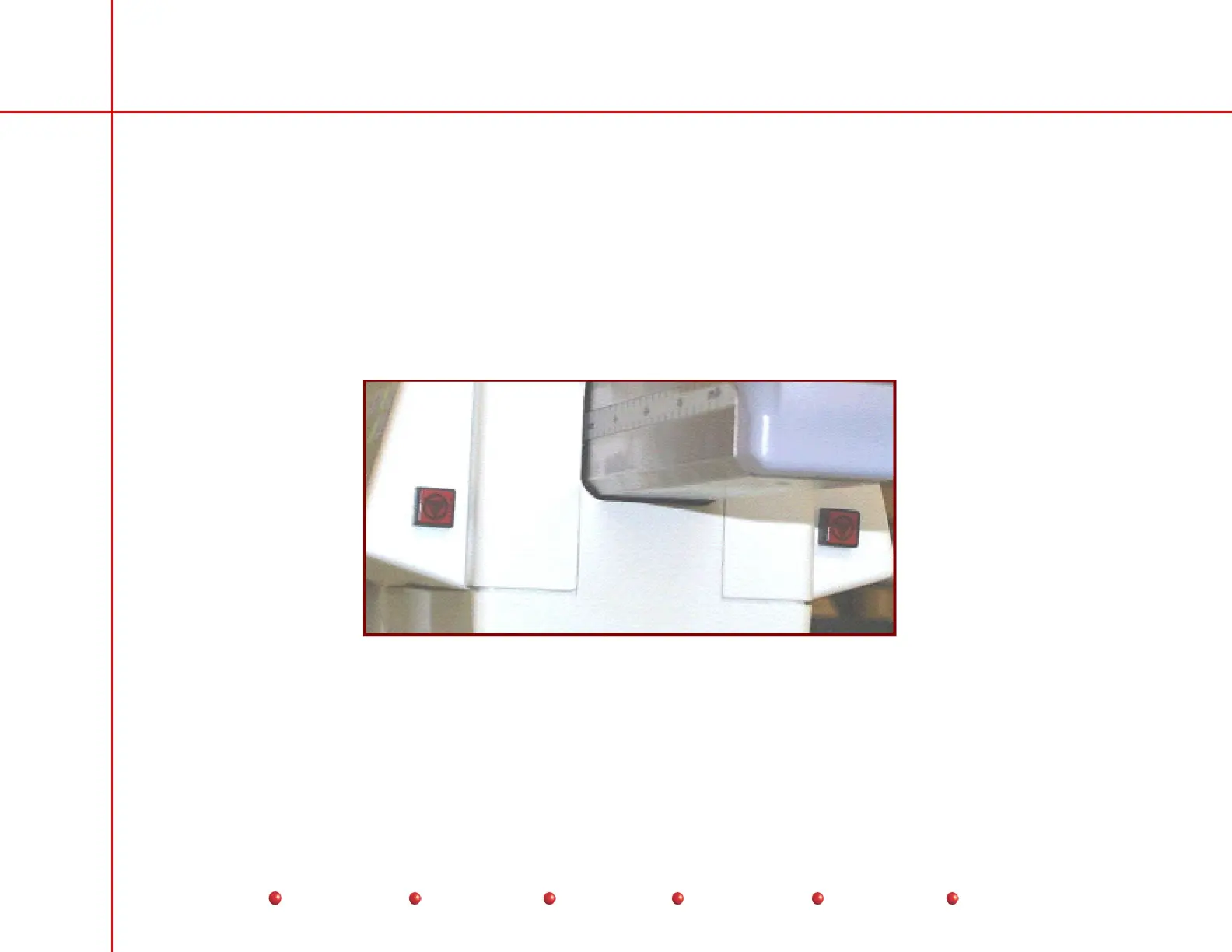
Press either Fast Stop switch to immediately halt movement of the Vertical Column and stop the C-Arm from generating X-Rays.
There is one Fast Stop switch on each Control Panel assembly near the Horizontal Extension handle. These safety switches
have red covers, making them easy to spot in an emergency. The Fast Stop switches do not light when you press them.
Each Fast Stop switch contains two ganged SPST, normally closed, momentary switches. Pressing either Fast Stop switch
breaks the CPU Interlock circuit, disabling X-rays, and interrupts the +24 volts that operates the relays on the Power/Motor Relay
PCB, cutting off AC power to the Column Power Supply and preventing Vertical Column movement.
Operation of either Fast Stop switch necessitates a reboot of the system. You must cycle power to the Workstation to continue.
Fast Stop Switches
9
Service
Periodic Maintenance
Contents
Schematics
Illustrated Parts
Installation



 To Next Page