Calibration
18. Record the Dose Rate in mR/second and mA in the DAP Tube Calibration Grid.
19. Point and click on the CALCULATE COEFFICIENTS Button.
20. Click on FILE->Save As->Workstation File .
21. In the SAVE dialog Window, ensure that the Generator’s Barcode followed by file extension.dap is displayed in the FILE
NAME Box. Then point and click on the SAVE Button.
For dual-leaf collimators only: skip steps 22-94, do step 94.
For single-leaf collimators only: complete this Section up to this point, then continue with steps 22 - 94.
Note: During this portion of the DAP Calibration, if the Collimator Iris, Leaf, or Rotation does not drive to the specified report
number (plus or minus), simply adjust it into the correct range using the manual controls on the Mainframe’s Control
Panel. The utility’s job is just to get the parameter in the ball-park for the convenience of the technician.
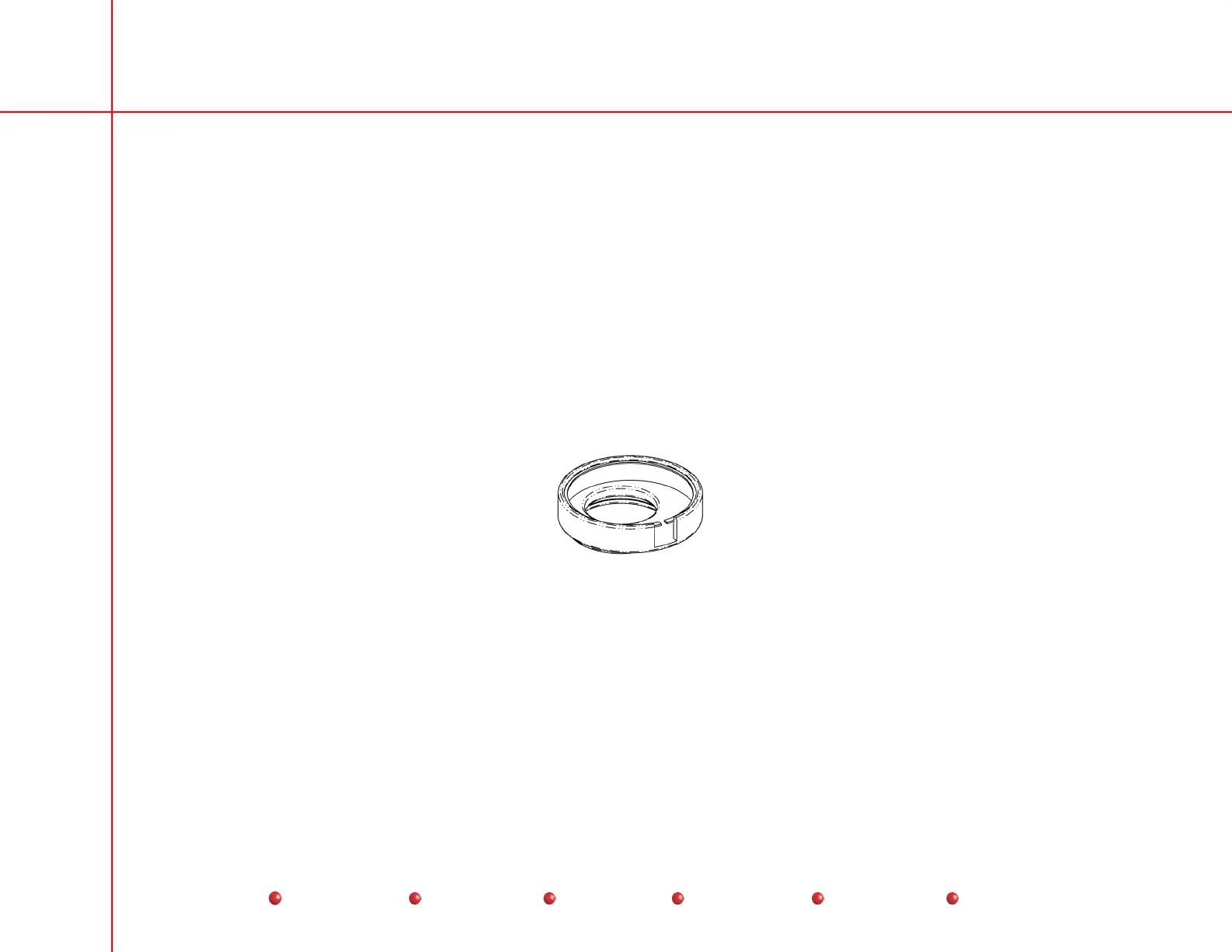
22. Install the DAP Fixture Tool (P/N 00-882027-01), with the Kiethley 150 cc ion chamber inserted in it, onto the collimator
cover.
DAP Fixture Tool
23. On the Generator’s Control Panel, manually close the Collimator Leaf completely.
24. On the Generator’s Control Panel, set the technique to 80 kVp and 3 mA. Manually adjust the Collimator Rotation fully 4
CCW,
then fully open the iris manually.
25. In the DOSE AREA PRODUCT CALIBRATION Window, in the box provided next to the DRIVE IRIS TO Button, click on the
box containing the following iris position:
For 9-inch System
185
For 12-inch System
60
Point and click on the DRIVE IRIS TO Button.
36
Service
Periodic Maintenance
Contents
Schematics
Illustrated Parts
Installation


 To Next Page
 Loading...



