Replacement
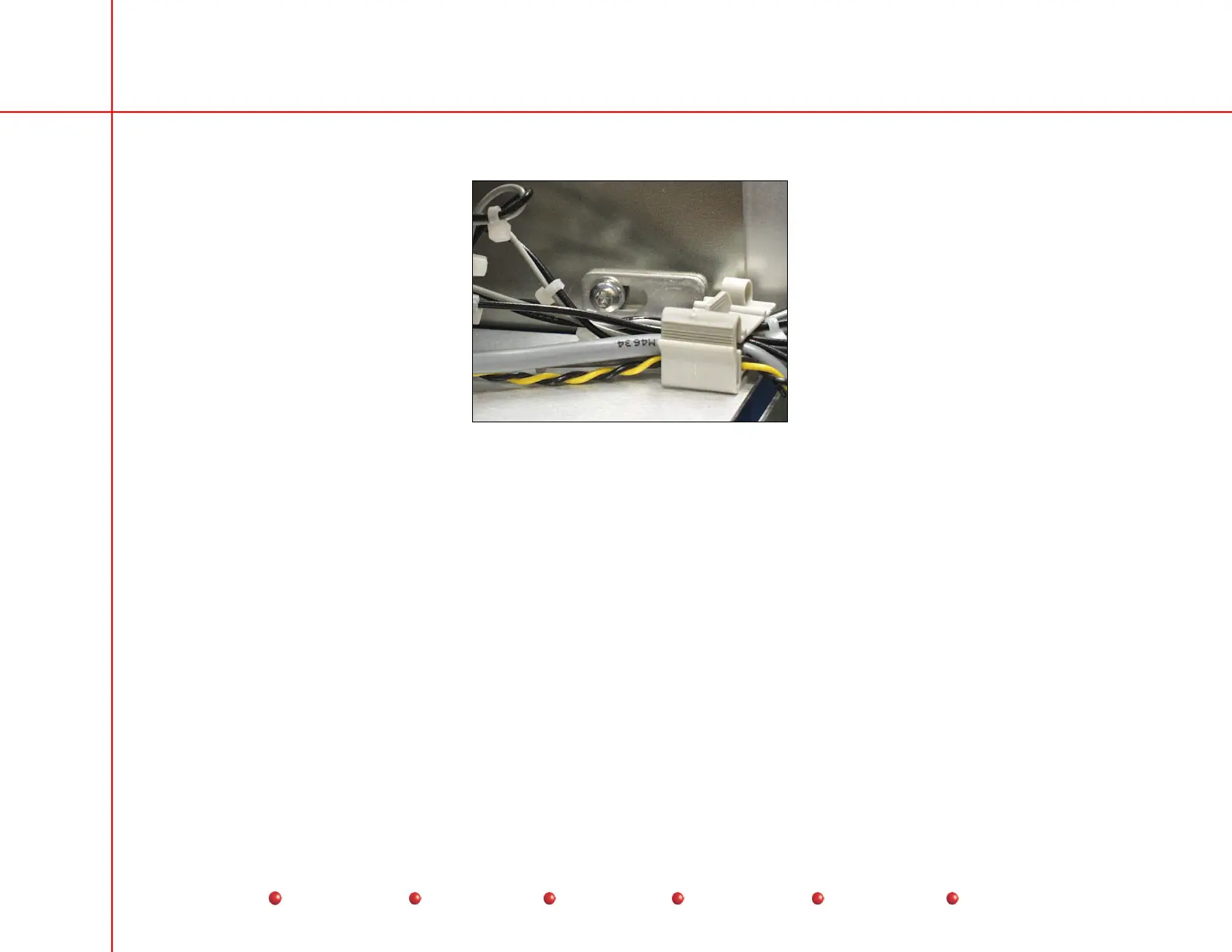
11. Remove the single screw at the top of the Capacitor/Power module that secures it to the Vertical Column.
Capacitor/Power Module Mounting Screw
12. Remove the Capacitor/Power Module from the C-Arm.
CCD Camera and Cooler
The CCD camera mounts on the output phosphor end of the Image Intensifier as shown in the following illustrations.
Follow these steps to replace the CCD Camera assembly:
1. Turn off Workstation and disconnect it from the AC outlet.
2. Place the C-Am in a horizontal position so CCD camera is easy to access.
3. Remove two screws that secure Camera Cover.
4. Disconnect 2 BNC connectors and 1 sub-D connector from the EMI Shield.
5. Use a standard screwdriver to loosen the clamp that secures the EMI Shield as shown next.
47
Service
Periodic Maintenance
Contents
Schematics
Illustrated Parts
Installation



 To Next Page