Replacement
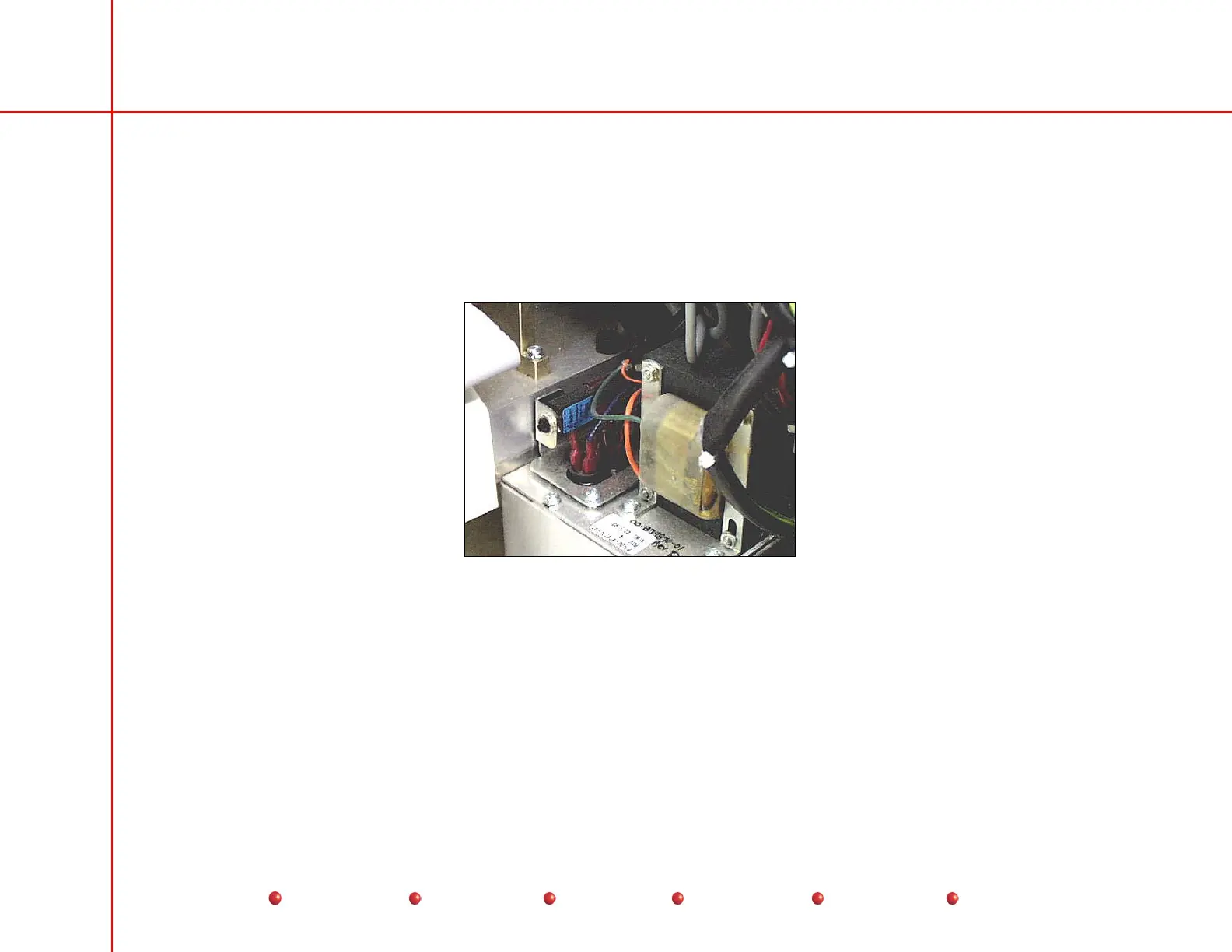
Stator Capacitor/Transformer Assembly
The Stator Capacitor/Transformer Assembly mounts on the left-hand side of the C-Arm, where it serves as a mounting point for
the Stator start and run capacitors, the Stator/precharge transformer (T3, located on top of the assembly), CB2, which protects
T3, and T2, which mounts out of sight on the bottom side of the assembly and supplies AC power to multi-output power supply
PS2.
Stator Capacitor/Transformer Assembly
Follow these steps to replace the Stator Capacitor/Transformer Assembly
1. Turn off Workstation and disconnect its power plug from facility's AC outlet.
2. Remove two screws that secure the Stator Capacitor/Transformer Assembly to C-Arm chassis.
3. Disconnect all wires from Assembly and tag them.
4. Remove the Stator Cap/Transformer Assembly from C-Arm chassis.
84
Service
Periodic Maintenance
Contents
Schematics
Illustrated Parts
Installation



 To Next Page